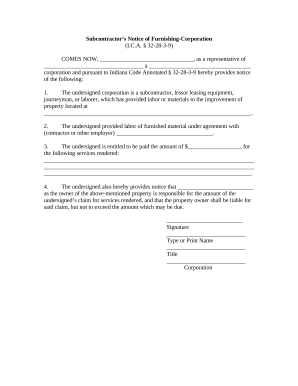
Type text, add images, blackout confidential details, add comments, highlights and more.
02. Sign it in a few clicks
Draw your signature, type it, upload its image, or use your mobile device as a signature pad.
03. Share your form with others
Send it via email, link, or fax. You can also download it, export it or print it out.
How to use or fill out ITEM ORD 00-05081 with our platform
Ease of Setup
DocHub User Ratings on G2
Ease of Use
DocHub User Ratings on G2
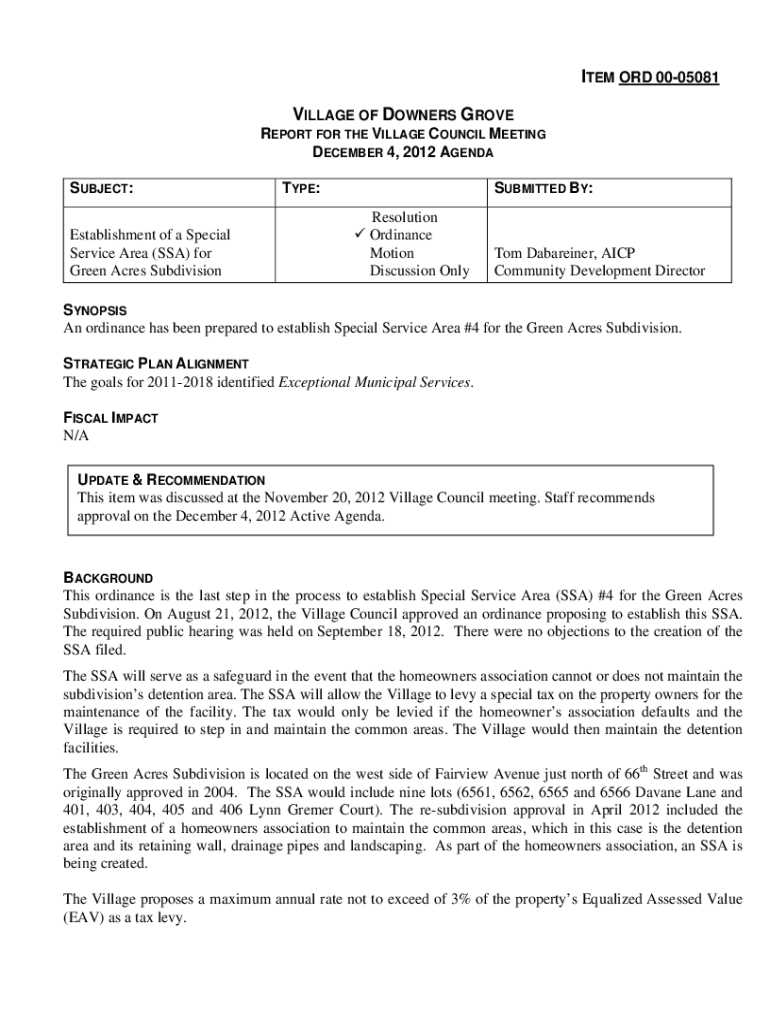
Click ‘Get Form’ to open ITEM ORD 00-05081 in the editor.
Begin by reviewing the 'SYNOPSIS' section, which outlines the purpose of establishing Special Service Area #4 for the Green Acres Subdivision. This will help you understand the context of the form.
Fill in your name and title in the 'SUBMITTED BY' section, ensuring that it reflects your role accurately.
In the 'NATURE OF ACTION' section, select whether you are submitting an ordinance, resolution, or motion by checking the appropriate box.
Review and complete any necessary attachments mentioned in the document, such as maps or ordinances, ensuring they are correctly referenced.
Finally, ensure all fields are filled out accurately before saving or exporting your completed form for submission.
Start using our platform today to streamline your document editing and signing process for free!
Cookie consent notice
This site uses cookies to enhance site navigation and personalize your experience.
By using this site you agree to our use of cookies as described in our Privacy Notice.
You can modify your selections by visiting our Cookie and Advertising Notice.