




Here's how it works

01. Edit your banner life insurance beneficiary change form online
Type text, add images, blackout confidential details, add comments, highlights and more.

02. Sign it in a few clicks
Draw your signature, type it, upload its image, or use your mobile device as a signature pad.

03. Share your form with others
Send banner life insurance change of beneficiary form via email, link, or fax. You can also download it, export it or print it out.
How to use or fill out beneficiary change with our platform

- Click ‘Get Form’ to open the Beneficiary Change Form in the editor.
- Begin by entering the Policy Number at the top of the form. This is essential for identifying your insurance policy.
- In the Primary Beneficiary section, clearly print the name of each beneficiary. Ensure you provide their SSN or Tax ID number and Date of Birth, as these are required fields.
- Fill in the address, city, state, zip code, and telephone number for each primary beneficiary. Additionally, specify their relationship to the insured and their percentage share of benefits.
- If applicable, repeat step 3 and 4 for Contingent Beneficiaries. Remember that these beneficiaries will receive benefits if no primary beneficiaries are alive at the time of death.
- Review all entries for accuracy. Ensure that total percentages equal 100% and that all required signatures are included before submitting.
Start using our platform today to easily manage your beneficiary changes online for free!
Fill out beneficiary change online
It's free
It's free
See more beneficiary change versions
We've got more versions of the beneficiary change form. Select the right beneficiary change version from the list and start editing it straight away!
| Versions | Form popularity | Fillable & printable |
|---|---|---|
| 2012 | 4.8 Satisfied (111 Votes) |
Security and compliance
At DocHub, your data security is our priority. We follow HIPAA, SOC2, GDPR, and other standards, so you can work on your documents with confidence.
Learn more


Related forms
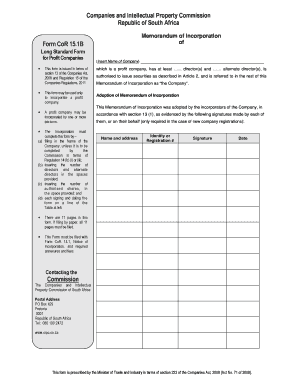
This form is issued in terms of
The document is a Memorandum of Incorporation for profit companies in South Africa, issued by the Companies and Intellec ...
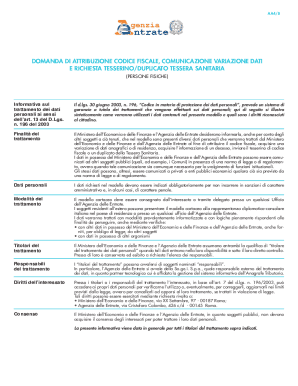
Tessera sanitaria Codice fiscale (modello AA4 8)
The document AA4/8 outlines the process for individuals to apply for a tax code, report changes in personal data, and re ...

In the united states patent and trademark office oath or declaration i
The document is an oath or declaration form (PTO-1209) required by the U.S. Patent and Trademark Office (USPTO) for indi ...
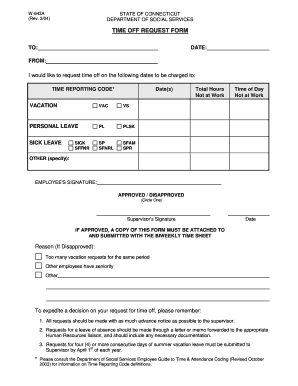
Time Off Request Form - W643A - ct
The document is a Time Off Request Form from the Connecticut Department of Social Services, used by employees to request ...
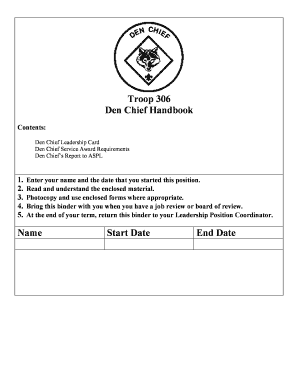
Den chief handbook pdf
The Troop 306 Den Chief Handbook provides guidelines and responsibilities for Den Chiefs working with Cub Scouts and Web ...

Irs form ssa 1945
The document is a statement regarding employment in a job not covered by Social Security, outlining how pensions from su ...
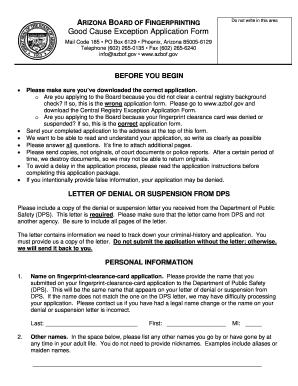
Arizona good cause
The document is an application form for the Arizona Board of Fingerprinting's Good Cause Exception, intended for individ ...