




01. Edit your tm form pdf online
Type text, add images, blackout confidential details, add comments, highlights and more.

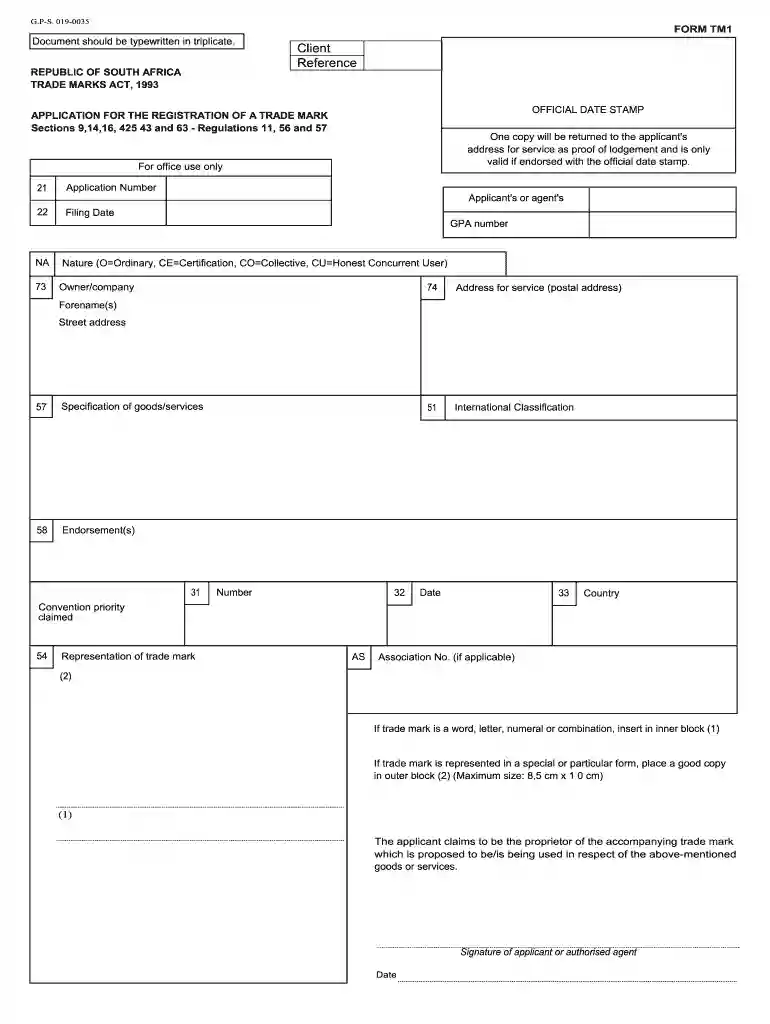
Type text, add images, blackout confidential details, add comments, highlights and more.

Draw your signature, type it, upload its image, or use your mobile device as a signature pad.

Send tm form via email, link, or fax. You can also download it, export it or print it out.

Start using our platform today to streamline your document editing and submission process for free!
At DocHub, your data security is our priority. We follow HIPAA, SOC2, GDPR, and other standards, so you can work on your documents with confidence.
Nothing contained in this License Agreement shall be construed as creating any agency, partnership, joint venture or other form of joint enterprise, employmentRead more
number of increments collected to form each ISM sample. bulk mass of ISM sample. mass of analytical subsample. aspects of correct sampling (PitardRead more
Mar 31, 2021 Special form format. Trademarks registered in special form format protect trademarks that are stylized , have designs or logos, or are in color.Read more


