






Definition & Meaning
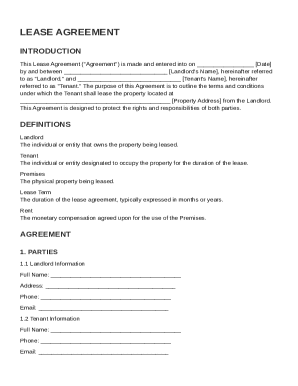
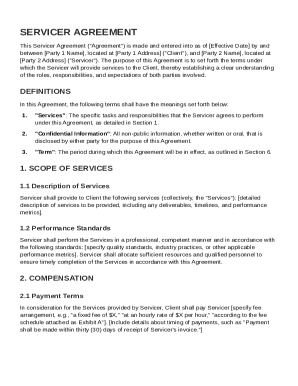
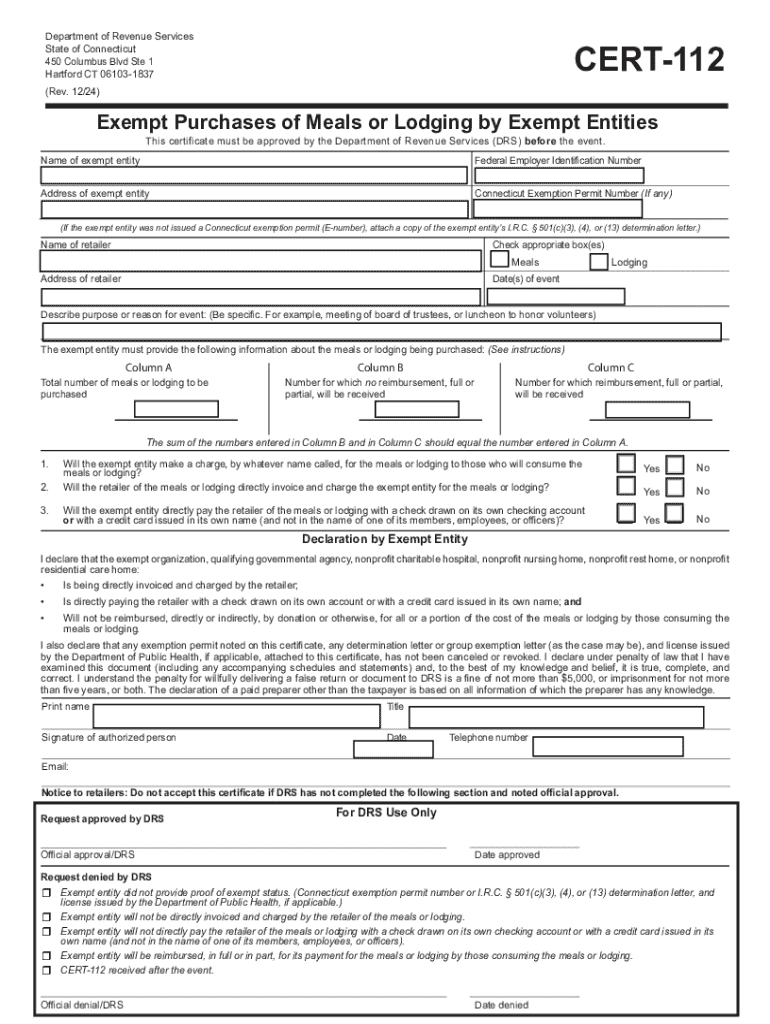
The term "form online" refers to digital documents that can be filled out and submitted via the internet rather than using traditional paper-based methods. These forms are commonly used to streamline processes for various applications, such as tax filing, job applications, surveys, and registrations. They are designed to be user-friendly and accessible from any device with an internet connection, allowing users to complete necessary documentation quickly and efficiently. With advances in technology, online forms can collect data more accurately and offer sophisticated options like electronic signature capabilities.
Steps to Complete the Form Online
Completing a form online involves several straightforward steps to ensure accuracy and efficiency:
-
Accessing the Form: Navigate to the website offering the form, such as DocHub, to either download or fill it out directly online.
-
Inputting Information: Enter the required details into the appropriate fields. Many online forms offer autofill features to save time.
-
Verification: Double-check the entered information for accuracy before submission.
-
Attaching Documents: If the form requires additional documents, use the platform's upload feature to attach the necessary files.
-
Signing the Form: Use digital signature tools provided by the platform. DocHub offers various options for signing, including drawing or uploading a signature image.
-
Submitting the Form: Click the submit button to send the form for processing. Many systems provide confirmation of receipt along with a tracking number for reference.
Why Should You Form Online
Filing forms online provides a range of benefits that make this method preferable over traditional paper forms:
-
Efficiency and Speed: Online forms can be completed and submitted much faster than mailing paper versions.
-
Error Reduction: Input validation ensures that all necessary fields are completed correctly before submission, reducing the chances of rejection due to missing information.
-
Convenience: Submit forms from anywhere at any time without needing to visit an office or post office.
-
Environmental Impact: Reduce paper usage and the carbon footprint associated with traditional mailing methods.
-
Security: Online forms often employ encryption and secure access protocols, safeguarding personal and sensitive information.
Key Elements of the Form Online
When dealing with online forms, certain key elements are typically present to ensure they meet the necessary requirements:
-
Form Fields: Includes text boxes, dropdown menus, checkboxes, and radio buttons for capturing various types of data.
-
Instructions: Clear guidelines are provided within or alongside the form to assist users in completing it accurately.
-
Validation: Real-time input validation ensures that data entered is correct and complete, often highlighting errors in red or through alerts.
-
Required Fields: Marked or highlighted fields indicate that certain information is mandatory before the form can be submitted.
-
Encryption and Security Measures: Forms use SSL encryption to protect data during transmission and storage, ensuring privacy and compliance with data protection regulations.
Who Typically Uses the Form Online
Online forms are utilized by a broad range of users, including:
-
Individuals: For personal tax filing, job applications, or service registrations.
-
Businesses: Companies use these forms for HR processes, client intake, and various operational tasks.
-
Government Agencies: Streamlining various public sector services, enabling residents to apply for permits or benefits more easily.
-
Educational Institutions: Universities and schools use forms for admissions, financial aid applications, and event registrations.
-
Nonprofits: Engaging with volunteers, donors, and event participants through streamlined data collection.


State-Specific Rules for the Form Online
Different states may have varying regulations and requirements concerning the submission and processing of online forms:
-
California: Stringent data privacy laws require specific compliance measures for online data collection.
-
Texas: Some forms may require notarization, which can also be completed digitally via approved platforms.
-
New York: Certain online forms are integrated into larger state systems for ease of access and processing efficiency.
-
Florida: Offers state-managed digital portals for select document submissions, supporting both individual and business needs.
Understanding these state-specific nuances ensures compliance and reduces the risk of filing errors or delays.
Software Compatibility
Online forms need to be compatible with various platforms and software to ensure broad accessibility:
-
Web Browsers: Platforms typically support all major browsers, including Chrome, Firefox, Safari, and Edge.
-
Mobile Devices: Functionality on both iOS and Android devices through mobile-optimized websites.
-
Integration with Software: Compatibility with software like QuickBooks or TurboTax for business and tax-related forms, allowing seamless data export/import.
-
Cloud Storage: Integration with services like Google Drive and Dropbox for easy document management and retrieval after form completion.
Ensuring broad software compatibility guarantees ease of use across different user preferences and environments.
Examples of Using the Form Online
The use of online forms is wide-ranging and can apply to numerous real-world scenarios:
-
Job Applications: Companies often use online forms for employment applications, integrating them into their recruitment systems.
-
Healthcare: Hospitals and clinics utilize digital forms for patient information intake, eliminating paperwork and enhancing data accuracy.
-
Legal Documents: Signing contracts or agreements via platforms like DocHub, ensuring legal compliance with electronic signatures.
-
Retail Surveys: Businesses collect customer feedback through online forms embedded in websites or sent via email.
These examples illustrate the versatility and practicality of using online forms in various sectors, demonstrating their value in modern workflow management.