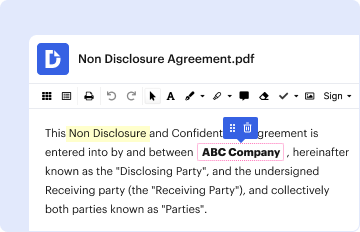
Type text, add images, blackout confidential details, add comments, highlights and more.
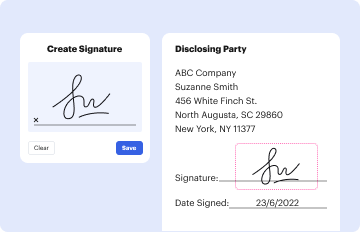
02. Sign it in a few clicks
Draw your signature, type it, upload its image, or use your mobile device as a signature pad.
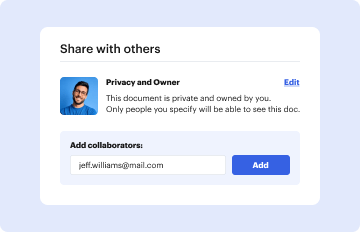
03. Share your form with others
Send c a r addendum form via email, link, or fax. You can also download it, export it or print it out.
How to use or fill out vehicle addendum template pdf with our platform
Ease of Setup
DocHub User Ratings on G2
Ease of Use
DocHub User Ratings on G2
Click ‘Get Form’ to open the vehicle addendum template PDF in the editor.
Begin by entering the buyer's and seller's names in the designated fields at the top of the form. Ensure that all names are spelled correctly to avoid any legal issues.
Fill in the property details, including the address and parcel numbers. This information is crucial for identifying the specific property involved in the transaction.
Complete the financial sections, detailing purchase price, deposit amounts, and financing terms. Be precise with figures to ensure clarity in your agreement.
Review any additional clauses or contingencies that may apply to your agreement. Make sure to check boxes or fill in fields as necessary based on your specific situation.
Once all fields are filled out, review the document for accuracy. Use our platform’s tools to make edits if needed before finalizing.
Sign and date where indicated. You can easily add electronic signatures using our platform’s signing feature.
Start filling out your vehicle addendum template PDF today for free using our platform!
Fill out vehicle addendum template pdf online It's free
This addendum to the dealer application is used to update the types of vehicles sold by your dealership. Please complete the information, sign this form,
Cookie consent notice
This site uses cookies to enhance site navigation and personalize your experience.
By using this site you agree to our use of cookies as described in our Privacy Notice.
You can modify your selections by visiting our Cookie and Advertising Notice.