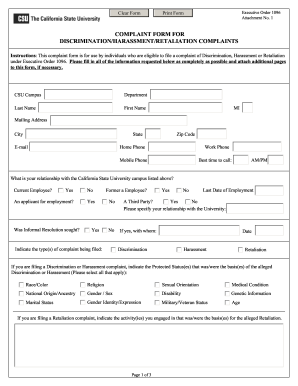
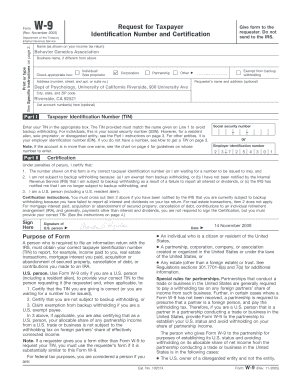
Type text, add images, blackout confidential details, add comments, highlights and more.
02. Sign it in a few clicks
Draw your signature, type it, upload its image, or use your mobile device as a signature pad.
03. Share your form with others
Send it via email, link, or fax. You can also download it, export it or print it out.
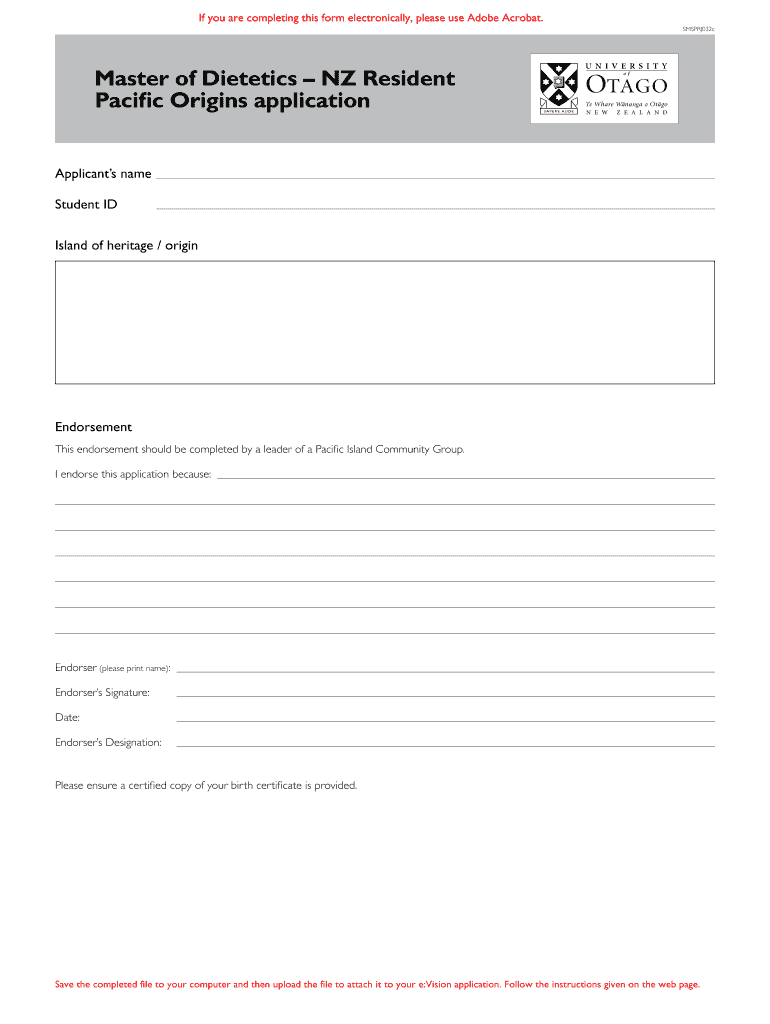
How to use or fill out SMSPRJ032c with our platform
Ease of Setup
DocHub User Ratings on G2
Ease of Use
DocHub User Ratings on G2
Click ‘Get Form’ to open SMSPRJ032c in the editor.
Begin by entering your name and Student ID in the designated fields at the top of the form.
Indicate your Island of heritage/origin by selecting from the provided options.
For the endorsement section, ensure a leader of a Pacific Island Community Group fills out their details. They should print their name, sign, and date the endorsement.
Attach a certified copy of your birth certificate as required.
In the supporting statement section, outline your commitment to and interest in the health of the Pacific Island Community within New Zealand, adhering to the 300-word limit.
Once completed, save the file to your computer and follow instructions on how to upload it to your e:Vision application.
Start using our platform today for free to complete SMSPRJ032c effortlessly!
Smsprj032c reviewGolden Valley community edGolden Valley community CenterApple Valley community center Open gymGolden Valley Senior centerCamp Valley Golden ValleySt louis Park parks and RecThings to do in Golden Valley, MN
Cookie consent notice
This site uses cookies to enhance site navigation and personalize your experience.
By using this site you agree to our use of cookies as described in our Privacy Notice.
You can modify your selections by visiting our Cookie and Advertising Notice.