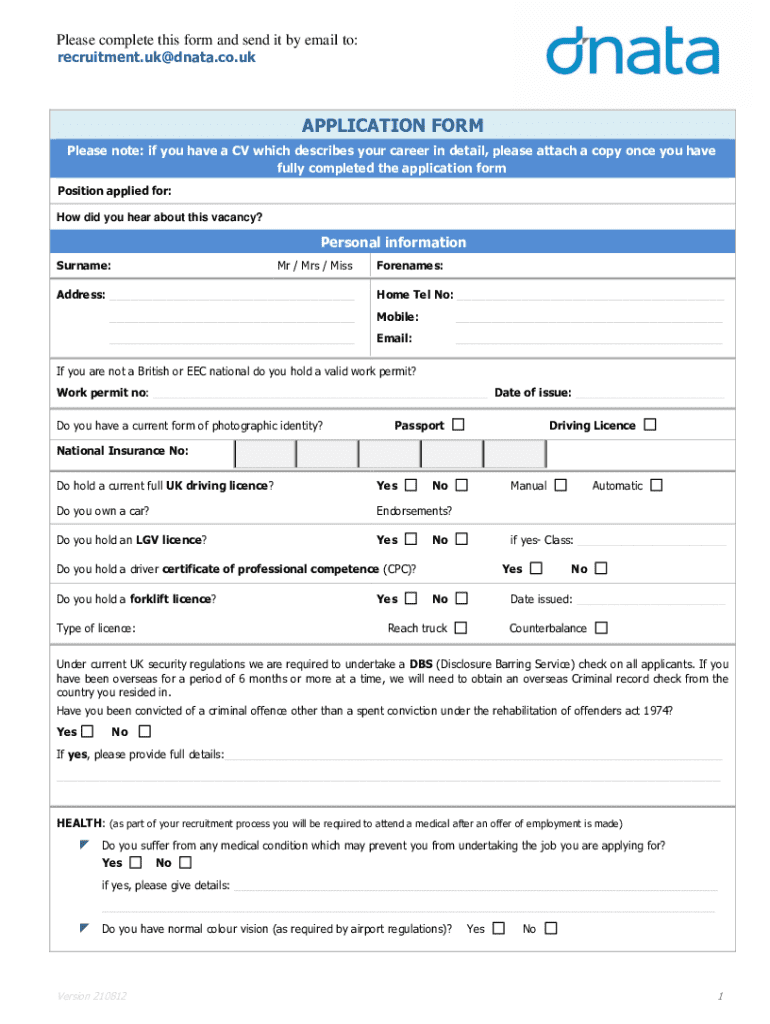







Definition and Purpose of Application Form
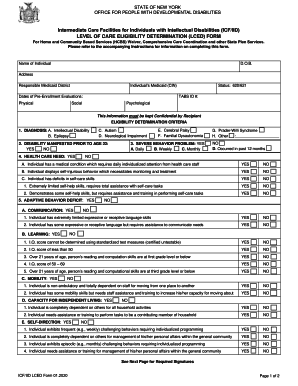
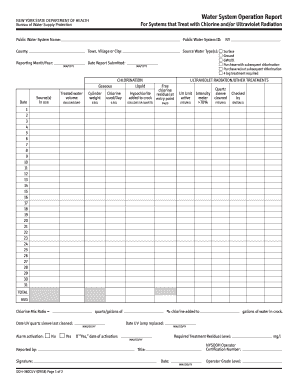
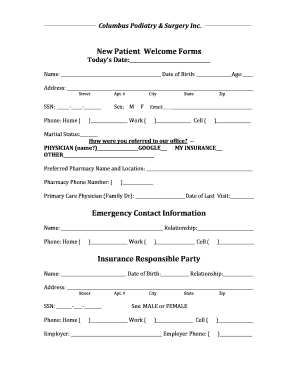
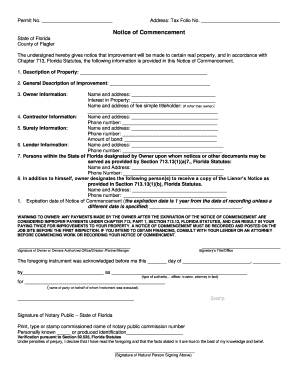
An application form is a structured document used to collect specific information from individuals or entities for various purposes, such as job applications, membership registrations, or approvals for services. The form is typically divided into sections requiring data like personal details, qualifications, and other relevant information. Understanding its purpose helps ensure that each section is completed accurately, which is vital for the processing and approval stages.
The application form streamlines the data collection process by standardizing responses, making it easier for organizations to process information efficiently. These forms are often viewed as the initial step in establishing a collaborative relationship, whether for employment, admissions, or service approvals. Different types of application forms may require unique information, depending on their specific objectives.
Examples of Application Forms
- Job Applications: These forms gather details on employment history, education, skills, and references to assess a candidate's suitability for a role.
- College Applications: Include personal information, academic history, extracurricular activities, and essays to evaluate applicants for admission.
- Service Applications: Used by utility companies to register individuals for services, requiring identification and address verification information.
Steps to Complete the Application Form
Completing an application form involves a sequence of steps that vary slightly depending on the form's complexity.
- Gather Required Information: Ensure you have all necessary documents and details, such as identification, social security numbers, and previous employment records, before beginning the form.
- Read Instructions Carefully: Before filling out the form, carefully read any provided instructions to understand specific requirements and avoid errors.
- Fill Out Personal Information: Complete basic sections including name, address, and contact information. Accuracy is crucial here to prevent any verification issues later.
- Provide Detailed Background Data: Depending on the form type, supply detailed information regarding work history, educational background, qualifications, or other relevant data.
- Review and Proofread: Carefully review all entries to ensure accuracy and completeness, correcting any mistakes or omissions found.
- Submit the Form: Follow submission guidelines to ensure the form reaches its destination, which might include online upload, postal mail, or in-person delivery.
Common Challenges
- Incomplete Sections: Failing to fill out all sections can delay processing or result in rejection.
- Incorrect Information: Errors in data entry can lead to issues with verification and potential disqualification.
- Missing Deadlines: Failing to submit by the required deadline can invalidate the application.
How to Obtain the Application Form
Obtaining an application form is a straightforward process, often dependent on the purpose of the form.
Common Acquisition Methods
- Online Download: Many organizations provide forms on their websites for easy downloading and printing.
- In-Person Collection: Forms can sometimes be collected at official premises, such as government offices or company headquarters.
- Request via Email or Phone: Some entities may send forms upon request through email or postal services.
Example Scenarios
- College Applications: Forms are generally available on the institution's admissions webpage.
- Employment Applications: Companies may provide forms on their careers page or require potential candidates to apply directly through job portals.
Key Elements of an Application Form
Application forms typically consist of several critical elements, each designed to collect specific information pertinent to the application process.
Essential Sections
- Personal Information: Includes name, address, phone number, and email address.
- Background Information: Covers educational qualifications, employment history, or membership affiliations.
- Specific Queries: Role or service-related questions to assess eligibility or interest level.
- Consent and Acknowledgements: Sections requiring applicants' signatures to authorize data usage and understanding of terms.
Who Typically Uses the Application Form
Application forms are employed by a vast array of users across different settings, with the primary audience often influenced by the form's specific purpose.


Typical Users
- Job Seekers: Utilize employment application forms for various roles in different industries.
- Students and Educators: Fill out admission and scholarship forms for academic programs.
- Service Consumers: Apply for utilities, credit services, or other regular consumer products.
Required Documents for Application Form Submission
When submitting an application form, certain documents are required to support the provided information and verify credentials.
Common Required Documents
- Identification: Government-issued identification such as a passport or driver's license.
- Proof of Address: Utility bills or rental agreements verifying residential address.
- Transcripts and Certificates: For educational and job applications, necessary to prove qualifications.
- References: Contact information for personal or professional references required by employers.
Legal Use of the Application Form
Understanding the legal context in which application forms operate ensures compliance with relevant regulations and use cases.
Legal Considerations
- Data Privacy: Complying with data protection laws such as the GDPR in the EU or CCPA in California to safeguard personal information.
- Consent: Ensuring applicants provide consent to process their data for specified purposes, often via signed acknowledgments.
Digital vs. Paper Version of Application Form
Application forms exist in both digital and paper formats, each with its own set of advantages and considerations.
Digital Forms
- Advantages: Quickly accessible, easy to store and share, often with built-in validation features to reduce errors.
- Considerations: Requires internet access and digital literacy.
Paper Forms
- Advantages: Tangibility can be preferable for those less comfortable with technology, no need for connectivity.
- Considerations: Errors require manual correction; forms can be lost more easily.
Choosing between digital and paper forms often depends on the applicant's resources and the organization's operational model.