Md special 2026

Get Form
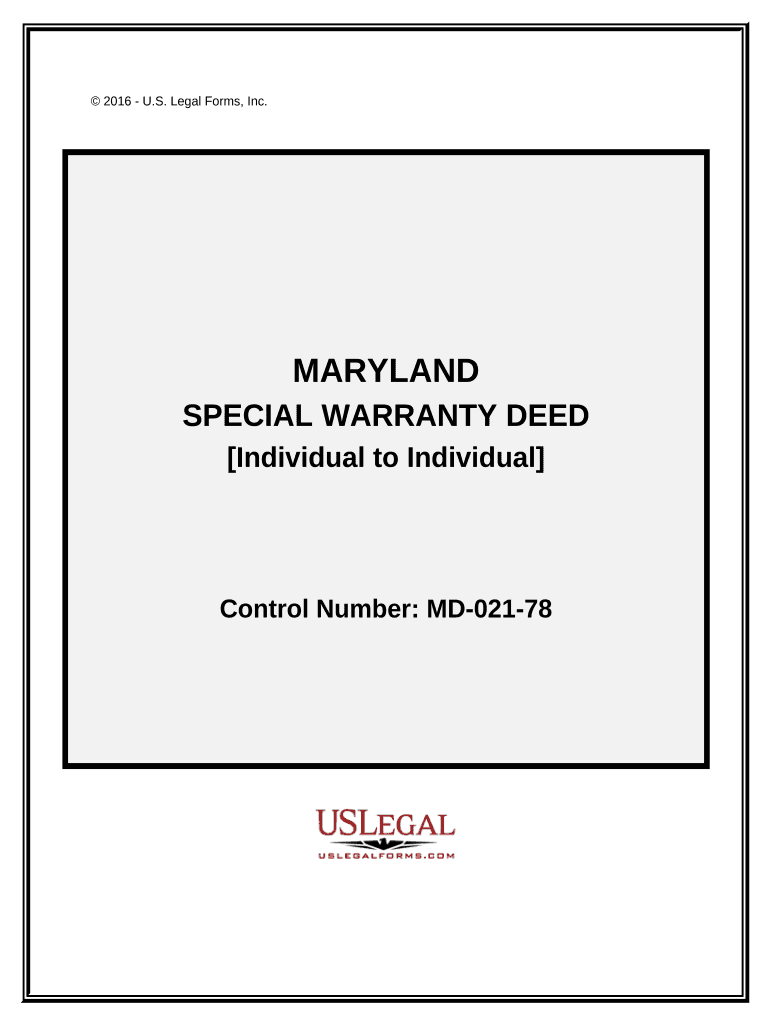
md special Preview on Page 1

Here's how it works

01. Edit your form online
Type text, add images, blackout confidential details, add comments, highlights and more.
02. Sign it in a few clicks
Draw your signature, type it, upload its image, or use your mobile device as a signature pad.
03. Share your form with others
Send it via email, link, or fax. You can also download it, export it or print it out.

How to use or fill out md special with our platform

Form edit decoration
9.5
Ease of Setup
DocHub User Ratings on G2
9.0
Ease of Use
DocHub User Ratings on G2
  1. Click ‘Get Form’ to open the md special in the editor.
  2. Begin by filling in the date at the top of the Special Warranty Deed section. This is crucial for establishing when the deed is executed.
  3. In the Grantor section, enter the name and address of the individual transferring ownership. Ensure accuracy as this information is vital for legal purposes.
  4. Next, fill in the Grantee section with the name and address of the individual receiving ownership. Double-check for any typos.
  5. Specify the consideration amount in dollars that reflects what is being exchanged for the property.
  6. Provide a detailed legal description of the property being transferred. If necessary, attach Exhibit A with this information.
  7. Complete any required certifications by selecting either option (1) or (2) and signing accordingly.
  8. Finally, ensure that a Notary Public signs and dates your document to validate it before submission.

Start using our platform today to streamline your form completion process for free!

be ready to get more

Complete this form in 5 minutes or less

Get form

Got questions?

We have answers to the most popular questions from our customers. If you can't find an answer to your question, please contact us.
Contact us

Sure, it is possible with DocHub. This reliable and compliant online solution has a phone-based signing option. When you log in to your DocHub account and import your md special to our editor, complete all blank fields and utilize the Sign feature on the upper barf. Click on Create your signature and select Phone from the available options. Here, you scan a QR code with your smartphone and draw your signature on your phone screen, as you usually do when signing hard copies. If you access DocHub right from your mobile device, you can eSign your template by drawing your electronic signature, adding its image, or simply with a typed name.

As a comprehensive document modifying platform, DocHub is accessible on mobile devices. Open DocHub in your choice of mobile browser and use our smart mobile-friendly toolset to fill out your md special.

Muscular dystrophy (MD) is diagnosed through a physical exam, a family medical history, and tests. These might include: A muscle biopsy (the removal and examination of a small sample of muscle tissue) DNA (genetic) testing.
Muscular Dystrophy. Muscular Dystrophy (MD) is a group of neuromuscular genetic disorders that cause muscle weakness and overall loss of muscle mass. MD is a progressive condition; meaning that it gets worse with the passage of time.
Multiple Disabilities (MD) means concomitant impairments (such as intellectual disability-blindness or intellectual disability-orthopedic impairment), the combination of which causes such severe educational needs that children cannot be accommodated in special education programs solely for one of the impairments.

Security and compliance

At DocHub, your data security is our priority. We follow HIPAA, SOC2, GDPR, and other standards, so you can work on your documents with confidence.

Learn more
ccpa2
pci-dss
gdpr-compliance
hipaa
soc-compliance

People also ask

MD or MH | Multiple Disabilities or Multiply Handicapped.
A medical specialty is a branch of medical practice that is focused on a defined group of patients, diseases, skills, or philosophy. Examples include those branches of medicine that deal exclusively with children (pediatrics), cancer (oncology), laboratory medicine (pathology), or primary care (family medicine).

Related links