Peco Medical Form Medical 2026

Get Form
Peco Medical Form Medical Preview on Page 1

Here's how it works

01. Edit your form online
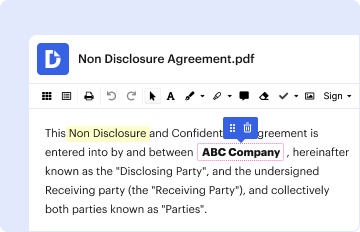
Type text, add images, blackout confidential details, add comments, highlights and more.
02. Sign it in a few clicks
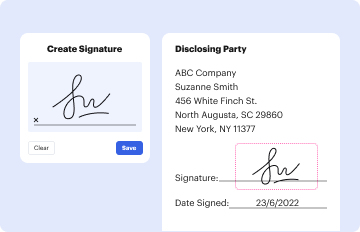
Draw your signature, type it, upload its image, or use your mobile device as a signature pad.
03. Share your form with others
Send it via email, link, or fax. You can also download it, export it or print it out.

How to use or fill out Peco Medical Form Medical with our platform

Form edit decoration
9.5
Ease of Setup
DocHub User Ratings on G2
9.0
Ease of Use
DocHub User Ratings on G2
  1. Click ‘Get Form’ to open the Peco Medical Form Medical in the editor.
  2. Begin by filling in the customer’s name and service address in the designated fields. Ensure all information is accurate to avoid delays.
  3. Indicate whether the service is currently off by selecting 'Yes' or 'No'. This information is crucial for processing the medical certificate.
  4. Next, have a licensed physician, physician assistant, or nurse practitioner complete their section. They must provide their title, name, license number, office address, and phone number.
  5. The healthcare provider should sign the form certifying that the patient's condition would be aggravated by a lack of utility service. This signature validates the medical certificate.
  6. Once completed, save your changes and choose to either print or send the form directly from our platform to ensure it reaches PECO promptly.

Start using our platform today for free to streamline your document editing and submission process!

be ready to get more

Complete this form in 5 minutes or less

Get form
be ready to get more

Complete this form in 5 minutes or less

Get form