Type text, add images, blackout confidential details, add comments, highlights and more.
02. Sign it in a few clicks
Draw your signature, type it, upload its image, or use your mobile device as a signature pad.
03. Share your form with others
Send it via email, link, or fax. You can also download it, export it or print it out.
How to use or fill out Email Template with our platform
Ease of Setup
DocHub User Ratings on G2
Ease of Use
DocHub User Ratings on G2
Click ‘Get Form’ to open the Email Template in the editor.
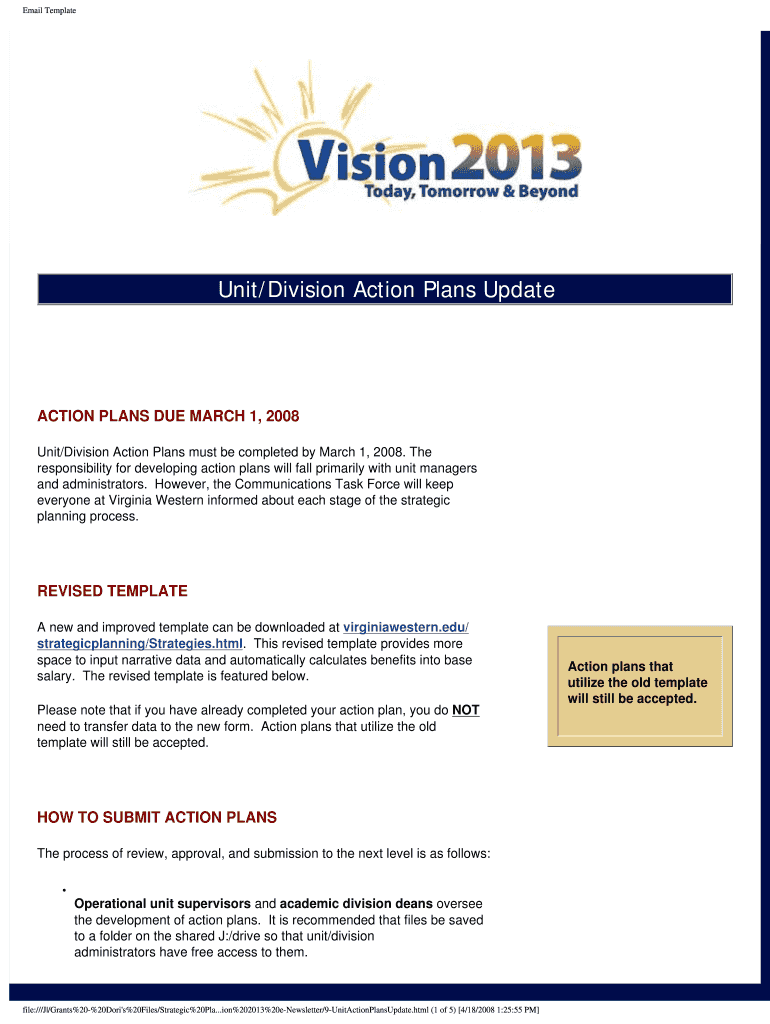
Begin by filling in the 'Unit/Division' section. Clearly specify your unit or division name to ensure proper identification.
In the 'Action Plans' area, detail your action plans due by March 1, 2008. Use the provided space effectively to outline your strategies and objectives.
Utilize the revised template features that allow for narrative data input and automatic salary calculations. Ensure all relevant information is accurately entered.
Once completed, save your document on the shared J:/drive for easy access by unit/division administrators.
Submit the approved action plans electronically to Vision2013@vw.vccs.edu as instructed.
Start using our platform today to streamline your document editing and submission process for free!
Tips for Writing a Formal Email Use Formal English. Formal emails require formal English writing. Use Proper Capitalization. Write a Formal Subject Line. End Your Salutation With a Colon. Use Short Sentences. Use Proper Punctuation. Formal Emails Should Be Direct and Persuasive. End with a Formal Signature.
How can I create an email template?
The 5 sentence email rule is a productivity technique that encourages individuals to condense their email messages into five succinct sentences.
How to write a good email template?
5 key components of a professional email format Subject line. A subject line is a single-line text that recipients see before they open an email. Professional greeting. The greeting (or salutation) is the opening line of your email. Email body structure. Closing. Email signature.
Can I make a template email in Outlook?
Create an email template in Word In Word, click Insert Table and select the first grid to create a 1x1 table. Adjust the single-cell table to the desired size of your email template. (Optional) Remove the table border: Right-click in the table that you just added.
How do I create an email template?
Create or edit a template On your computer, open Gmail. At the top left, click Compose. In the compose window, enter your template text. At the bottom of the compose window, click More options. Templates. Choose an option: To create a new template: Click Save draft as template. Save as new template.
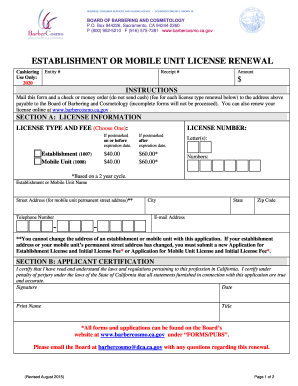
Board of Barbering and Cosmetology - Establishment and Mobile Unit License Renewal. Board of Barbering and Cosmetology - Establishment and Mobile Unit License Renewal - barbercosmo ca
Board of Barbering and Cosmetology - Establishment and Mobile Unit License Renewal. Board of Barbering and Cosmetology - Establishment and Mobile Unit License Renewal - barbercosmo ca
The document provides instructions for renewing licenses for establishments or mobile units under the Board of Barbering ...
Writing Professional Emails A brief overview/biography introducing yourself A few sentences as to why you are interested in their research, including what
These email messages are created based on email templates. Basic templates are provided with the product to construct messages corresponding to each of the
Cookie consent notice
This site uses cookies to enhance site navigation and personalize your experience.
By using this site you agree to our use of cookies as described in our Privacy Notice.
You can modify your selections by visiting our Cookie and Advertising Notice.