01. Edit your form online
Type text, add images, blackout confidential details, add comments, highlights and more.

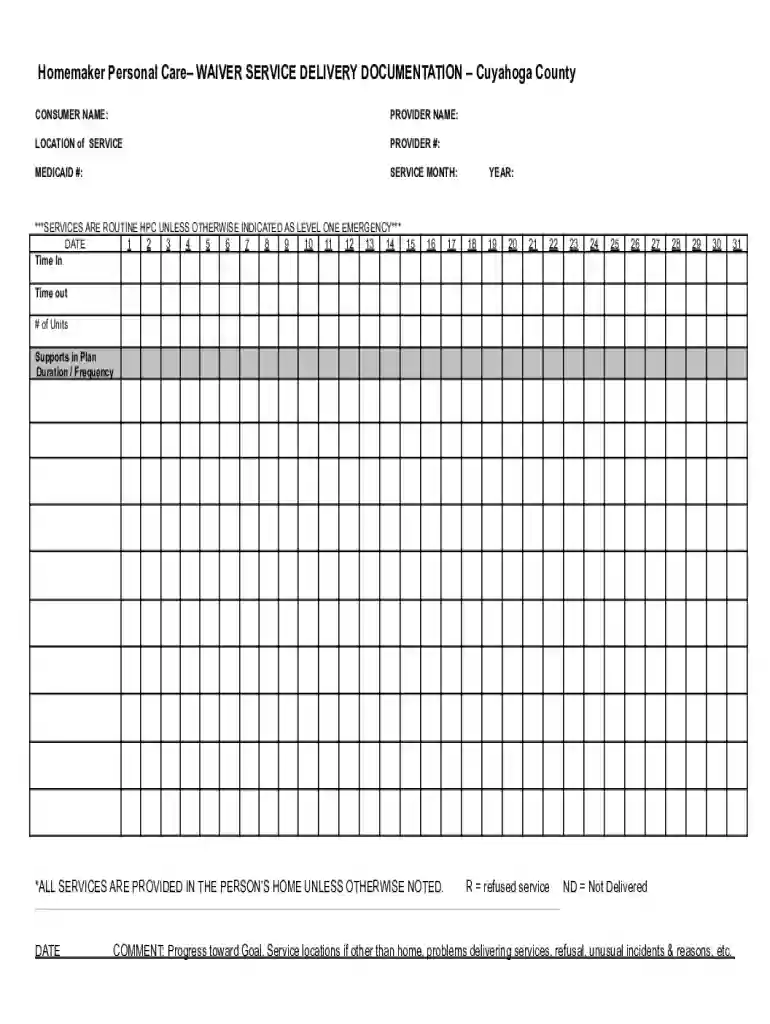
Type text, add images, blackout confidential details, add comments, highlights and more.

Draw your signature, type it, upload its image, or use your mobile device as a signature pad.

Send it via email, link, or fax. You can also download it, export it or print it out.
"Form online" refers to the process and medium of accessing, filling out, submitting, and managing forms through digital platforms rather than traditional paper-based methods. This approach is supported by numerous online tools and services that offer users the flexibility to handle forms anywhere with internet access. Leveraging online forms improves efficiency, reduces paper waste, and enhances the accessibility of information.
Using online forms typically involves a few straightforward steps that can be managed entirely on your computer or smart device. First, users must locate the form on the appropriate platform, often available through a service like DocHub. After accessing the form, customization features enable users to fill in required fields, incorporate digital signatures, and attach necessary files. Once completed, the form can be securely submitted online, distributed to necessary parties, or stored for future reference.
To obtain a form online, start by identifying the source or platform where it is available. Websites of government agencies, educational institutions, and businesses frequently offer downloadable or fillable forms. For instance, DocHub provides a comprehensive suite of documents, including tax forms, applications, and service agreements, that users can readily access and use. These platforms typically have search functionalities or categorized listings to streamline the process of locating specific forms.
Adopting "form online" processes provides several benefits, including:
Online forms cater to a wide audience, including:
Effective online forms incorporate elements such as:
While online forms offer broad consistency in usage, there are state-specific regulations one must consider:
Examples illustrating the use of online forms include:
By adhering to these frameworks and taking advantage of platforms like DocHub, users can significantly streamline their document workflows, ensuring a more productive and secure exchange of information.
We've got more versions of the Homemaker Personal Care Waiver Service Documentation form. Select the right Homemaker Personal Care Waiver Service Documentation version from the list and start editing it straight away!
At DocHub, your data security is our priority. We follow HIPAA, SOC2, GDPR, and other standards, so you can work on your documents with confidence.