Gen 44 (0797) PDF-2025

Get Form
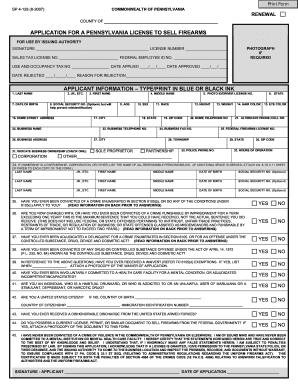
Gen 44 (0797) PDF Preview on Page 1

Here's how it works

01. Edit your form online
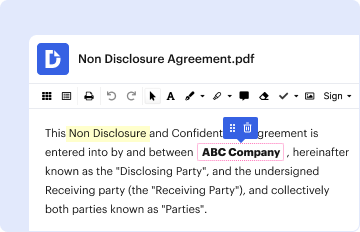
Type text, add images, blackout confidential details, add comments, highlights and more.
02. Sign it in a few clicks
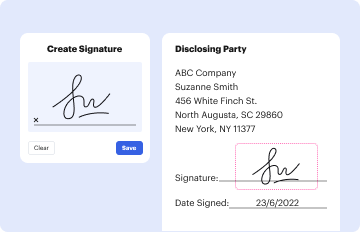
Draw your signature, type it, upload its image, or use your mobile device as a signature pad.
03. Share your form with others
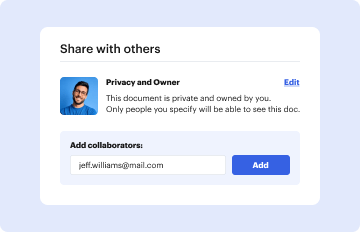
Send it via email, link, or fax. You can also download it, export it or print it out.

How to use or fill out Gen 44 (0797) PDF with our platform

Form edit decoration
9.5
Ease of Setup
DocHub User Ratings on G2
9.0
Ease of Use
DocHub User Ratings on G2
  1. Click ‘Get Form’ to open the Gen 44 (0797) PDF in the editor.
  2. Begin by entering the 'Client Name' and 'Case Number' in the designated fields. Ensure accuracy as this information is crucial for tracking.
  3. Fill in the 'Phone' number and any 'Other Case Numbers' if applicable. This helps maintain comprehensive records.
  4. Indicate the 'Native Corporation' by selecting from available options or typing it in, if necessary.
  5. For each month, enter the corresponding 'DATE' and select the month from a dropdown menu if available.
  6. Mark whether the report was 'REC'D' and if it is 'COMPLETE' by checking 'YES' or 'NO'.
  7. Utilize the 'NOTES/STICKIES' section for any additional comments or reminders related to this report.
  8. Finally, review all entries for accuracy before saving or submitting your completed form.

Start using our platform today to fill out your Gen 44 (0797) PDF easily and for free!

be ready to get more

Complete this form in 5 minutes or less

Get form
be ready to get more

Complete this form in 5 minutes or less

Get form