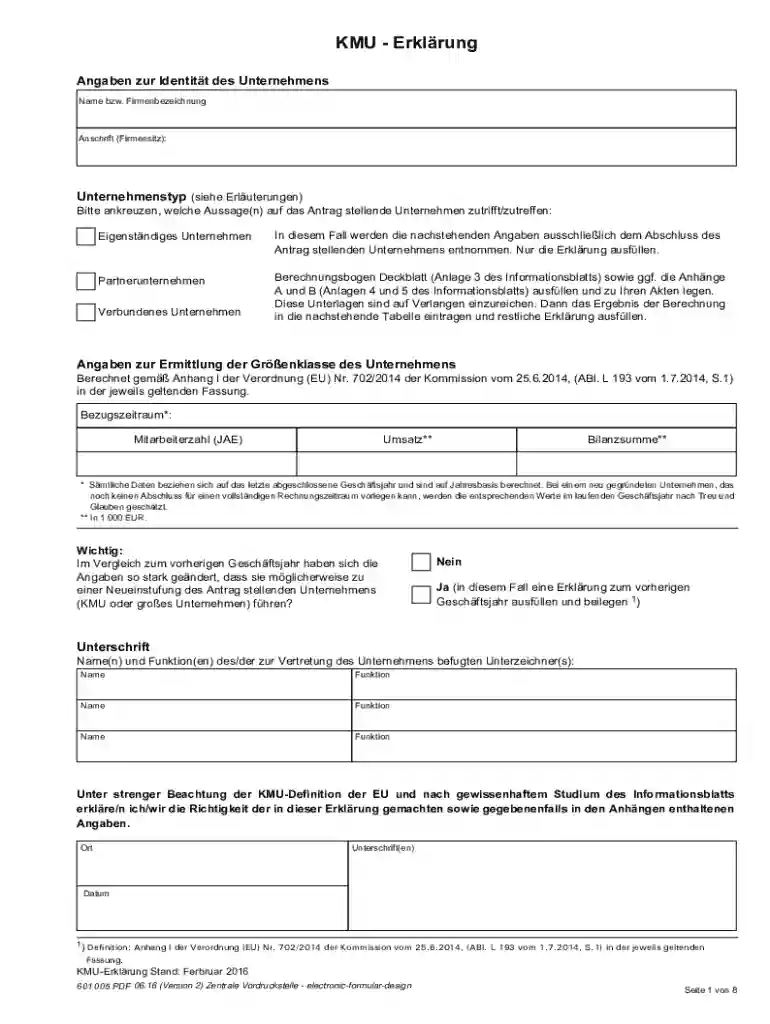
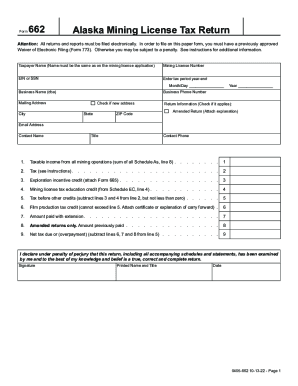
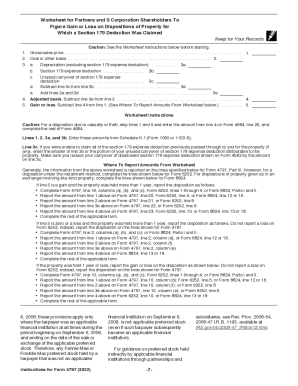
Bitte ankreuzen, welche Aussage(n) auf das Antrag stellende Unternehmen zutrifft zutreffen: Preview on Page 1

Bitte ankreuzen, welche Aussage(n) auf das Antrag stellende Unternehmen zutrifft zutreffen: 2026

Here's how it works

  • 01. Edit your form online

    Type text, add images, blackout confidential details, add comments, highlights and more.

  • 02. Sign it in a few clicks

    Draw your signature, type it, upload its image, or use your mobile device as a signature pad.

  • 03. Share your form with others

    Send it via email, link, or fax. You can also download it, export it or print it out.

Definition and Meaning

The phrase "Bitte ankreuzen, welche Aussage(n) auf das Antrag stellende Unternehmen zutrifft zutreffen" translates to "Please check which statement(s) apply to the applicant company." This form is typically used within the context of business applications, particularly for small and medium-sized enterprises (SMEs), to ascertain specific characteristics or qualifications of the business applying. It is a crucial element in applications as it categorizes the entity based on relevant criteria such as business size, type, or financial status.

How to Use the Form

Using the form "Bitte ankreuzen, welche Aussage(n) auf das Antrag stellende Unternehmen zutrifft zutreffen," requires the respondent to carefully review the listed statements in the form. These statements are designed to identify specific attributes pertinent to the applicant company. To complete the form accurately:

  1. Review each statement thoroughly.
  2. Select applicable statements that reflect the company's current status or classification.
  3. Provide additional information as required by the form prompts.
  4. Ensure that all necessary fields are filled before submission.

This method ensures the applicant company is evaluated based on accurate data, which supports compliance and eligibility assessments.

Steps to Complete the Form

Filling out this form involves several key steps to ensure accuracy and compliance:

  1. Gather Required Information: Ensure all relevant data about the company is available, like revenue figures, employee count, and business type.
  2. Review Statements: Carefully read through each statement on the form.
  3. Select Applicable Statements: Mark each statement that accurately represents the company.
  4. Double-Check Entries: Verify that all selections align with the company's official records.
  5. Submit the Form: Follow specified submission protocols, whether online, by mail, or in person.

These steps help maintain the accuracy and thoroughness needed when filling out the form.

Key Elements of the Form

The form includes several elements, each aimed at extracting vital data about the company:

  • Company Identification: Includes name, address, and key contact information.
  • Business Classification: Options to check relating to company size or industry.
  • Financial Details: Sections that might require revenue, balance sheet, and financial reports input.
  • Certifications: Includes statements that confirm specific qualifications the company meets.

Each of these elements helps to paint a comprehensive picture of the applicant company.

Why You Should Use the Form

Utilizing this form can benefit companies in numerous ways:

  • Eligibility Verification: Helps in determining the company's eligibility for certain regulations or programs.
  • Regulatory Compliance: Supports adherence to legal and financial reporting requirements.
  • Informed Decision-Making: Provides a structured overview of the company's operations, useful for managerial purposes.
  • Consistency in Applications: Standardizes the qualifications and business attributes across various applications.

These advantages emphasize the role of the form in ensuring that business operations align with regulatory and strategic requirements.

Important Terms Related to the Form

Understanding specific terms used in the form is crucial for proper completion:

  • Applicant Company: The business entity that is filling out the form.
  • Statement: Specific claims regarding the company's characteristics or status.
  • Checkbox: The field used to select applicable statements.
  • Compliance: The act of ensuring that all legal and regulatory requirements are met.

Having a clear grasp of these terms aids in accurately interpreting and filling out the form.

Who Typically Uses the Form

The primary users of this form are companies seeking:

  • Certification Verification: This is particularly common among European SMEs.
  • Regulatory Compliance: Businesses that need to align with various regulations.
  • Grant Applications: When applying for government or private sector grants.
  • Business Classification: Companies that require official recognition of their business classification.

These users rely on the form to streamline their application processes and ensure they meet necessary requirements.


decoration imageratings of Dochub

Examples of Using the Form

Real-world scenarios demonstrate the form's application:

  • Sample Company A: A mid-sized tech company uses the form to apply for EU funding by verifying its SME status.
  • Example Enterprise B: A retail chain completes the form to certify compliance with labor regulations.
  • Model Business C: A startup fills out the form as part of a business loan application process to affirm its operational metrics.

These cases illustrate the diverse uses of the form across industries and purposes.

Penalties for Non-Compliance

Non-compliance with the form's requirements can result in:

  • Financial Penalties: Fines issued for failure to provide accurate information.
  • Application Rejection: Incomplete or inaccurate forms may lead to denied applications.
  • Legal Consequences: Lack of compliance could result in injunctions or further investigation.

Understanding these penalties underscores the importance of accurately and diligently completing the form.

be ready to get more

Complete this form in 5 minutes or less

Security and compliance

At DocHub, your data security is our priority. We follow HIPAA, SOC2, GDPR, and other standards, so you can work on your documents with confidence.
be ready to get more

Complete this form in 5 minutes or less

If you believe that this page should be taken down, please follow our DMCA take down process here