




01. Edit your form online
Type text, add images, blackout confidential details, add comments, highlights and more.

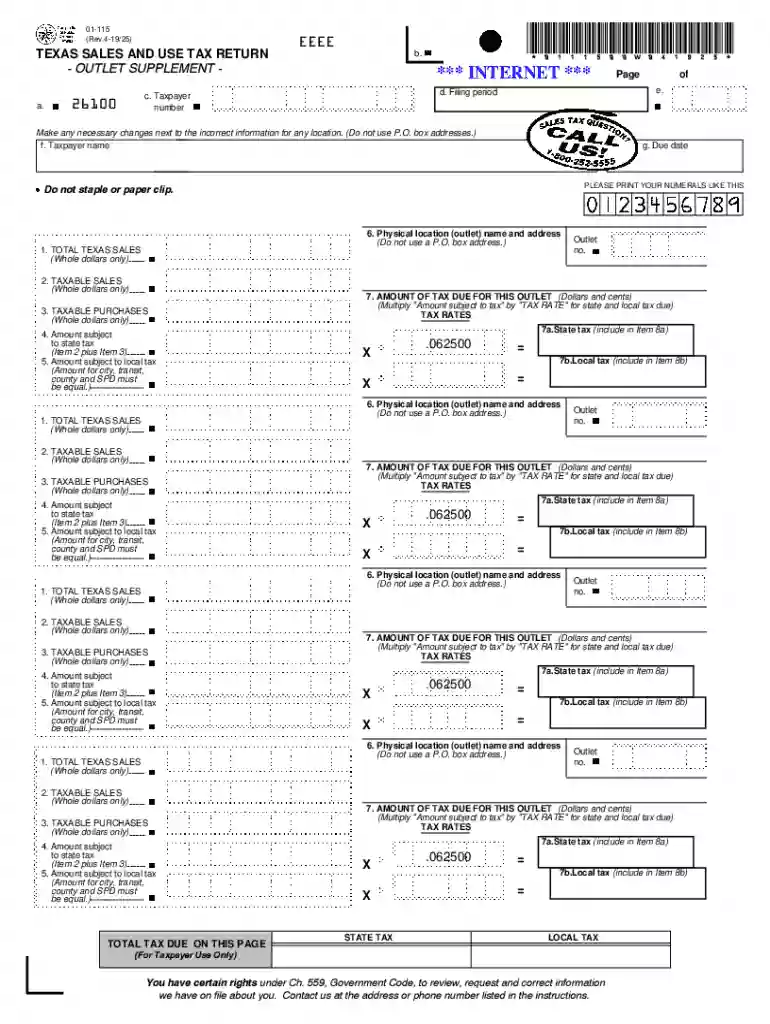
Type text, add images, blackout confidential details, add comments, highlights and more.

Draw your signature, type it, upload its image, or use your mobile device as a signature pad.

Send it via email, link, or fax. You can also download it, export it or print it out.
Understanding the concept of a form online is essential for anyone seeking to streamline administrative or operational processes. In essence, a form online refers to digital versions of documents or templates traditionally used for collecting information, submitting applications, or fulfilling legal and regulatory requirements. These forms are accessible on the internet and often allow users to fill them out electronically using various devices, including computers, tablets, and smartphones. For instance, a tax form or a business registration application can be digitized, enabling users to input their information directly into the form without needing to print it out.
The transition from paper to digital forms has revolutionized the way information is collected and processed. Digital forms reduce the need for physical storage and make it easier to manage and analyze data due to their integration with databases and data management systems. Forms online also enhance accessibility, allowing individuals to access necessary documents anytime and anywhere, provided they have internet connectivity. Additionally, these forms often come with built-in validations and error-checking features, ensuring that submissions are complete and accurate before being finalized.
Using a form online typically involves several straightforward steps, beginning with accessing the form through a specific website or application. In many cases, like those provided by DocHub, users can upload a form if it is not directly available on the platform. Once the form is accessible, the user should proceed by carefully reviewing the instructions and requirements associated with the form. These guidelines ensure that all necessary information is captured correctly and that the form adheres to any stipulated protocols or legal standards.
Filling out the form online often involves inputting data into designated fields. These fields can include text boxes, checkboxes, dropdown menus, and signature fields. Users should pay attention to required sections, which are often marked with an asterisk or similar indicator, necessitating the completion of these fields before submission is allowed. To optimize the process, users can employ features such as autofill for repetitive information or utilize built-in calculators if the form requires financial data input. Upon completion, users should review the entire form to confirm accuracy before hitting the submit button. Platforms like DocHub may also offer digital signature capabilities, ensuring the electronic signing process is both secure and legally binding.
Completing a form online with accuracy and efficiency involves a series of methodical steps, each critical to ensuring the data is correctly captured and submitted:
Access the Form: Navigate to the website or platform hosting the form. If using DocHub, documents can be imported from a device or cloud services.
Review Instructions: Carefully read all accompanying instructions to understand any specific requirements or restrictions associated with the form.
Input Information: Enter the required information in the designated fields. This includes adding text to boxes, selecting options from dropdown menus, or checking applicable boxes.
Edit and Validate: Utilize any editing tools available on the platform to make corrections or enhancements as necessary. Validate entries for completeness and accuracy.
Sign the Form: Apply an electronic signature if required. Platforms such as DocHub allow for various signing options, including drawing, typing, or uploading an image of the signature.
Review the Submission: Before finalizing, review the entire form to ensure all data is correct and complete. Missing data in required fields can prevent submission.
Submit the Form: Once satisfied with the form’s accuracy, submit it using the provided button or feature. Confirmation of receipt is often sent via email or displayed on the screen.
This structured approach helps minimize errors and enhances the likelihood of a successful submission.
Forms online often encompass several key elements designed to facilitate the accurate and efficient collection of information:
Input Fields: These fields are designed for users to enter relevant data, such as names, addresses, and numerical values. Often, these fields are customizable to fit specific requirements.
Instructions and Tooltips: Clear, concise instructions are provided to guide users on how to fill out the form. Tooltips may also appear when hovering over certain fields, offering additional guidance.
Validation Rules: Automated checks are in place to enforce data entry accuracy and completeness. For example, a U.S. zip code field may only accept five-digit entries.
Submission Confirmation: Once a form is submitted, the platform often provides a confirmation of receipt, sometimes via email, ensuring the user that their information is successfully submitted.
Security Features: Encryption and authentication protocols are critical to protect the data submitted through online forms. Some platforms offer additional security measures like password protection.
These elements are integral to the structure and usability of online forms, making them user-friendly and reliable.
Online forms are used in various contexts, offering a flexible solution for numerous applications:
Tax Submissions: Individuals can submit forms such as the 1040 for tax returns directly online, reducing the need for physical paperwork and enhancing the speed of processing.
Employment Applications: Job seekers can fill out application forms online, providing resumes and other required documentation electronically.
Event Registrations: Individuals interested in attending events can register through online forms that collect attendee information and preferences.
Surveys and Feedback: Organizations often use forms online to gather feedback or conduct surveys, using the data to inform decision-making.
Each scenario demonstrates the versatility of online forms in replacing traditional, time-consuming processes with more efficient digital solutions.
The legal use of forms online is upheld by compliance with relevant laws and standards that ensure the legitimacy of electronic submissions and signatures:
ESIGN Act: This United States federal law authorizes the use of electronic signatures, ensuring they are legally binding alongside traditional pen-and-paper signatures.
Document Authentication: Online platforms often require users to verify their identities using protocols like OAuth 2.0 before accessing and submitting secure documents.
Data Protection Laws: Compliance with laws such as the GDPR (General Data Protection Regulation) is crucial for forms that collect personal data, ensuring the protection and privacy of user information.
Ensuring legal compliance is a cornerstone of the responsible use of forms online, protecting both the users and organizations involved in the form submission process.
Compatibility with various software systems enhances the utility of online forms, ensuring they integrate seamlessly into broader workflows and data management systems. For instance, platforms like DocHub offer:
Cloud Service Integration: Compatibility with Google Drive, Dropbox, and OneDrive facilitates easy file imports and exports.
Document Management Systems: Integration with tools like TurboTax for tax forms or QuickBooks for business expense reports simplifies data entry processes.
Cross-Platform Accessibility: Forms are often designed to be accessible across different devices and operating systems, ensuring users can interact with forms from desktops, tablets, or smartphones.
Software compatibility enhances the functionality of online forms, making them adaptable solutions for diverse operational needs.
Commonly used forms, especially in administrative processes, feature multiple submission methods to accommodate user needs and preferences:
Online: Electronic submission is the most efficient, providing immediate confirmation and processing benefits. It is suitable for forms that need swift review, such as applications and tax filings.
Mail: Traditional mailing remains an option for individuals or organizations that prefer physical documentation. This method ensures a tangible paper trail but requires longer processing times.
In-Person: For certain official documents or sensitive information, presenting forms in person may be necessary to verify identity or supplementary documentation.
Offering multiple submission methods ensures comprehensive accessibility and convenience for users, catering to different technological access levels and personal preferences.
We've got more versions of the Texas Sales and Use Tax Return form. Select the right Texas Sales and Use Tax Return version from the list and start editing it straight away!
At DocHub, your data security is our priority. We follow HIPAA, SOC2, GDPR, and other standards, so you can work on your documents with confidence.




Texas state and local use taxes are due on this purchase at the rate of 8.25%. The amount due for Texas state use tax is $1300 x 1.25% = $16.25.
Texas Sales and Use Tax Form: Only the current version is accepted. W-9 Form: Call 1-800-258-2278 or contact us to request. For product returns see our RMA/
The forms listed below are PDF files. They include graphics, fillable form fields, scripts and functionality. Sales Tax Refund Instructions (PDF)


