




01. Edit your form online
Type text, add images, blackout confidential details, add comments, highlights and more.

Type text, add images, blackout confidential details, add comments, highlights and more.

Draw your signature, type it, upload its image, or use your mobile device as a signature pad.

Send it via email, link, or fax. You can also download it, export it or print it out.
Forms that are available online are digital versions of traditional paper forms, which can be completed, submitted, and processed electronically. The term "form online" signifies any document formatted for digital completion, enabling users to fill out, sign, and submit information through platforms like DocHub. This approach leverages digital tools to streamline data entry, reduce physical paperwork, and improve accessibility. Online forms can range from simple surveys to complex tax forms, accommodating a wide array of personal, educational, and business needs.
Using a form online involves several straightforward steps that make the process efficient and user-friendly. Initially, users access forms through platforms like DocHub, where they can either fill them directly on the website or download them for offline completion. After accessing the form, users can utilize digital tools for inputting data, such as text fields for personal information or checkboxes for selections. Once filled, electronic forms can often be signed digitally using methods like typing a signature, drawing it with a mouse, or uploading an image file. Upon completion, forms can be submitted instantly through the platform or downloaded for manual submission if required.
Acquiring forms online is a simple process facilitated by platforms like DocHub, which offers direct access to various document formats. Users can obtain these forms by visiting the platform's website, where they can browse available templates or upload specific documents they need to convert into fillable formats. Forms can also be acquired from governmental, educational, or business websites that host downloadable versions for public access. Upon selection, forms can be opened directly within the platform, allowing immediate editing or saved for later use.
Completing a form online consists of a structured sequence of actions designed for ease and accuracy. First, users need to open the form on the chosen digital platform. Then, they should carefully fill each required field, which might include personal details, checkboxes, or dropdown selections. It's important to review additional instructions or guidelines that often accompany each section of the form. Once completed, users can digitally sign the document if necessary. Finally, the completed form should be reviewed for accuracy before submission or saving.
When working with forms online, several key elements are crucial to ensure they are correctly completed and submitted. These elements include fields for entering data, which can be either mandatory or optional, depending on the form's nature. Additionally, clear instructions are often provided to guide users through each section. Forms may also feature validation checks, ensuring data integrity, such as verifying that email addresses are correctly formatted or that required fields are not left empty.
Completing forms online often requires supplementary documents, especially in formal settings like job applications or legal proceedings. This necessity can include proof of identity, such as a driver's license or passport, financial documents like pay stubs or tax returns, and any other documents specific to the form's purpose. Understanding and having these documents ready can significantly expedite the form completion process, ensuring that users provide comprehensive and correct information.
Forms online exist in several versions and may have counterparts or alternatives that serve similar functions but are adapted for different needs or platforms. For example, tax forms might be available primarily online for convenience but have printable versions for those who prefer paper. Versions might differ based on the required information, target users, or legal updates, offering flexibility and adaptability to the users. The availability of alternatives ensures that users have access to documents that best fit their circumstances or technological capabilities.
Understanding the legal implications of using forms online is critical for both individuals and businesses. Platforms like DocHub ensure that forms meet legal standards by offering features like encryption, compliance with acts such as ESIGN for e-signatures, and secure data handling. When using these forms, users must ensure that they use authenticated digital signatures where required and comply with any federal or state requirements that pertain to their specific form category.
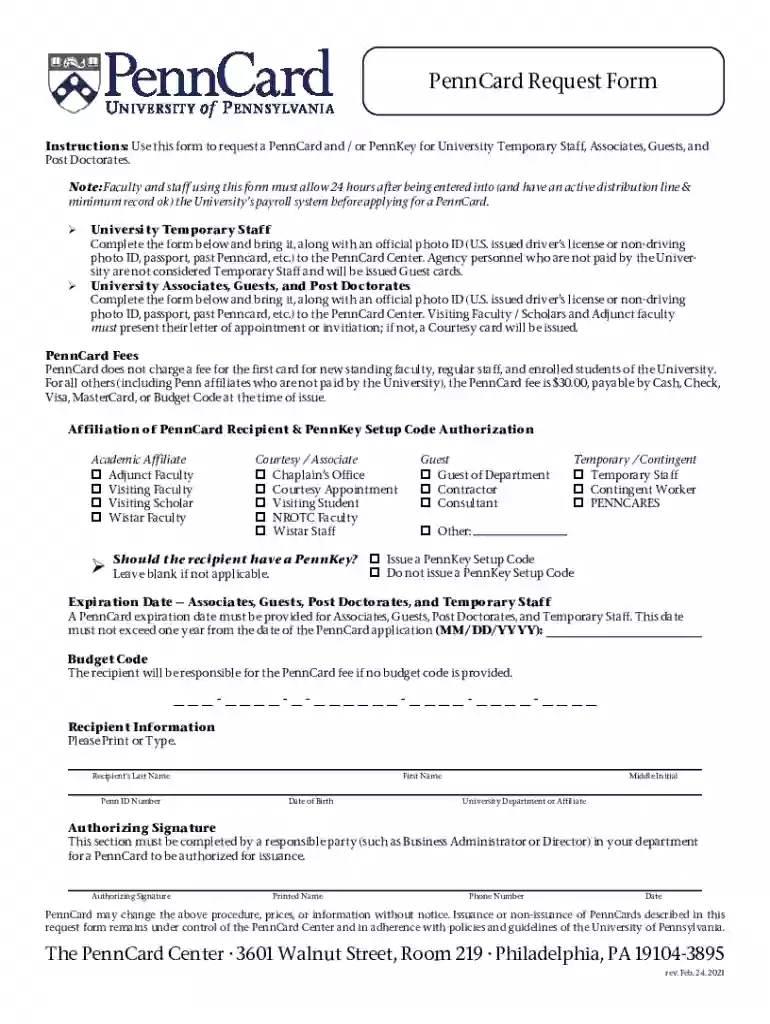
We've got more versions of the PennCard Request Form form. Select the right PennCard Request Form version from the list and start editing it straight away!
At DocHub, your data security is our priority. We follow HIPAA, SOC2, GDPR, and other standards, so you can work on your documents with confidence.

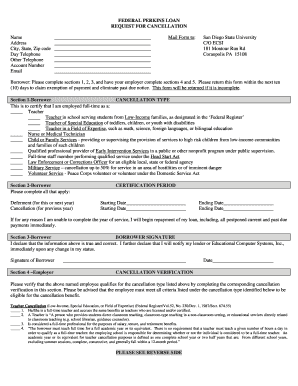
You must log in with your PennKey for the form to appear below. If you have any questions about completing this form, please contact us at penncard@upenn.edu.Read more
by C Francis 1997 Cited by 51 Do you have your PennCard? This change in strategy represents a move to a more complex, indirect approach to the interaction.


