




01. Edit your form online
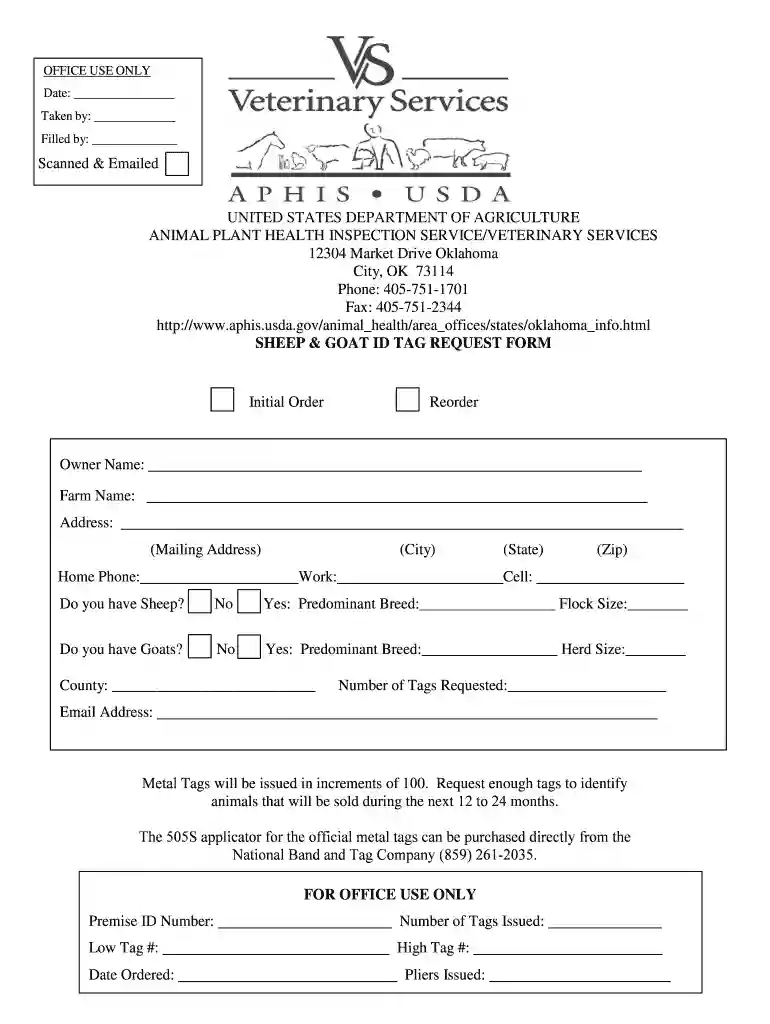
Type text, add images, blackout confidential details, add comments, highlights and more.

Type text, add images, blackout confidential details, add comments, highlights and more.

Draw your signature, type it, upload its image, or use your mobile device as a signature pad.

Send it via email, link, or fax. You can also download it, export it or print it out.
The term "Scanned and Emailed" refers to the process of converting physical documents into a digital format using a scanner and subsequently sending them via email. This serves to streamline document handling by allowing instant electronic sharing and storage, eliminating the need for physical delivery. In professional contexts, this practice improves efficiency by enabling quick dissemination and access to necessary documents.
The process of scanning and emailing documents is prevalent across various industries. For instance, in legal fields, attorneys often digitize key documents to facilitate sharing with clients or other legal professionals. Similarly, businesses use this method to expedite the submission of contract agreements and proposals. Educational institutions scan and email student records and administrative paperwork, thereby simplifying the information management process.
Completing the scanned and emailed process involves several critical steps that ensure documents are correctly digitized and sent.
Scanning the Document:
Preparing the Email:
Sending the Email:
Several key elements are essential to executing a successful scan and email operation.
For seamless scanned and emailed operations, software compatibility is crucial, especially in a professional setting.
Ensure that the scanning software supports the email application to avoid workflow interruptions. Compatibility checks before starting the process are advisable, particularly for bulk document handling.
Understanding the legal implications is essential, particularly for sensitive or official documents.
In sectors like healthcare, scanning and emailing patient records must comply with HIPAA regulations to ensure information confidentiality and security.
The use of scanned and emailed processes spans various professions and industries.



Any entity that requires quick document exchange, from small startups to large corporations, can benefit greatly from this process.
Several documents are typically included in a scanning and emailing regimen depending on the need.
Ensure documents are clear and legible before scanning, as poor quality can impede understanding and processing.
When it comes to document submission, multiple methods are available. Understanding when and how to use scanned and emailed submissions is vital.
Evaluate the urgency, legal requirements, and recipient capabilities when deciding whether to scan and email a document or to choose other submission methodologies.
We've got more versions of the Scanned and Emailed form. Select the right Scanned and Emailed version from the list and start editing it straight away!
At DocHub, your data security is our priority. We follow HIPAA, SOC2, GDPR, and other standards, so you can work on your documents with confidence.
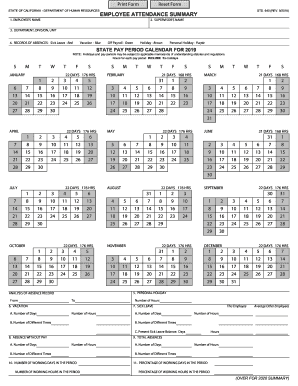



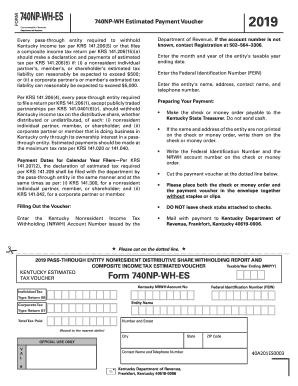
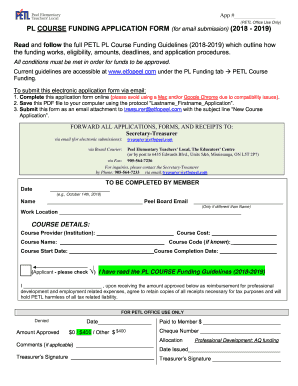
Overview. Below find instructions for scanning printed documents and sending the scanned files to yourself or others via email.Read more
MailXaminer allows cyber investigators to analyze digital evidences from emails, attachments, contacts, calendar entries, Email Scanning Emails from both;


