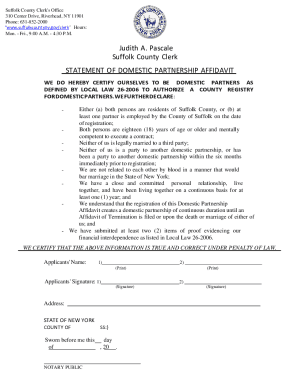
Definition & Meaning
The term "form online" refers to digital versions of documents that can be completed, submitted, or managed through internet-based platforms. Unlike traditional paper forms, online forms facilitate electronic data collection and processing, often streamlining workflows and reducing the need for physical documentation. This approach allows users to fill in forms remotely and submit them directly through the web, thereby enhancing accessibility and efficiency.
Key Features of Online Forms
- Accessibility: Available anywhere with an internet connection, removing geographical or temporal constraints.
- Efficiency: Reduces time spent on form distribution and collection.
- Data Accuracy: Minimizes human error associated with manual data entry.
- Integration: Often integrates with databases and other software for seamless data management.
How to Use the Form Online
Using an online form typically involves a few straightforward steps:
- Access the Form: Navigate to the specific URL or platform hosting the form. It could be a government website, a business's online portal, or a document management tool like DocHub.
- Read Instructions Carefully: Before filling in the form, review all instructions to understand the requirements and necessary information.
- Fill in Required Fields: Input information into designated fields, ensuring accuracy and completeness.
- Review and Submit: Double-check entries for errors before submitting the form. Use any built-in validation tools provided to confirm accuracy.
- Confirmation Receipt: Upon submission, a confirmation message or email should be received, confirming the process is complete.
Steps to Complete the Form Online
Completing an online form requires following a precise sequence to ensure successful submission and acceptance:
Step-by-Step Guide
- Gather Required Information: Before beginning, ensure all necessary information is readily available, such as identification details, financial information, or any other relevant data.
- Navigate to the Form: Access the form through the appropriate website or application, ensuring you have a stable internet connection.
- Enter Information: Carefully input the required data in the respective fields. Use auto-fill features if available and applicable.
- Save Progress: Periodically save your progress, especially for lengthy forms, to avoid data loss.
- Attach Documents: Upload any needed supporting documents, ensuring they meet the platform's format and size requirements.
- Validate Entries: Use built-in checks to verify that all fields are filled in correctly.
- Submit the Form: Once all entries are validated, proceed to submit the form. Note any reference number or ID generated post-submission for future reference.
Examples and Edge Cases
- Tech Issues: If browser or connectivity issues occur, attempt to reload the page or try a different browser.
- Form Rejection: If the form is rejected, review error messages or contact support for guidance on correcting issues.
Common User Groups
- Individuals: For personal applications, registrations, or submissions such as tax filings or benefits enrollment.
- Businesses: For employee management, client onboarding, and operational compliance.
- Government Agencies: Facilitate public services such as permits, licenses, or reporting obligations.
- Educational Institutions: Manage admissions, course registrations, and student records.
Specific Use Cases
- Taxpayers: Submit tax returns or amend filings.
- Applicants: Complete application processes for jobs, programs, or financial aid.
- Professionals: Execute client or patient intake procedures efficiently.
Key Elements of the Form Online
Effective online forms include essential components to guide users in data entry and submission:
Components Overview
- User Interface: Intuitive design with clear labels and guidance.
- Data Fields: Compulsory and optional fields, tailored to the form's purpose.
- Validation Features: Real-time error checking to prevent incorrect submissions.
- Help Resources: Tooltips, FAQs, or support links for user assistance.
Practical Examples
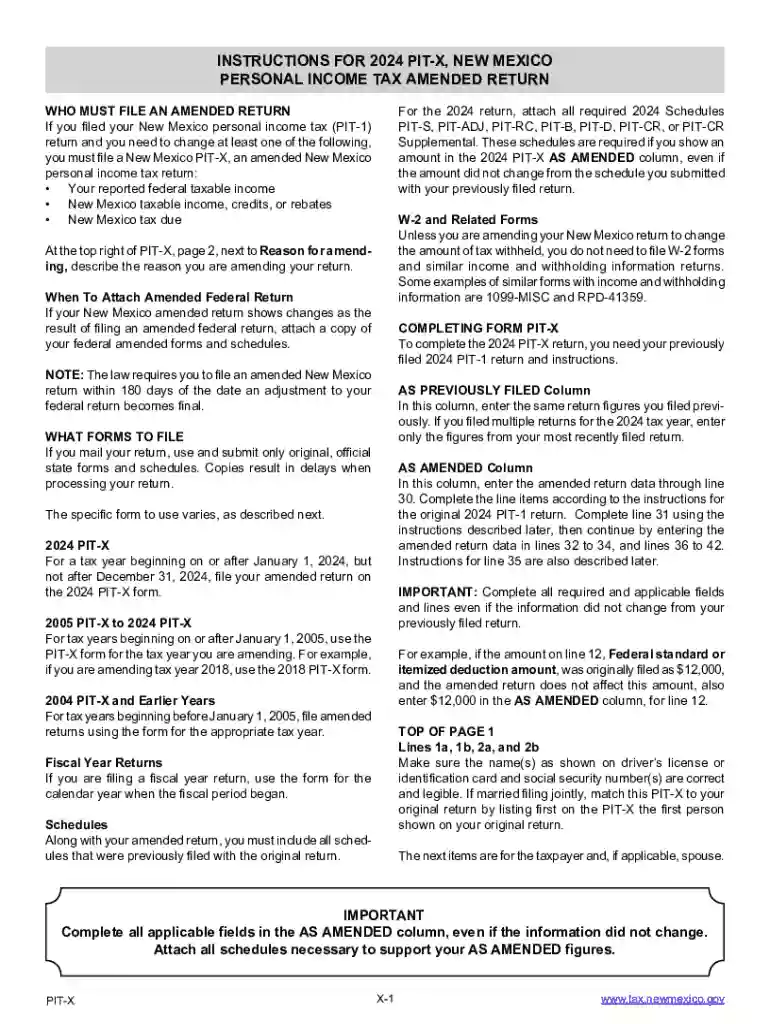
- A tax return form may have designated areas for personal information, financial details, and deduction claims.
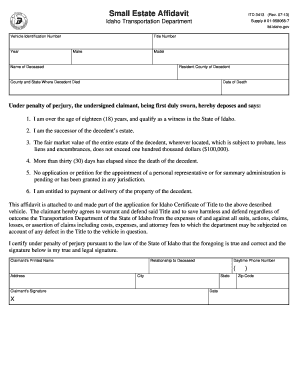
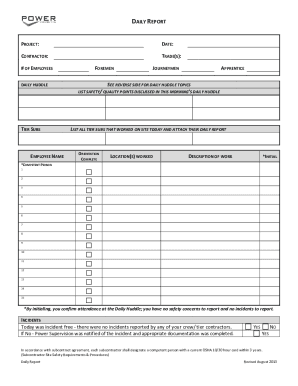
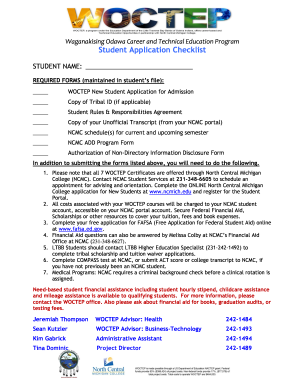
- A registration form for an event might include fields for personal details, preferences, and payment information.
Legal Use of the Form Online
There are legal implications to consider when using online forms, particularly regarding data privacy and compliance:
Legal Considerations
- Data Protection: Compliance with data protection laws like the GDPR for international users.
- Signature Legitimacy: For forms requiring signatures, electronic signatures must be legally binding.
- Consent Management: Users must be informed about data usage, with consent obtained appropriately.
Compliance Examples
- An online contract signed electronically remains binding if compliant with the ESIGN Act in the U.S.
- Privacy policies should be explicit about how user data in forms will be managed or shared.
State-Specific Rules for the Form Online
Different states may impose unique regulations on the use and submission of online forms, especially concerning taxes and official filings:
Understanding State Variances
- Regulatory Differences: Specific forms, like tax documents, may have varying formats or deadlines across states.
- Additional Requirements: Some states might require additional documentation or specific electronic submission methods.
Real-World Applications
- Sales Tax Forms: Rules may vary on what transactions are taxable and how rates are applied.
- Business Filings: Licensing and permits might have distinct state-specific processes.
Form Submission Methods (Online / Mail / In-Person)
Understanding submission options ensures compliance and convenience:
Submission Options
- Online Submission: Immediate and often preferred due to convenience and speed.
- Mail Submission: Still an option in some cases, such as when physical documents are required.
- In-Person Submission: Necessary when verification of original documents is crucial.
Choosing the Right Method
- Urgency: Online is faster, suitable for time-sensitive submissions.
- Complexity: In-person can be beneficial when guidance or verification is needed.
- Documentation: Mail or in-person may be necessary for substantial documentation submissions.