




01. Edit your form 548 online
Type text, add images, blackout confidential details, add comments, highlights and more.

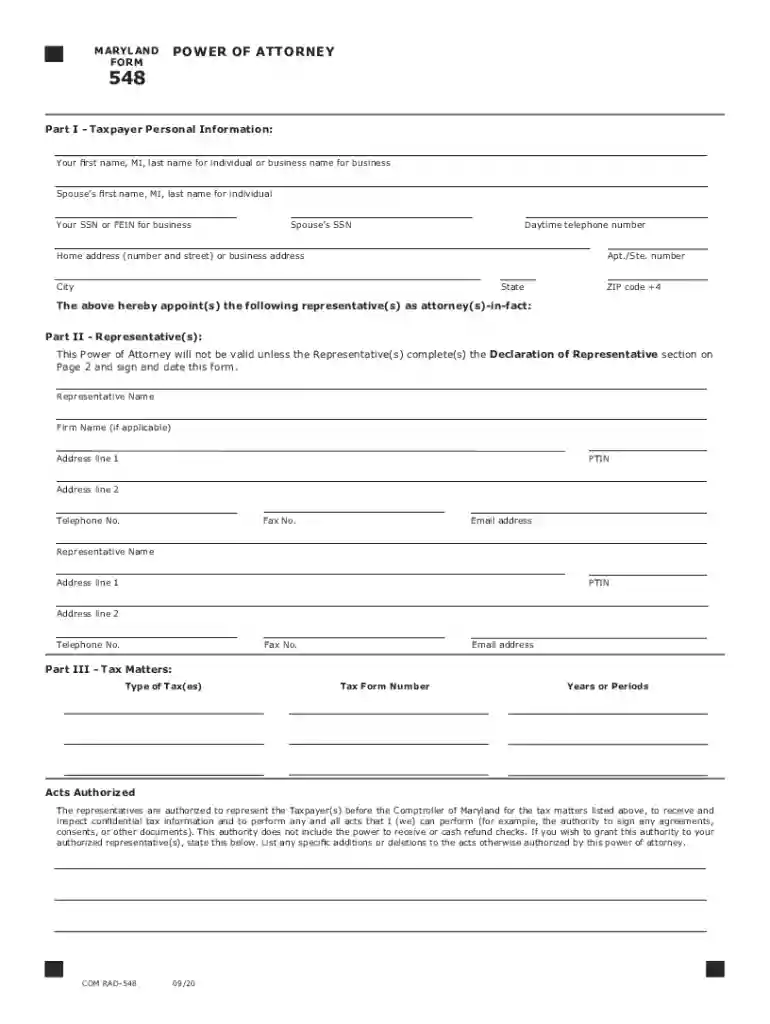
Type text, add images, blackout confidential details, add comments, highlights and more.

Draw your signature, type it, upload its image, or use your mobile device as a signature pad.

Send form 548 maryland via email, link, or fax. You can also download it, export it or print it out.

Start using our platform today for free to fill out Maryland Form 548 effortlessly!
We've got more versions of the form 548 form. Select the right form 548 version from the list and start editing it straight away!
At DocHub, your data security is our priority. We follow HIPAA, SOC2, GDPR, and other standards, so you can work on your documents with confidence.
Web you may use form 548 to appoint one or more individuals to represent you in tax. Web how to grant power of attorney in maryland. Web the authorizedRead more
By filing this power of attorney form, you automatically revoke all earlier power(s) of attorney on file with the Comptroller of. Maryland for the same taxRead more
Oct 5, 2018 548. Sense of Congress on artificial intelligence in aviation. Sec. 549. Study on cybersecurity workforce of FAA. Sec. 550. Treatment ofRead more


