




01. Edit your cdtfa 245 online
Type text, add images, blackout confidential details, add comments, highlights and more.

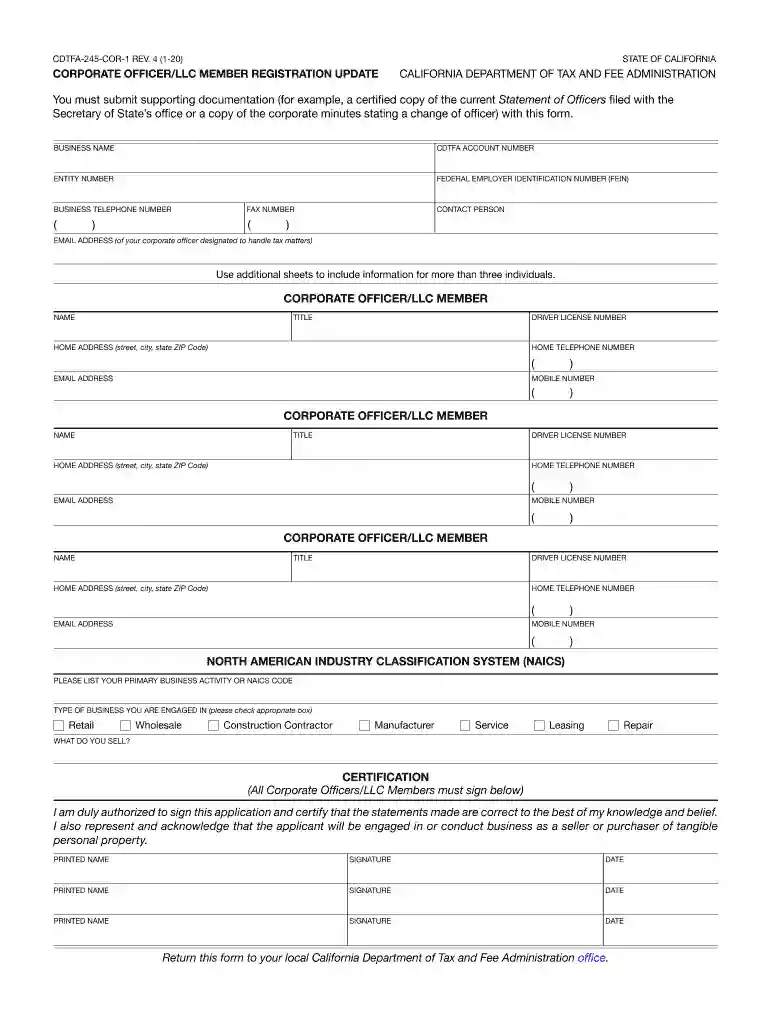
Type text, add images, blackout confidential details, add comments, highlights and more.

Draw your signature, type it, upload its image, or use your mobile device as a signature pad.

Send cdtfa 245 cor 1 instructions via email, link, or fax. You can also download it, export it or print it out.

Start using our platform today to fill out your CDTFA COR easily and for free!
We've got more versions of the cdtfa 245 form. Select the right cdtfa 245 version from the list and start editing it straight away!
At DocHub, your data security is our priority. We follow HIPAA, SOC2, GDPR, and other standards, so you can work on your documents with confidence.
by YRC Kim 2022 Cited by 15 Tax systems have been struggling to adapt to the digitalization of the economy. At the center of the struggles is taxing digital platforms, such as GoogleRead more
The Business Tax and Fee Division administers special tax and fee programs that encompass a broad range of activities and transactions.Read more
Brands like Phoenix Pharmaceuticals, IncSales and Use Tax Annotations - 440.1470 - CDTFA., Core Peptides, Biotech Peptides, and Aapptec Peptides are frequently


