
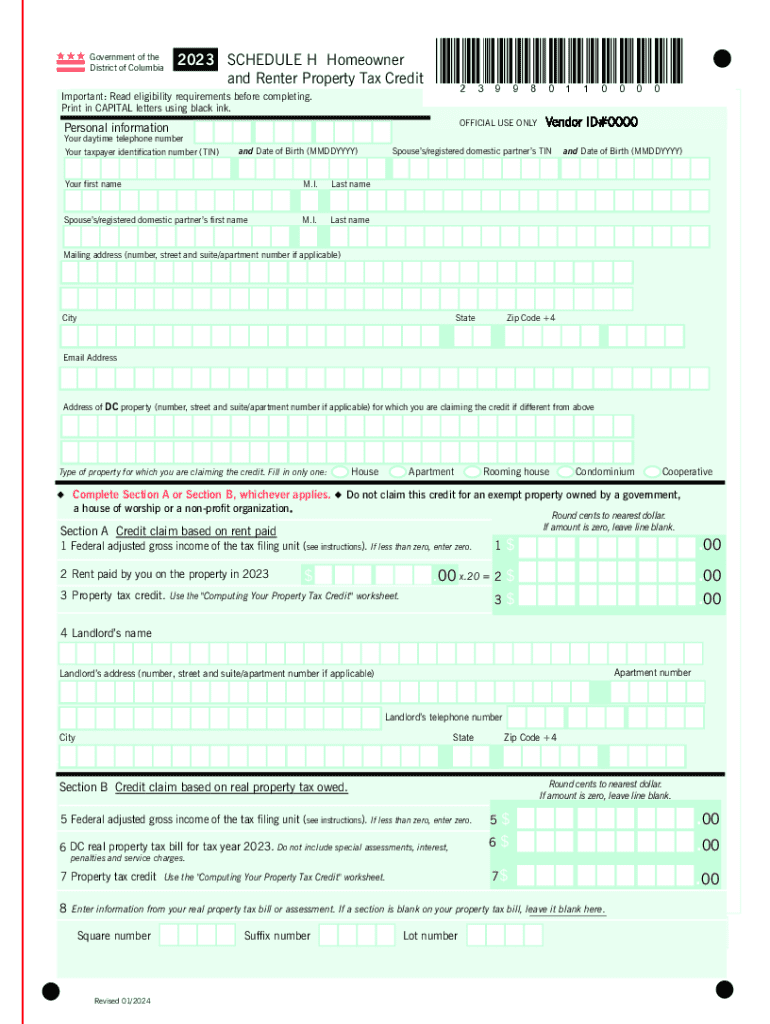







Definition and Meaning of "Form Online"
The term "form online" refers to an electronic version of a document designed for completion and submission via the internet. These forms are used in a variety of contexts, including tax submissions, legal documentation, and commercial transactions. They are created to streamline processes that traditionally required paper forms, offering users a more efficient, accessible, and environmentally friendly method of managing their documentation needs.
Online forms can vary greatly in complexity, from simple personal information requests to complex, multi-page applications. They are engineered to guide users through the process step-by-step, often with inbuilt validation checks to ensure the accuracy and completion of the form data before submission.
How to Use a Form Online
Using an online form requires a few straightforward steps, ensuring that the process is accessible even to those with limited technical expertise.
-
Access the Form Platform: Begin by navigating to the platform where the form is hosted. This could be a governmental website, a commercial service like DocHub, or an educational institution's portal.
-
Create or Use an Account: Many platforms require users to create, log in, or authenticate themselves using an account before accessing the forms.
-
Select and Open the Form: Identify the required form from the available options. Once selected, it will typically open in a web-based editor.
-
Complete the Form Fields: Use the provided fields to enter necessary information. Forms often use a combination of text boxes, drop-down menus, and checkboxes for data entry.
-
Review and Submit: Carefully review the completed form for accuracy and completeness. Most platforms offer a preview function to help with this step. Submit the form by following the website's specific submission protocol, often by clicking a “Submit” button.
Steps to Complete a Form Online
Completing a form online typically involves a systematic sequence to ensure the correct information is gathered and submitted.
- Read Instructions: Before filling out any fields, read through any instructions or guidelines provided to understand what information is required and how it should be presented.
- Gather Information: Have all necessary documents and data at hand. This may include identification numbers, financial data, or supporting documents.
- Fill in Mandatory Fields: Start with mandatory fields, which are usually marked with an asterisk (*) or other indicators.
- Provide Optional Details: Enter optional information that may help clarify or support your submission.
- Check for Errors: Platforms often include real-time error checking—take advantage of this to correct any inconsistencies before submission.
- Finalize and Submit: Once the form is complete and all checks are in place, finalize any electronic agreements or signatures and submit the form.
Important Terms Related to Form Online
Several terms are frequently used in the context of online forms, each important for understanding and correctly navigating the process.
- Fillable Fields: These are sections of the form where users input data. They can be text boxes, drop-down lists, or selections.
- Validation: A process that checks the information entered into the form fields for errors or omissions, ensuring data integrity before submission.
- Encryption: Technology used to protect sensitive data inputted into the form, often using SSL certificates.
- Authentication: Security measures that verify user identity, frequently using methods like passwords or OAuth protocols.
Legally Binding Use of Online Forms
Online forms can be legally binding, provided they comply with regulatory requirements.
- Electronic Signatures: In the United States, the ESIGN Act grants legal equivalence to electronic signatures, making documents signed electronically valid in the same manner as traditional signatures.
- Compliance Standards: User data and form processes must adhere to data protection regulations such as GDPR or CCPA, where applicable.
- Document Integrity: Including an audit trail and secure encryption ensures the document’s integrity and legality.
Key Elements of an Online Form
Successful online forms contain several key elements essential for functionality and user experience.
- User-Friendly Design: An intuitive interface that guides users without confusion.
- Responsive Layouts: Adaptable forms compatible with various device screens, from desktops to smartphones.
- Clear Instructions: Easy-to-understand guidelines that reduce user errors.
- Accessibility Features: Designs accommodating users with disabilities, ensuring inclusivity.
Form Submission Methods: Online vs. Mail vs. In-Person
Different submission methodologies cater to various user needs and preferences.
- Online Submission: Offers instant submission with digital records of the transaction, efficient and quick.
- Mail Submission: Beneficial for users without internet access or where original hard copies are necessary.
- In-Person Submission: Provides additional support for complex submissions, often available in government or local offices.
Examples of Using a Form Online
Practical applications of online forms span diverse scenarios, providing significant utility and efficiency.
- Tax Filing: Forms like the IRS W-9 or 1040 can be filled and submitted online, allowing quick processing and refunds.
- Job Applications: Many companies use online forms for recruitment, streamlining applicant tracking.
- Permit Requests: Municipal services often utilize online forms for licensing and permit applications.
Through these diverse applications, online forms continue to simplify and improve document interaction processes across various sectors.


