




01. Edit your bmv 4834 form online
Type text, add images, blackout confidential details, add comments, highlights and more.

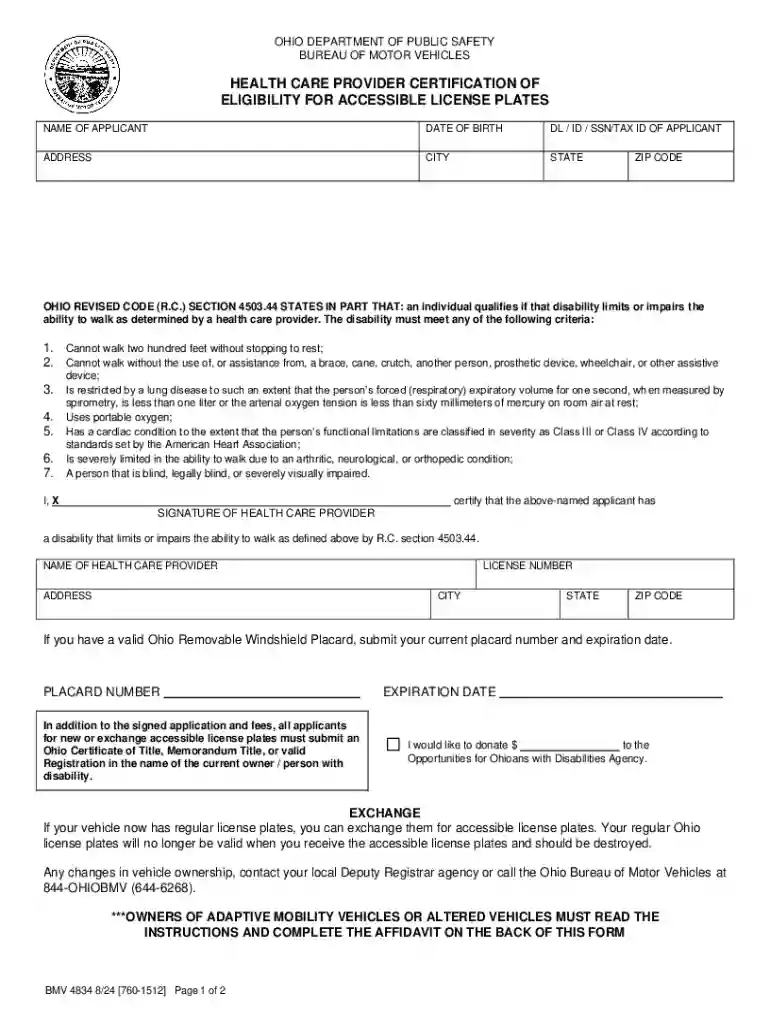
Type text, add images, blackout confidential details, add comments, highlights and more.

Draw your signature, type it, upload its image, or use your mobile device as a signature pad.

Send ohio bmv 4834 form via email, link, or fax. You can also download it, export it or print it out.
Online forms are digital documents designed to facilitate data collection and transaction processing through web interfaces. These forms can range from basic contact forms to complex applications for business services. The primary advantage of online forms is their ability to automatically validate data, ensuring that users submit accurate and complete information before the form is finalized. Businesses and organizations use online forms for a variety of purposes, such as customer registration, feedback collection, and order processing.
Completing an online form involves a series of straightforward tasks aimed at ensuring both speed and accuracy. Follow these steps for efficient form completion.
There are multiple reasons to use online forms, particularly due to their efficiency and convenience in processing information.
Online forms serve a broad audience, catering to both individuals and organizations. They are essential tools for fields requiring efficient information exchange and transaction processing.


Permission and data protection laws govern the use of online forms. It is crucial to adhere to legal standards to ensure compliance and avoid penalties.
An online form typically includes several components that ensure its functionality and user-friendliness.
Online forms find utility across diverse scenarios, illustrating their flexibility and adaptability to various functions.
Online forms are often integrated with various software systems to enhance functionality, improve user experience, and streamline data handling.
Non-compliance with regulatory standards governing online forms can lead to significant penalties, impacting both reputation and finances.
We've got more versions of the bmv 4834 form form. Select the right bmv 4834 form version from the list and start editing it straight away!
At DocHub, your data security is our priority. We follow HIPAA, SOC2, GDPR, and other standards, so you can work on your documents with confidence.
Application for Authorization to Register Electronic. The National Board of Boiler and Pressure Vessel Inspectors 1055 Crupper Avenue Columbus, OH 43229 Ph.614
Disability plates may be ordered through your local Deputy Registrar agency or through the BMV Mail Registration Program. please call the BMV at 1-800-589-TAGS


