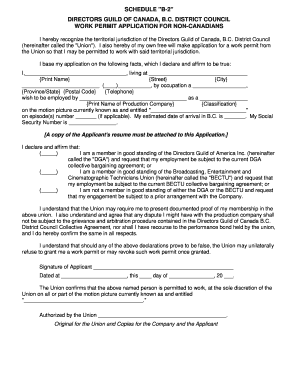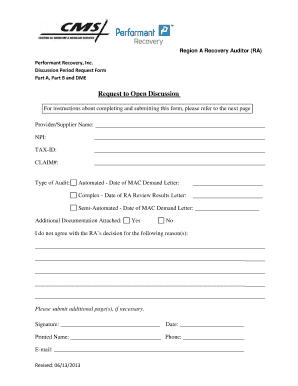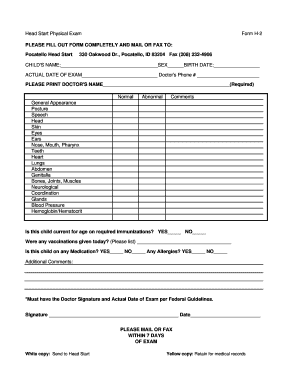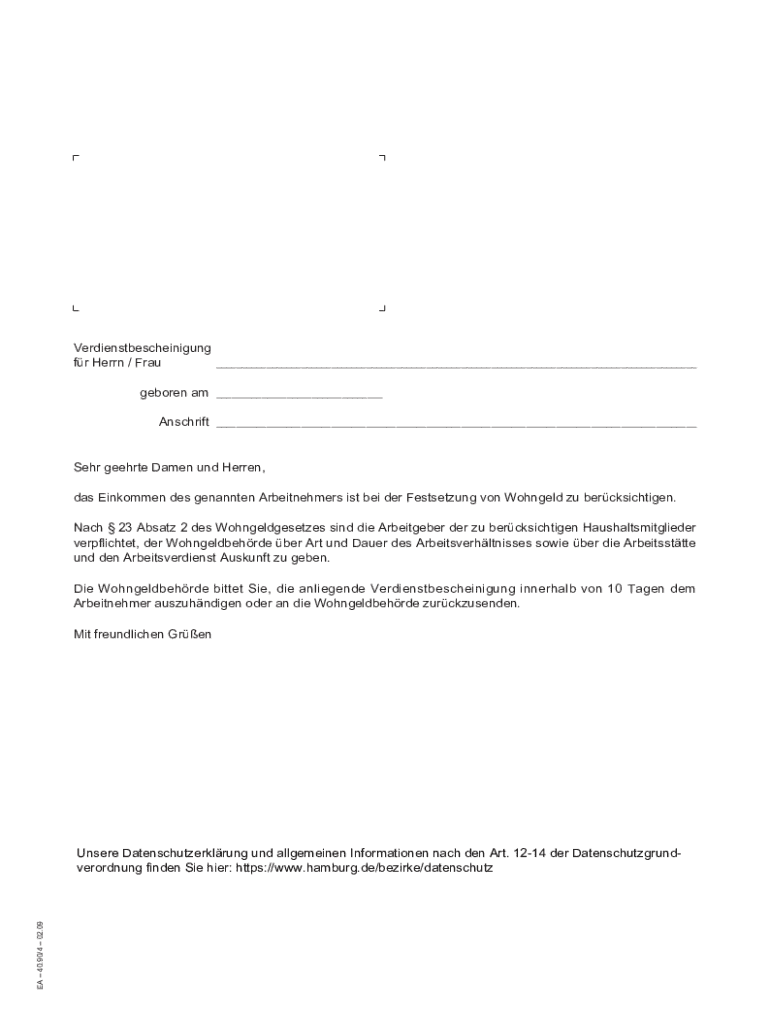







Definition & Meaning
Understanding the concept of completing a form online involves recognizing its digital nature and utility in various domains. A form online is essentially a web-based platform that allows users to input and submit data electronically via an internet connection, bypassing the need for physical paper documentation. This method is widely used across different sectors, such as government, finance, healthcare, and education, to streamline processes, reduce administrative burdens, and increase accessibility and efficiency. Key features of online forms include user-friendly interfaces, instant data validation, integration with databases, and secure data transmission. Online forms can range from simple contact forms to complex multi-step applications requiring detailed user input.
How to Use the Form Online
To use an online form effectively, first locate the form provided on an official website or platform like DocHub. Ensure that you are accessing the most updated version, as outdated forms could lead to processing delays or errors. Here's a step-by-step guide:
-
Access the Form: Navigate to the specific webpage hosting the form, ensuring you’re connected to the internet.
-
Fill in Details: Enter the required information in each field. Many online forms are designed with interactive elements that guide you through the process.
-
Validation: Most forms will automatically check for errors such as missing fields or incorrect formats, prompting you to make necessary corrections.
-
Review Your Information: Before submission, it's crucial to go over all data for accuracy to prevent potential issues.
-
Submit the Form: Once complete, click the ‘Submit’ button. Upon successful submission, a confirmation message or email is usually sent, confirming receipt by the form provider.
Steps to Complete the Form Online
Completing a form online involves several key steps, ensuring data accuracy and compliance with the intended requirements:
-
Gather Required Information: Have all necessary personal or financial documents ready to complete the form without interruption.
-
Create an Account (if necessary): Some platforms require account creation before form access. This often involves verifying your email and setting a password.
-
Enter Personal Data: Accurately input personal, financial, or other required details into each segment of the form.
-
Attach Supporting Documents: If required, upload documents such as identification, proof of income, or other relevant files in supported formats.
-
Agree to Terms: Review any legal disclaimers or terms of service and provide consent if satisfactory.
-
Submit for Review: After completing the above steps, submit the form following any on-screen instructions regarding the submission process.
Legal Use of the Form Online
Forms submitted online often have specific legal considerations ensuring proper use, security, and validity:
-
Digital Signatures: Many online forms include fields for digital signatures, which are legally binding under acts such as the ESIGN Act. It's important to use authorized electronic methods for signing documents.
-
Compliance with Privacy Laws: Any online form handling personal data must comply with relevant data protection regulations, such as GDPR or HIPAA, ensuring that individuals' privacy rights are protected.
-
Authentication and Security Protocols: Use forms from websites employing secure authentication methods, such as OAuth 2.0, and encryption technologies to protect data during submission.
Important Terms Related to Form Online
Several critical terminologies are associated with completing forms online, helping users better understand the process:
-
Encryption: The process of converting data into a secure format that is unreadable to unauthorized users, commonly used for data protection.
-
Interactive Fields: Form fields that respond to inputs, often providing immediate feedback or instructions to enhance user completion efficiency.
-
Digital Signature: A digital code generated and authenticated by public-key encryption used to verify the authenticity and integrity of a digital message or document.
-
Responsive Design: Ensures forms are easily readable and usable across different devices, including smartphones, tablets, and desktops.
Who Typically Uses the Form Online
Different groups utilize online forms for various purposes, ranging from individual to corporate and institutional users:
-
Individuals: Typically use forms for applications, registrations, feedback submissions, and more.
-
Businesses: Use forms for customer data collection, job applications, order processing, and compliance filings.
-
Government Agencies: Employ online forms for public service applications, tax filings, and census data collection.


Key Elements of the Form Online
Key elements contribute to the effective design and functionality of online forms:
-
User Interface (UI): A clean and intuitive design that facilitates ease of use, with clear instructions and logical layout.
-
Error Messages: Helpful prompts and explanations that guide users to correct input errors before submission.
-
Progress Indicators: Tools that display completion progress, particularly for lengthy forms, helping users manage their time and inputs effectively.
State-Specific Rules for the Form Online
While many forms have standardized elements, state-specific rules can influence certain online forms:
-
Tax Forms: Vary in stipulations and requirements based on state tax laws, often affecting the information requested and filing deadlines.
-
Healthcare Applications: Requirements for processing Medicaid or other state-run programs can differ, necessitating awareness of local conditions and mandates.
-
Business Licenses: Vary by state, affecting the forms required for licensing and permits and the information needed for compliance.