Type text, add images, blackout confidential details, add comments, highlights and more.
02. Sign it in a few clicks
Draw your signature, type it, upload its image, or use your mobile device as a signature pad.
03. Share your form with others
Send pad 8829 via email, link, or fax. You can also download it, export it or print it out.
How to use or fill out instructions for 8829 2017 with our platform
Ease of Setup
DocHub User Ratings on G2
Ease of Use
DocHub User Ratings on G2
Click ‘Get Form’ to open it in the editor.
Begin by entering your personal information at the top of the form, including your name and address.
In Part I, determine the area of your home used for business. Enter this information in lines 1 and 2, using square footage or another reasonable method.
Proceed to Part II where you will report your gross income from business activities related to your home on line 8.
For expenses, fill out lines 9 through 11 with applicable deductions such as mortgage interest and real estate taxes. Ensure you follow the specific instructions provided for each line.
If applicable, complete Part IV to carry over any unallowed expenses from previous years. This is crucial if you used a simplified method previously.
Start editing your Form 8829 today for free on our platform!
Fill out instructions for 8829 2017 online It's free
We've got more versions of the instructions for 8829 2017 form. Select the right instructions for 8829 2017 version from the list and start editing it straight away!
Printable instructions for 8829 2017Instructions for 8829 2017 pdf downloadInstructions for 8829 2017 pdfIrs form instructions for 8829 2017How to fill out instructions for 8829 2017Form 8829 instructionsForm 8829 instructions pdfForm 8829 PDF
Security and compliance
At DocHub, your data security is our priority. We follow HIPAA, SOC2, GDPR, and other standards, so you can work on your documents with confidence.
Form 8829 is used to write off expenses when you are using your home for business. You find the worksheet in the instructions to form 8829. Then you take theRead more
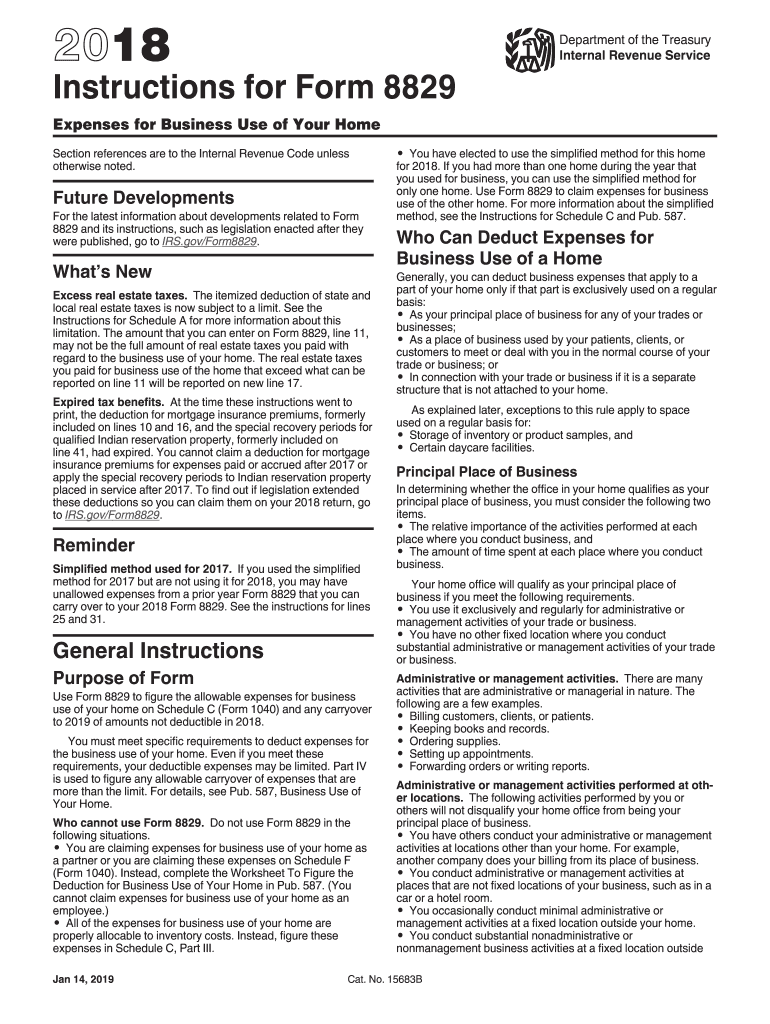
Feb 23, 2018 Use Form 8829 to figure the allowable expenses for business use of your home on Schedule C (Form 1040) and any carryover to 2018 of amounts notRead more
4R70E, 4R70W, 4R75E, 4R75W Remanufactured Valve Body
Sonnax 01-later 4R70E, 4R70W, 4R75E, 4R75W remanufactured valve bodies have three accumulator plates on the valve body. A 2-3 accumulator support plate isRead more
Cookie consent notice
This site uses cookies to enhance site navigation and personalize your experience.
By using this site you agree to our use of cookies as described in our Privacy Notice.
You can modify your selections by visiting our Cookie and Advertising Notice.