




01. Edit your form online
Type text, add images, blackout confidential details, add comments, highlights and more.

Type text, add images, blackout confidential details, add comments, highlights and more.

Draw your signature, type it, upload its image, or use your mobile device as a signature pad.

Send it via email, link, or fax. You can also download it, export it or print it out.
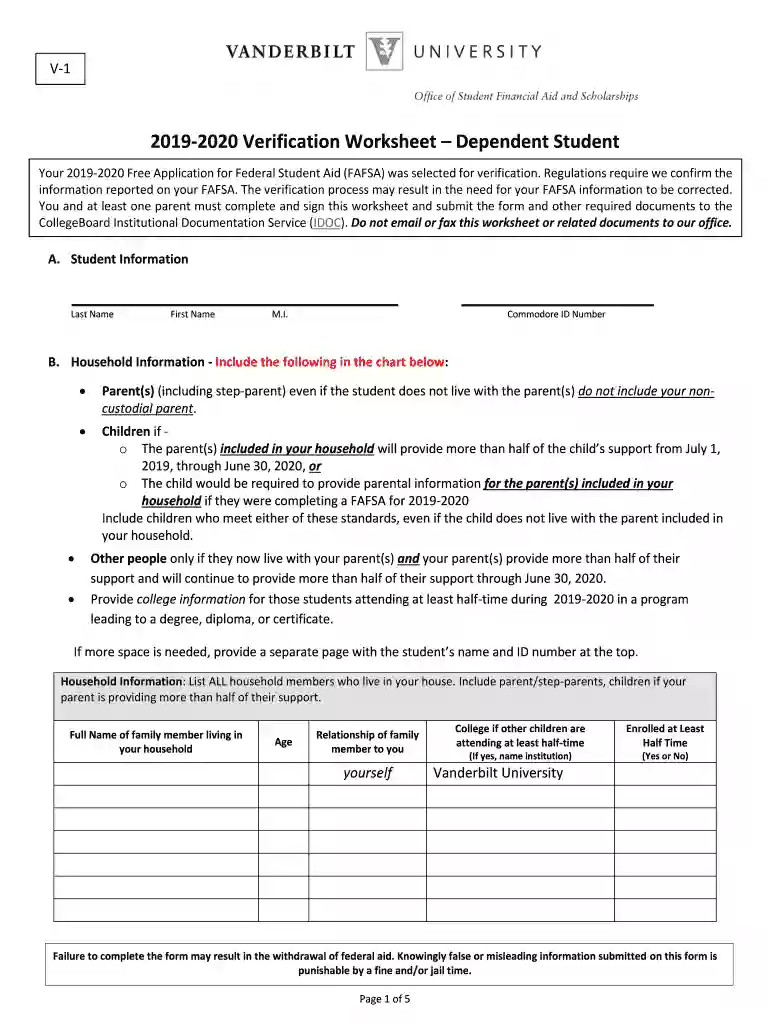
The "2 Application and Verification Guide Chapter 4: Verification" is a critical resource designed to help students and their families verify financial information for the Free Application for Federal Student Aid (FAFSA). This guide ensures that all data submitted is accurate, facilitating the appropriate allocation of federal student aid. Verification primarily aims to confirm the correctness of financial information and household data provided by applicants, which is essential for determining eligibility for student financial aid.
To effectively use the verification guide, students and parents should systematically review each section of Chapter 4, focusing on the detailed instructions for completing the verification process. The guide outlines necessary steps that involve checking income details, family size, number of family members in college, and additional data elements that financial aid offices may need. It is essential for users to pay close attention to any instructions about FAFSA submission to ensure successful verification.
Verification involves several key steps, beginning with the FAFSA application itself. Once selected for verification, students must:
These steps ensure compliance and enhance the likelihood of receiving federal financial assistance.
This guide is primarily used by students applying for federal financial aid and their parents. It is essential for those selected for verification by the U.S. Department of Education or their educational institution. Additionally, financial aid administrators rely on this guide to ensure they are following federal requirements when verifying student information.
Students and parents must provide several key documents for the verification process, including:
These documents help in confirming the accuracy of the information submitted on the FAFSA.
Students and parents can submit verification documents through multiple channels. Institutions may accept:
The options available may vary by institution, and it is important to follow the preferred method advised by the school's financial aid office.
Eligibility for federal student aid through the FAFSA involves fulfilling several criteria, which the verification process helps confirm:
Meeting these criteria helps students secure the financial aid needed to support their education.


Failure to complete the verification process can severely impact a student's financial aid eligibility. Potential penalties include:
It is crucial for students and parents to adhere to all verification requirements and deadlines to avoid these consequences.
We've got more versions of the 2018-2019 Application and Verification Guide Chapter 4: Verification form. Select the right 2018-2019 Application and Verification Guide Chapter 4: Verification version from the list and start editing it straight away!
At DocHub, your data security is our priority. We follow HIPAA, SOC2, GDPR, and other standards, so you can work on your documents with confidence.
See below for examples provided in the 2018-2019 Application and. Verification Guide (AVG):. Using a joint return to figure individual AGI and taxes paid; if
Oct 5, 2018 To provide protections for certain sports medicine professionals, to reauthorize Fed- eral aviation programs, to improve aircraft safetyRead more
Chapter 4: Verification, Updates, and Corrections 32 pages. Student Eligibility Posted Date: May 14, 2018. Chapter 4 42 pages


