




01. Edit your form online
Type text, add images, blackout confidential details, add comments, highlights and more.

Type text, add images, blackout confidential details, add comments, highlights and more.

Draw your signature, type it, upload its image, or use your mobile device as a signature pad.

Send it via email, link, or fax. You can also download it, export it or print it out.
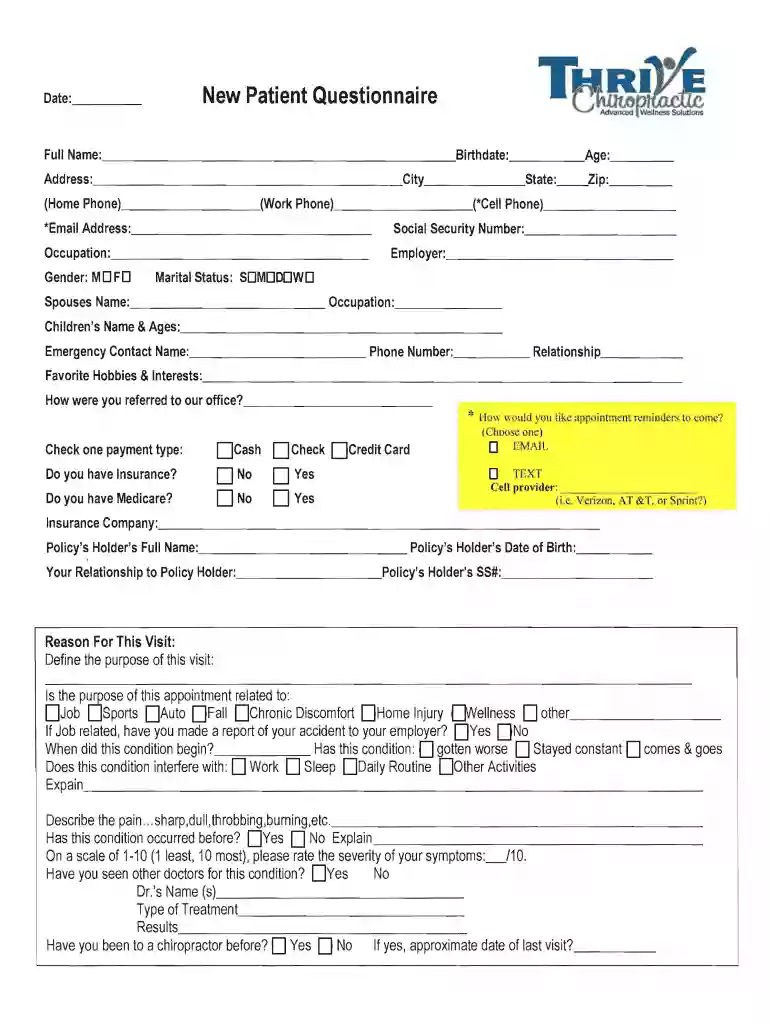
"Primary Care Tools for Clinicians: A Compendium of Forms" is an extensive collection designed to assist healthcare professionals, especially in primary care settings, by providing a systematic approach to gathering patient information. These forms cover various aspects of patient care, including initial assessments, health history, and ongoing treatment documentation. Their primary purpose is to streamline the documentation process, enhance the accuracy of recorded information, and facilitate compliance with healthcare regulations.
Effective use of the compendium involves integrating it into the clinical workflow to ensure completeness and accuracy in patient records. Clinicians can follow a step-by-step approach to make the best use of these forms.
Completing these forms systematically ensures no crucial details are missed, contributing to better patient outcomes and streamlined clinic operations.
Understanding the core components of each form is essential for their effective use.
These forms are primarily used by clinicians in the primary care setting, but can also be utilized by other healthcare professionals who require comprehensive patient data management.


Clinicians need to ensure the legal use of these forms to comply with healthcare regulations.
DocHub offers a digital platform that can be adapted for using these forms within practice, ensuring compatibility with different file types and integration with common practice management software.
Real-world scenarios highlight the utility of these forms in enhancing patient care.
This extensive guide on the "Primary Care Tools for Clinicians: A Compendium of Forms" provides a comprehensive understanding necessary for clinicians and healthcare providers to efficiently manage patient records while ensuring compliance and continuity of care.
We've got more versions of the Primary Care Tools for Clinicians: A Compendium of Forms, form. Select the right Primary Care Tools for Clinicians: A Compendium of Forms, version from the list and start editing it straight away!
At DocHub, your data security is our priority. We follow HIPAA, SOC2, GDPR, and other standards, so you can work on your documents with confidence.
Enter the total number of inpatient admissions, including newborns, for your hospital during the last full calendar year. Is your hospital a teaching hospital
Primary care tools for clinicians : a compendium of forms, questionnaires, and rating scales for everyday practice / Lorraine Loretz.--. Editorial: St. Louis


