
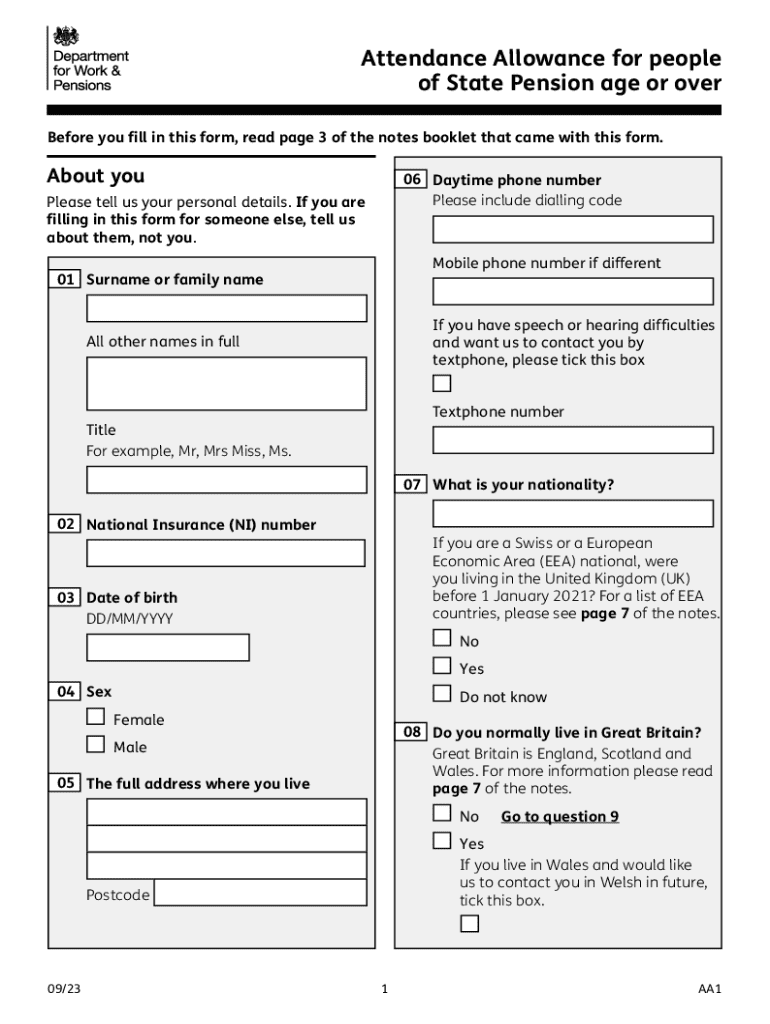







Definition and Meaning
The term "form online" refers to any document or application that can be accessed, completed, and submitted over the internet. Online forms are used across various sectors, such as finance, education, healthcare, and government. They offer a convenient way to gather information and streamline the submission process by eliminating the need for physical paperwork. By moving forms online, organizations can improve efficiency, reduce costs, and enhance user convenience.
Online forms can include features such as fillable fields and interactive elements that guide users through the data entry process. They often incorporate validation rules to ensure that all required information is collected accurately. This digital format is particularly beneficial in situations where quick processing is necessary, as it facilitates real-time transmission and reduces the risk of errors associated with manual data entry.
Steps to Complete the Form Online
-
Access the Form: Begin by navigating to the website where the form is hosted. This could be a government portal, business website, or a cloud-based service like DocHub.
-
Fill in the Required Information: Carefully read each section of the form, inputting the required data into the appropriate fields. Use any guidance provided to ensure accuracy.
-
Validate Input Data: Verify the information entered for errors or omissions. Most online forms will highlight errors and prompt corrections, ensuring all fields meet the required criteria.
-
Attach Supporting Documents: If the form requests documents, these should be uploaded in the specified format (e.g., PDF, JPG). Use the attachment feature to include files directly from your device or cloud storage.
-
E-Signature if Required: Many forms require a signature to be valid. Use the electronic signature feature to sign the document. Platforms like DocHub provide multiple options to create your signature, such as drawing with a mouse or trackpad, typing with a font style, or uploading an image.
-
Final Review and Submission: Review the entire form to ensure completeness and accuracy. Once satisfied, submit the form via the online portal. Look for a confirmation message or email to ensure the submission was successful.
Who Typically Uses the Form Online
A wide range of individuals and entities make use of online forms. Common users include:
-
Individuals: For personal matters, such as applying for government benefits, enrolling in educational courses, or signing up for services.
-
Businesses: Companies of all sizes use online forms for various operational needs, including client onboarding, employee assessments, and customer feedback.
-
Government Agencies: To facilitate the submission of taxes, permits, and licenses efficiently and accurately.
-
Non-Profit Organizations: For managing donations, volunteer registrations, and event sign-ups efficiently.
Regardless of the user type, the online form format offers a streamlined, accessible way to complete necessary documentation quickly and reliably.


Key Elements of the Form Online
Online forms are structured to facilitate intuitive data collection. Key elements typically include:
-
Fillable Fields: Simple text boxes for names, addresses, and numeric entries ensure ease of input.
-
Formulas and Calculations: In complex forms, such as financial documents, pre-set formulas may automatically calculate totals based on input data.
-
Dropdown Menus: These offer predefined options to ensure consistency and save time during data entry.
-
Checkboxes and Radio Buttons: Allow for easy selection between multiple options, often used in surveys or applications.
-
Date Selection: A date-picker tool helps users accurately input dates without formatting errors.
These elements collectively make the digital form user-friendly, reducing the time needed to complete the document and minimizing errors.
Legal Use of the Form Online
Online forms enjoy the same legal standing as their paper counterparts, provided they comply with regulations such as the ESIGN Act in the United States. This act ensures that electronic signatures and documents are valid if the parties involved consent to using electronic methods.
Legal use of online forms includes agreements, contracts, and applications where an e-signature is required to render the document legally binding. Compliance with security protocols, like encryption, further solidifies their authority by protecting the integrity and confidentiality of the data collected.
Examples of Using the Form Online
There are numerous scenarios where online forms prove indispensable:
-
Tax Filing: Platforms like TurboTax provide digital tax forms with guided instructions, assisting taxpayers in submitting returns accurately without the need for physical documents.
-
Insurance Claims: Policyholders can submit claims via online forms, attaching required documentation and receiving updates on the claim status.
-
University Applications: Prospective students complete application forms, paying fees and uploading academic transcripts digitally, streamlining administrative processes.
These examples illustrate how online forms are utilized across various domains, proving their versatility and efficiency.
Software Compatibility
Online forms are designed to be compatible with various software applications, enhancing their accessibility and functionality:
-
Integration with Office Suites: Many forms can be exported or integrated directly with software like Microsoft Office, ensuring ease of use for those familiar with these tools.
-
Cloud Storage Services: Platforms such as Google Drive, Dropbox, and OneDrive allow users to manage their forms in the cloud, ensuring access from any device with internet connectivity.
-
Accounting Software: For business-related forms, compatibility with software like QuickBooks ensures seamless data transfer for financial management.
This compatibility makes online forms a versatile tool for both personal and professional use, allowing users to leverage existing technology infrastructure.
Required Documents
Completing forms online often necessitates the submission of supplementary documents. These may include:
-
Identification Proof: Scanned copies of IDs like driver's licenses or passports to verify the applicant's identity.
-
Financial Statements: Bank records, pay stubs, or tax returns for applications that require proof of income or financial standing.
-
Professional Certifications: Copies of licenses or certifications for job applications or professional registrations.
Ensuring you have all required documents ready before starting an online form can expedite the process and prevent submission delays.
The thorough exploration of these elements provides a comprehensive view of the utilities and nuances associated with using and completing forms online.




