
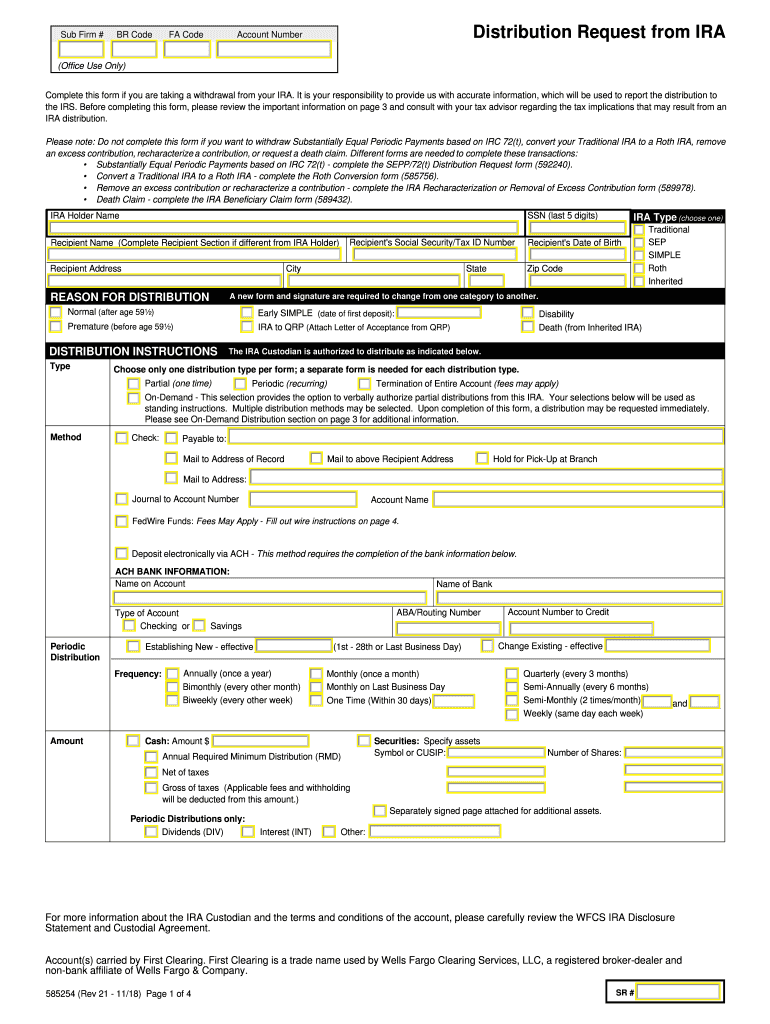







Definition and Meaning
The editable simple check request form is an essential tool for businesses and individuals to request payment via a check. Designed for straightforward use, it allows users to fill out necessary payment details, print the completed form, and submit it for processing. This form simplifies the payment request process by providing a clear structure for recording payee information, amounts requested, and approval signatures. It serves as an official record of the request and ensures uniformity in check request submissions.
How to Use the Editable Simple Check Request Form
To effectively use the editable simple check request form, follow these steps:
-
Access the Form: Begin by locating the editable PDF version from your document management system. It may also be sourced directly from a financial institution or internal company resources.
-
Fill Out Basic Information: Enter the date of the request, the payee's full name, address, and any relevant account numbers. Accuracy here is critical to ensure the payment is directed correctly.
-
Specify Payment Details: Input the amount requested in both numerical and written form. Include any relevant descriptions or accounts to be charged for clarity.
-
Approval Section: Ensure that the form is signed by all authorized personnel. This step is necessary to validate the request and comply with organizational protocols.
-
Print and Submit: Once complete, print the form to maintain a physical copy and submit it to the designated financial officer or department for further processing.
Steps to Complete the Editable Simple Check Request Form
Completing the editable simple check request form requires careful attention to detail:
-
Document Preparation: Gather all necessary information including invoices or supporting documents that justify the payment request.
-
Input Data: Enter information into the relevant fields using a PDF editor. This often includes choosing options from dropdown menus or checking boxes corresponding to pre-defined categories.
-
Verification: Cross-check all entered details against the original documents to ensure there are no errors. Mistakes in this phase could delay processing or result in incorrect payments.
-
Approval: Facilitate a smooth approval process by identifying and involving all persons or departments who need to review and authorize the form.
-
Record Keeping: After submission, retain a copy of the completed form and any related documentation in a secure, organized manner for future reference.
Key Elements of the Editable Simple Check Request Form
Understanding the key components of the form increases ease of use:
-
Requestor Details: Includes information about the individual making the request, often requiring an employee ID or department code.
-
Payee Information: Comprises the name, address, and contact details of the individual or entity receiving the payment.
-
Payment Amount: Clearly states both the numerical and written formats of the requested payment amount to prevent discrepancies.
-
Purpose of Payment: Describes the reason for the payment request, whether it be reimbursement, vendor payment, or another purpose.
-
Approval Signature Line: Provides space for authorized personnel to sign, evidencing their agreement with the information and approval for processing.
Legal Use of the Editable Simple Check Request Form
The editable simple check request form complies with standard financial regulations and internal control protocols:
-
Authorization Requirement: Legally, the check request must be signed by authorized personnel to proceed, verifying its authenticity and accuracy.
-
Audit Trail: Maintains a clear record for auditing purposes, outlining who requested, approved, and processed the payment.
-
Compliance: Ensures payments are released in adherence to company policies and relevant legal standards, reducing risk of fraud or financial discrepancies.
Who Typically Uses the Editable Simple Check Request Form
This form is utilized by various individuals and entities within a business environment:
-
Employees and Managers: Frequently submitted by workers seeking reimbursement for out-of-pocket expenses or travel-related costs.
-
Accounts Payable Departments: They regularly process check requests for vendor and supplier payments.
-
Freelancers and Consultants: Independent contractors may use the form to formalize payment demands from contracting companies or clients.


Examples of Using the Editable Simple Check Request Form
Real-world scenarios highlight the versatility of the form:
-
Vendor Payment: A company orders supplies from a vendor and submits a check request form to the accounting department to process payment once the shipment is received.
-
Expense Reimbursement: An employee requires a refund for work-related travel expenses. After approval from a manager, they submit the form along with relevant receipts.
-
Intercompany Charges: Subsidiary held events resulting in charges to another division, requiring the submission of a check request form to allocate funds correctly between accounts.
Form Submission Methods (Online/Mail/In-Person)
Flexible submission methods cater to different organizational needs:
-
Online Submission: Many organizations incorporate digital submission, directly uploading signed forms into their financial management systems for faster processing.
-
Mail: Traditional mail remains an option for smaller companies or where digital infrastructure is minimal.
-
In-Person Delivery: Direct submission to an accountant or financial officer ensures immediate handling, suitable for urgent check requests or where physical approval is mandatory.




