




01. Edit your isp 1300 online
Type text, add images, blackout confidential details, add comments, highlights and more.

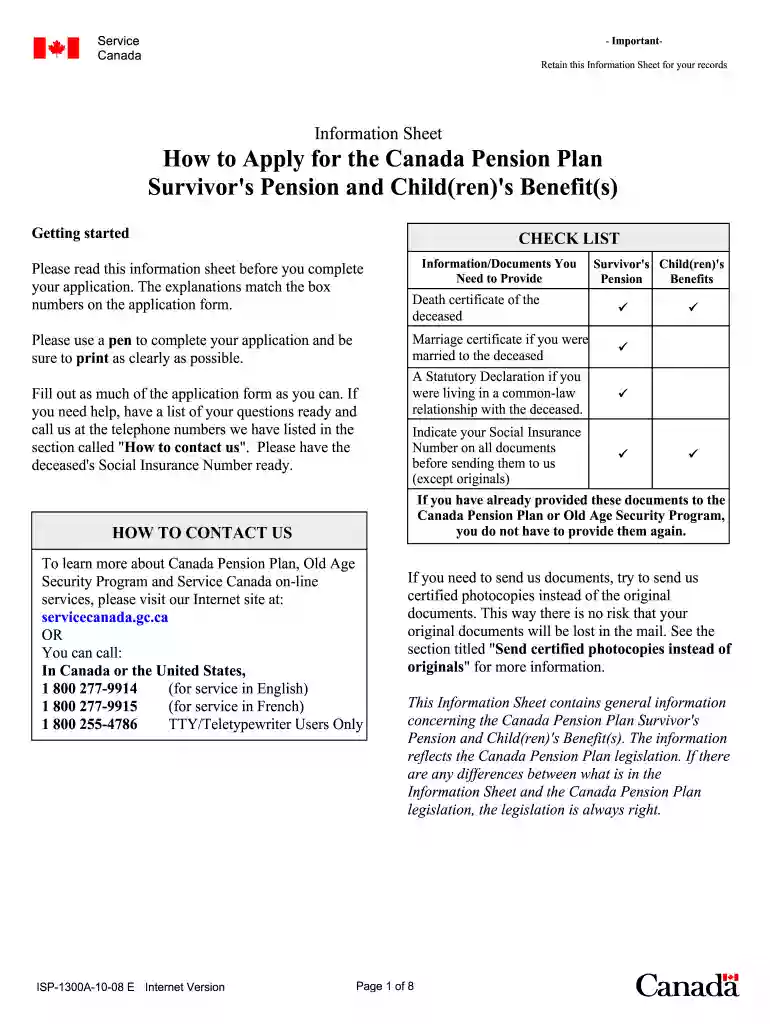
Type text, add images, blackout confidential details, add comments, highlights and more.

Draw your signature, type it, upload its image, or use your mobile device as a signature pad.

Send isp form via email, link, or fax. You can also download it, export it or print it out.

Start using our platform today to fill out your isp 1300 form conveniently and for free!
We've got more versions of the isp 1300 form. Select the right isp 1300 version from the list and start editing it straight away!
At DocHub, your data security is our priority. We follow HIPAA, SOC2, GDPR, and other standards, so you can work on your documents with confidence.
A Complete Description of the Subjects and Issues Involved: These proposed rules are statutorily required and necessary to implement Public Act 100-513.Read more
The International Student Sponsor Form can be downloaded from the ISP web site. Check the ISP website for the current minimum financial requirement. If yourRead more
May 29, 2023 This electronic users guide is intended for anyone who uses the Philips monitor. Take time to read this user manual before you use your.Read more


