



01. Edit your sc 1040 online
Type text, add images, blackout confidential details, add comments, highlights and more.

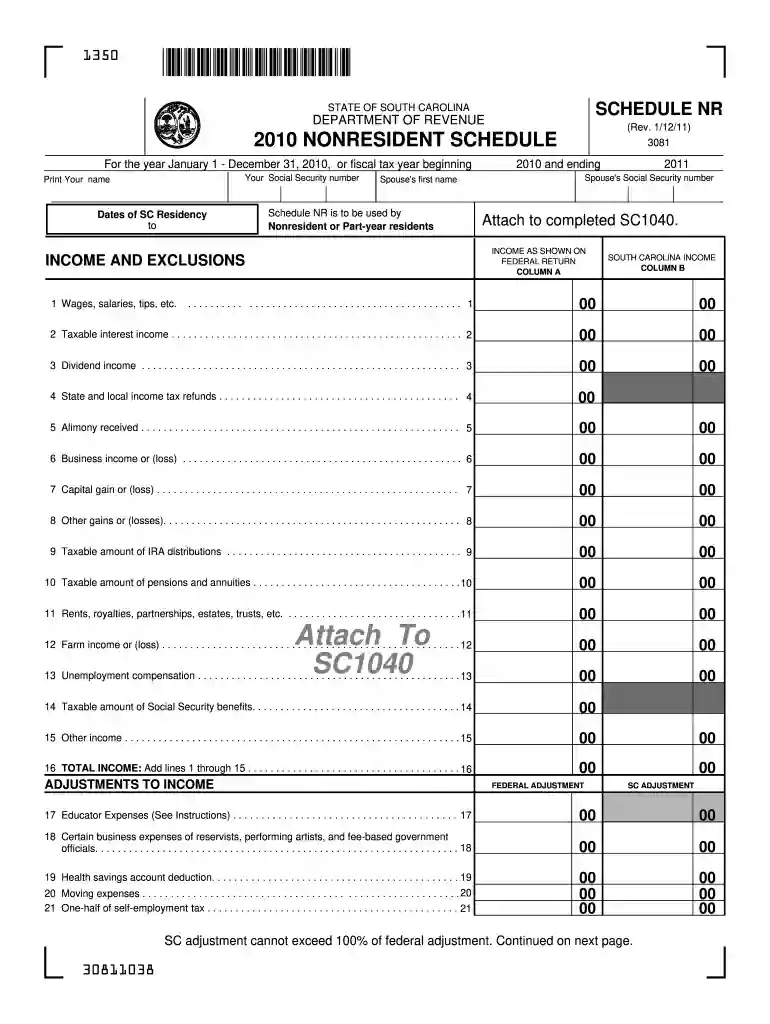
Type text, add images, blackout confidential details, add comments, highlights and more.

Draw your signature, type it, upload its image, or use your mobile device as a signature pad.

Send sc tax forms fillable via email, link, or fax. You can also download it, export it or print it out.

Start using our platform today to fill out your SC1040 form easily and for free!
We've got more versions of the sc 1040 form. Select the right sc 1040 version from the list and start editing it straight away!
| Versions | Form popularity | Fillable & printable |
|---|---|---|
| 2024 | 4.3 Satisfied (21 Votes) | |
| 2023 | 4.1 Satisfied (60 Votes) | |
| 2022 | 4.8 Satisfied (125 Votes) | |
| 2021 | 4.7 Satisfied (46 Votes) | |
| 2020 | 4.8 Satisfied (89 Votes) | |
| 2020 | 4.2 Satisfied (47 Votes) | |
| 2018 | 4.3 Satisfied (105 Votes) | |
| 2017 | 4.1 Satisfied (39 Votes) | |
| 2012 | 4.4 Satisfied (70 Votes) | |
| 2010 | 4 Satisfied (37 Votes) |
At DocHub, your data security is our priority. We follow HIPAA, SOC2, GDPR, and other standards, so you can work on your documents with confidence.
You will find this important safety information in a variety of forms, including: ○ Safety Labels - on the vehicle. ○ Safety Messages - preceded by a safetyRead more
To claim the credit, a Form SC 1040 must be filed. When preparing the South Carolina income tax return, Form I-319 Tuition Tax Credit must be completed.Read more
Dec 31, 2025 The due date for filing your 2025 Individual Income Tax return is April 15, 2026. Paying online is quick and easy! Pay any balance due usingRead more


