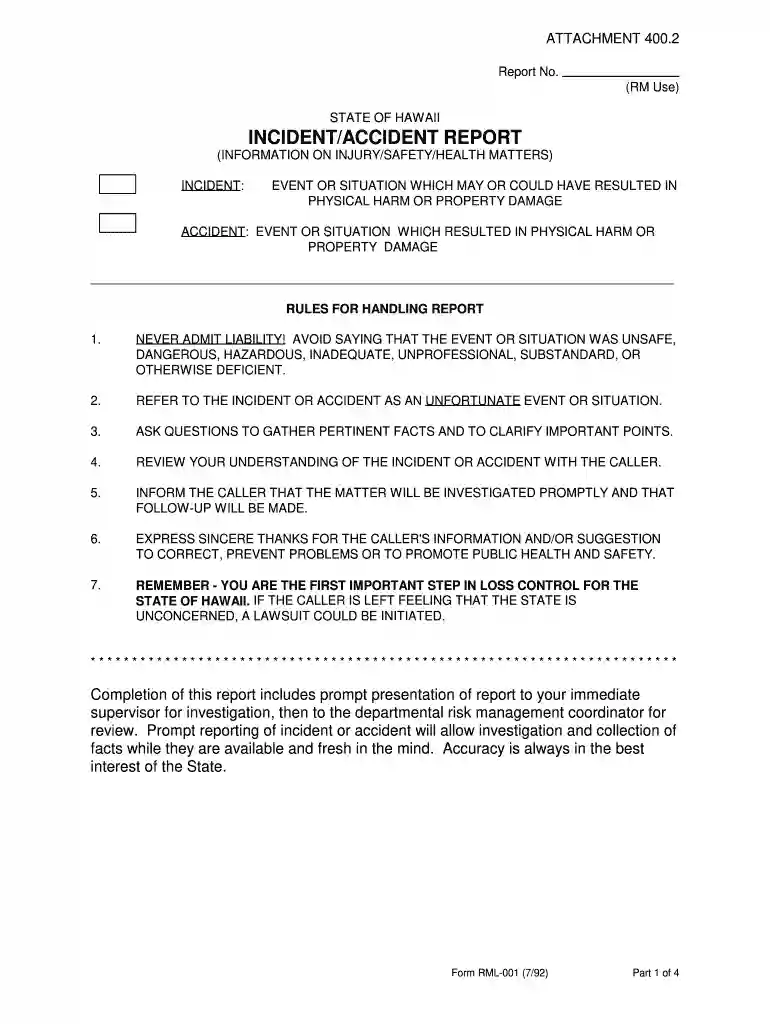
Doe incident report form 2026

Get Form
nyc doe incident report form Preview on Page 1

Here's how it works

01. Edit your nyc doe incident report form online
Type text, add images, blackout confidential details, add comments, highlights and more.

02. Sign it in a few clicks
Draw your signature, type it, upload its image, or use your mobile device as a signature pad.

03. Share your form with others
Send doe incident report form via email, link, or fax. You can also download it, export it or print it out.

How to use or fill out doe incident report form with our platform

Form edit decoration
9.5
Ease of Setup
DocHub User Ratings on G2
9.0
Ease of Use
DocHub User Ratings on G2
  1. Click ‘Get Form’ to open the doe incident report form in the editor.
  2. Begin by entering the 'Report No.' in the designated field. This is essential for tracking and reference.
  3. Fill in the 'Date of Incident' and 'Time of Incident' fields accurately, ensuring you specify a.m. or p.m.
  4. In the 'What Happened and How?' section, provide a detailed description of the incident, focusing on facts without admitting liability.
  5. Complete the 'Where Did It Happen?' field with specific location details to aid in investigation.
  6. List any witnesses along with their contact information in the appropriate section to support your report.
  7. Once all sections are filled, review your entries for accuracy before submitting it to your supervisor for further action.

Start using our platform today to streamline your incident reporting process for free!

See more doe incident report form versions

We've got more versions of the doe incident report form form. Select the right doe incident report form version from the list and start editing it straight away!
Versions Form popularity Fillable & printable
2016 4.8 Satisfied (130 Votes)
1992 4 Satisfied (59 Votes)
be ready to get more

Complete this form in 5 minutes or less

Get form

Got questions?

We have answers to the most popular questions from our customers. If you can't find an answer to your question, please contact us.
Contact us
What to Include in an Incident Report General information. Setting or environment. Affected people. Injuries and the severity. Witnesses. Administered treatment. Property and equipment damages. Events.
How to write a workplace incident report Gather essential information. Describe the incident. Include injuries and damages. Interview witnesses. Identify contributing factors. Review company policies and procedures. Attach supporting documents. Maintain objectivity.
The Health and Safety Executive specifies that the following must be reported: Deaths and injuries caused by workplace accidents. Occupational diseases. Carcinogens mutagens and biological agents.
A general staff incident report generally includes: Persons name and contact details. Incident Time, date, and site. Pertinent details about what happened. Kind of injury or damage. Name of witnesses. Safety measures taken Suggestions for prevention.
What are the five rules of incident report writing? Timeliness: Always report the incident as soon as possible. Accuracy: Make sure all information provided is accurate and detailed. Completeness: Be thorough and provide all important details. Confidentiality: Handle sensitive and personal information carefully.

Security and compliance

At DocHub, your data security is our priority. We follow HIPAA, SOC2, GDPR, and other standards, so you can work on your documents with confidence.

Learn more
ccpa2
pci-dss
gdpr-compliance
hipaa
soc-compliance
be ready to get more

Complete this form in 5 minutes or less

Get form

People also ask

Core Components of an Effective Incident Report Location, date and time: The where and when of any incident is a must. Be as specific as you can with location, and with date and time. Names of individuals involved: List all people involved in the incident.
2:02 20:25 And here incident type of incident by type of incidents. And this is the incident by the status. AndMoreAnd here incident type of incident by type of incidents. And this is the incident by the status. And here we have the incident by the month. You can just click on any of the slicer to filter the data.

nyc doe incident report