
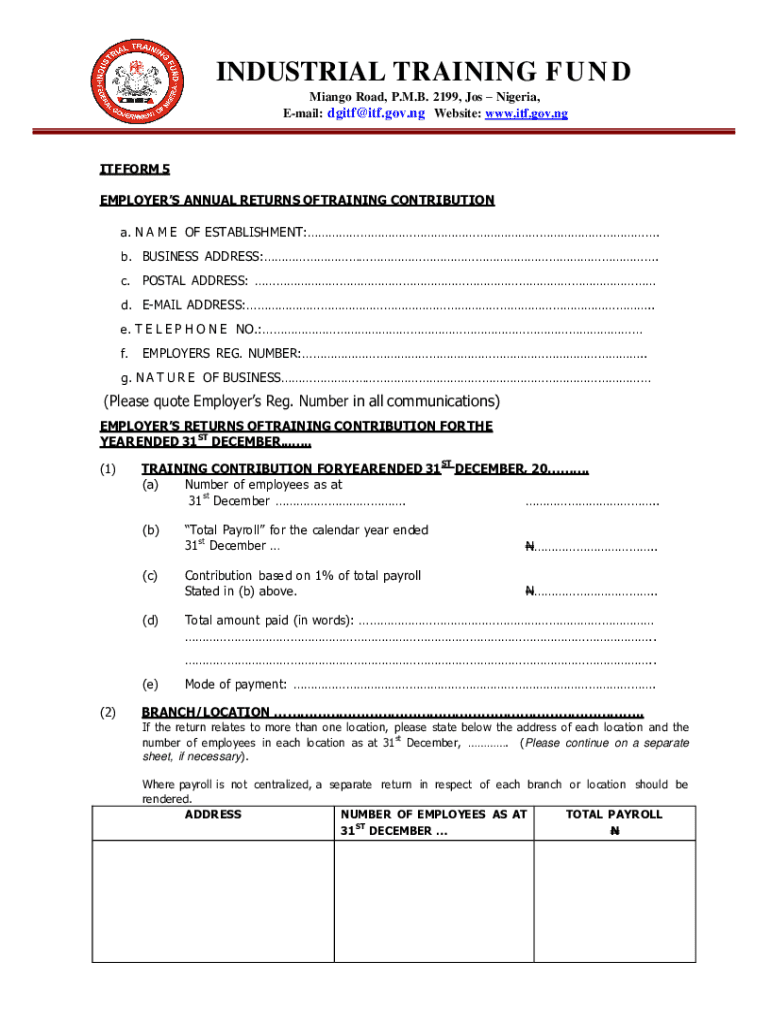







Definition & Meaning of Online Forms
Online forms are digital documents designed to collect user information via the internet. These forms can be used for various purposes, such as tax reporting, employment applications, surveys, and customer feedback. They enable users and organizations to streamline data collection efficiently without the necessity for physical paperwork. Typically, they include fields for users to enter data, which can be in the form of text, numbers, dropdown selections, or checkboxes.
Features of Online Forms
- User Input Fields: Text boxes, checkboxes, radio buttons, and dropdown menus.
- Submission and Confirmation: Users can submit their forms online and receive a confirmation message or email.
- Data Security: Information filled out online is often protected by security protocols, such as SSL encryption.
Utilization in Various Sectors
- Government and Taxation: Used extensively in income tax, FAFSA applications, and various government services.
- Business and Employment: Commonly utilized for job applications, client onboarding, and internal assessments.
- Education: Schools use online forms for admissions, registrations, and surveys.
How to Use the Form Online
Using an online form involves several straightforward steps. First, users need to access the form using a web browser. Depending on the intent of the form, users might need to sign in or create an account. It is crucial to read any instructions provided at the top or bottom of the form before proceeding.
- Access the Form: Navigate to the website hosting the online form.
- Read Instructions: Carefully review instructions to avoid errors.
- Provide Information: Fill in all required fields with accurate information.
- Review: Double-check information for accuracy and completeness.
- Submit: Click the submit button and ensure receipt confirmation appears.
Steps to Complete the Form Online
Completing an online form involves a systematic approach to ensure all fields are accurately filled. These steps vary slightly depending on the type of form, but the fundamental process remains similar.
Detailed Process
- Preparation: Gather all necessary information before starting, such as identification numbers or financial data.
- Initial Entry: Fill out the basic information including name and contact details.
- Detail Entry: Input specific details relevant to the form such as financial details, if applicable.
- Attachments: Upload any required documents, such as proofs of identification.
- Review and Edit: Carefully check your input and edit any mistakes before submission.
- Submission: Submit the form and keep a copy of the confirmation for your records.
Key Elements of the Online Form
Understanding the core components of an online form can enhance the user's ability to complete these forms effectively. An online form usually contains various fields and instructions specific to its purpose.
Components Include
- Header Section: Typically includes the form title and a brief description of its purpose.
- Input Fields: Fields for entering user information. These must be completed per the instructions.
- Validation Alerts: Immediate feedback for errors or omitted sections to ensure comprehensive completion.
- Submission Button: Once filled, clicking this will submit the form data to the designated recipient(s).
Legal Use of Online Forms
The legal use of online forms extends across numerous fields and complies with privacy laws such as GDPR for Europe and CCPA for California. These laws ensure that personal data entered into online forms is handled with care and confidentiality.
Compliance and Security
- Legal Assurance: Online forms should comply with relevant legal frameworks, providing users with confidence regarding data use.
- Security Measures: Encryption and secure authentication processes protect data from unauthorized access.
Documented Consent
- Record-Keeping: The digital signature or check of an agreement box indicates user consent to terms and conditions.
Required Documents for Online Forms
Depending on the nature of the online form, various documents may be required for completion. Having these documents ready will prevent disruptions during form completion.
Common Document Requirements
- Identification: Passports, driver's licenses, or other forms of ID.
- Financial Records: Bank statements or tax documents.
- Supporting Documents: Any necessary addendums or annexes pertinent to the form's purpose.
Form Submission Methods: Online, Mail, or In-Person
Submitting completed forms can be done via multiple channels, each with its advantages and scenarios where it is preferable.
Online Submission
- Efficiency: Immediate confirmation and processing make this method ideal for transactions requiring a prompt response.
- Access: 24/7 availability allows for submission at any convenient time.
Alternatives
- Mail: For users who may not have reliable access to the internet but will experience longer processing times.
- In-Person: Particularly useful for documents that require a certificated identification check or notarization.
Differences in Digital vs. Paper Versions
A clear understanding of the distinctions between digital and paper form versions helps in deciding the appropriate method for form completion.
Digital Forms
- Advantages: Instant transmission, lower cost, and eco-friendliness due to reduced paper use.
- Innovation: Capable of incorporating dynamic features such as auto-fill or real-time validation.
Paper Forms
- Considerations: Necessary for individuals without reliable internet access and preferred by entities that require tangible paper trails.
- Challenges: Slower processing times and greater potential for error, as manual data entry is often required.




