



Here's how it works



How to use or fill out Florida Clemency Application with DocHub

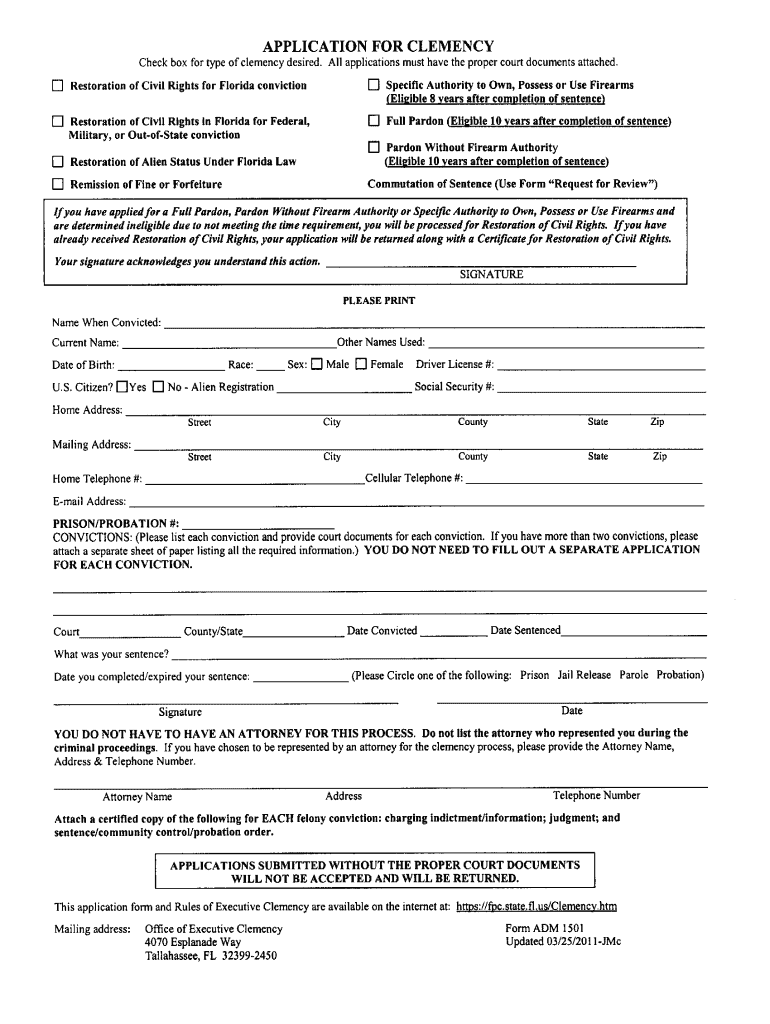
- Click ‘Get Form’ to open the Florida Clemency Application in our platform's editor.
- Begin by entering your personal information in the designated fields, including your full name, address, and contact details. Ensure accuracy as this information is crucial for processing your application.
- Next, navigate to the section regarding your criminal history. Provide detailed information about any convictions, including dates and nature of offenses. This section is vital for the clemency review process.
- In the subsequent section, articulate your reasons for seeking clemency. Be clear and concise; this is your opportunity to present your case effectively.
- Finally, review all entered information for completeness and accuracy. Utilize our platform’s editing tools to make any necessary adjustments before submitting.
Start using our platform today to fill out your Florida Clemency Application online for free!
It's free
See more florida clemency application versions
| Versions | Form popularity | Fillable & printable |
|---|---|---|
| 2011 | 4.9 Satisfied (491 Votes) |
Got questions?
How do I sign my florida clemency application without printing?
Electronic signatures are an excellent replacement for traditional signing, as they save time, effort, and money people spend on printing, scanning, and paper delivery. You can eSign your florida clemency application utilizing a reliable and powerful online document management services like DocHub. It complies with major eSignature policies (ESIGN and UETA), so all documents approved there are legally binding and have the same validity as manually signed ones.
Can I sign my clemency application florida while I edit it?
When you edit your clemency application florida with DocHub, you simply will not need to look for other software or solutions to eSign it. An electronic signature is a component of DocHub’s extensive editing toolset, which enables you to implement changes in your form without switching between platforms. Simply complete your form, double-check the correctness of the information and put your electronic signature at the end to make it submission-ready quickly.
Security and compliance
At DocHub, your data security is our priority. We follow HIPAA, SOC2, GDPR, and other standards, so you can work on your documents with confidence.
Learn more