




01. Edit your blank sign in sheet online
Type text, add images, blackout confidential details, add comments, highlights and more.

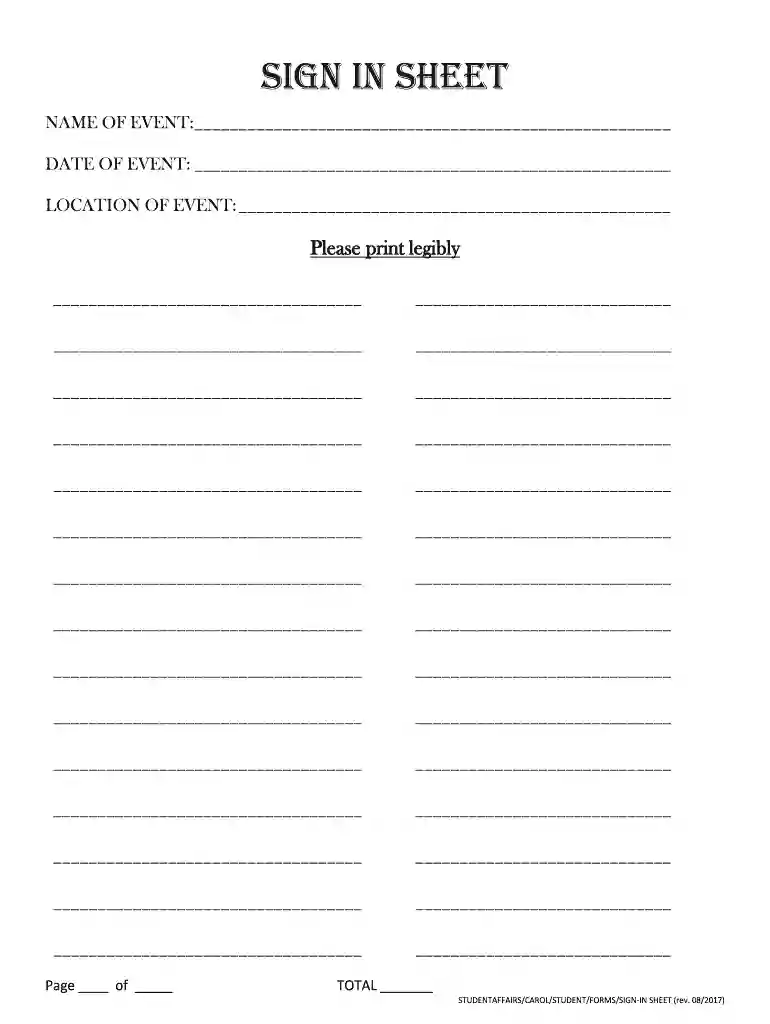
Type text, add images, blackout confidential details, add comments, highlights and more.

Draw your signature, type it, upload its image, or use your mobile device as a signature pad.

Send blank sign in sheet via email, link, or fax. You can also download it, export it or print it out.
A blank sign in sheet is a structured document used primarily for recording attendees' names, contact information, and the date of their participation in a given event, meeting, or function. This sheet assists in monitoring attendance, gathering data for follow-up communication, and ensuring compliance with venue requirements. The format typically includes columns for participant names, signatures, dates, and sometimes additional information like email addresses or phone numbers, making it a versatile tool suitable for various settings, such as conferences, workshops, and community events.
Completing a blank sign in sheet is a straightforward process that ensures accurate record-keeping. Here are the essential steps to follow:
Gather Necessary Information: Understand what details are needed on the sign in sheet. Commonly required fields include the participant's full name, signature, and the date of attendance.
Lay Out the Format: Ensure the sign in sheet has clear headings for each column. Typical headings include:
Distribute the Sheet: Place the sign in sheet at the entrance of the event or provide it through digital means if the event is virtual. It's essential to inform participants about its importance.
Instruct Participants: Encourage attendees to fill out each field completely. This instruction can be reinforced verbally or through signage.
Review the Completed Sheet: After the event, check the sheet for any missing information and follow up as necessary. This might include reaching out to participants for missing contact details.
By following these steps, you can ensure that the sign in sheet efficiently captures vital information for your records.
Various organizations and individuals utilize blank sign in sheets depending on their needs. Common users include:
Event Organizers: Individuals or teams coordinating meetings, workshops, or conferences will often use sign in sheets to track attendance and manage follow-ups.
Educational Institutions: Schools or universities may use sign in sheets for classes, workshops, or special events to monitor student participation.
Businesses: Companies may implement sign in sheets for employee attendance at training sessions, meetings, or onboarding processes.
Community Organizations: Non-profits and local groups may also use them during events to gather community interest and contact information for future activities.
Utilizing a blank sign in sheet ensures that these groups maintain organized records, facilitating better communication and engagement with participants.


A well-structured blank sign in sheet should include several key elements to ensure its effectiveness. These elements facilitate clear data collection and retrieval:
Participant Information: Spaces for names and signatures are fundamental, providing the primary data needed for record-keeping.
Date of Attendance: This is critical for tracking when individuals participated in events, assisting in follow-up communications.
Additional Contact Information: Optional fields for email addresses or phone numbers can enhance post-event engagement, enabling further correspondence and relationship building.
Event Details: Including the event name and location helps clarify the context of the attendance and can be important for future reference.
By incorporating these elements, a blank sign in sheet becomes a comprehensive tool for capturing vital information, enhancing both utility and organization.
The choice between a digital and paper version of a blank sign in sheet depends on various considerations, including the nature of the event and the preferences of the organizer. Each version has its advantages:
Choosing between these versions should align with the goals of the event and the demographics of the attendees, ensuring effective data collection and participant engagement.
We've got more versions of the blank sign in sheet form. Select the right blank sign in sheet version from the list and start editing it straight away!
| Versions | Form popularity | Fillable & printable |
|---|---|---|
| 2017 | 4.9 Satisfied (33 Votes) |
At DocHub, your data security is our priority. We follow HIPAA, SOC2, GDPR, and other standards, so you can work on your documents with confidence.
U.S. CUSTOMARY STANDARD SHEET. 645-01. (SHEET 1 OF 2). SIGN BLANK DETAILS. ISSUED UNDER EB 09-025. APPROVED OCTOBER 05, 2009. 13.0. 7.3. 5.2. 9.9. 5.6. 3.9.Read more
Page 1. Employee Training Sign-In Sheet. Topic: Date: Location: Instructor: Training Description: Attendees. Name. Signature. Location/Department.Read more


