
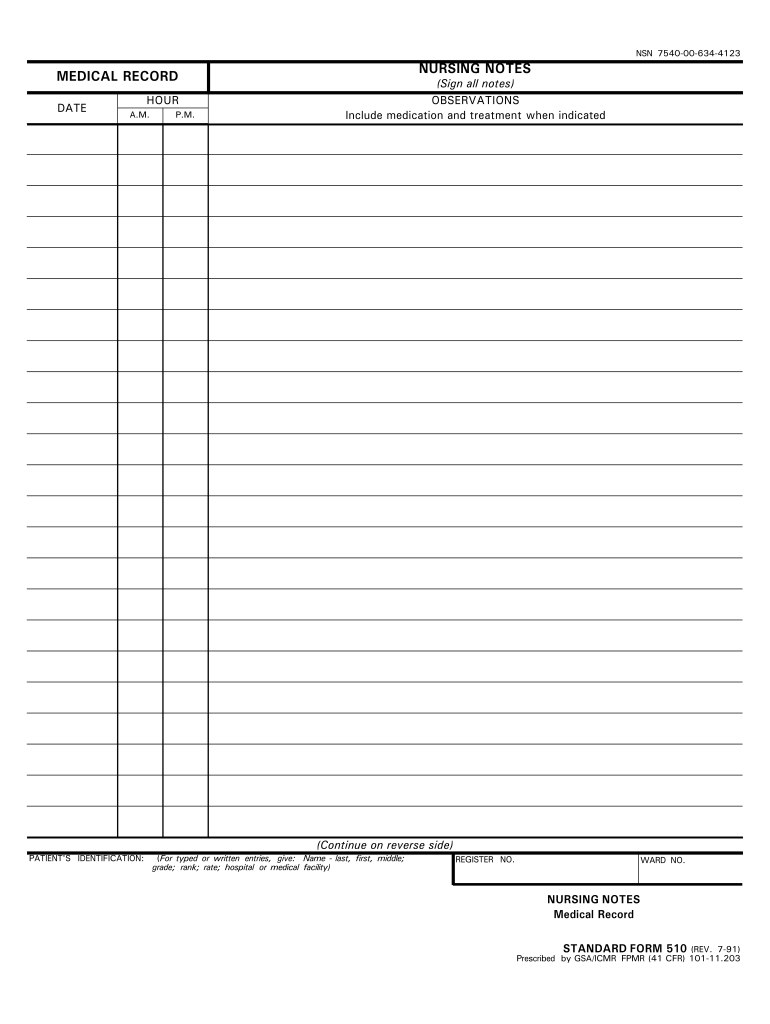




Here's how it works

01. Edit your nursing notes template online
Type text, add images, blackout confidential details, add comments, highlights and more.

02. Sign it in a few clicks
Draw your signature, type it, upload its image, or use your mobile device as a signature pad.

03. Share your form with others
Send nursing notes template free via email, link, or fax. You can also download it, export it or print it out.
How to use or fill out nursing notes template with our platform

- Click ‘Get Form’ to open the nursing notes template in the editor.
- Begin by filling in the patient’s information at the top of the form, including their name, date of birth, and medical record number. This ensures that all notes are accurately attributed.
- Next, navigate to the section for documenting vital signs. Enter details such as temperature, pulse, respiration rate, and blood pressure. Make sure to double-check these values for accuracy.
- In the assessment section, provide a brief overview of the patient's condition. Use clear and concise language to describe any changes or observations made during your shift.
- Finally, complete the plan of care section by outlining any interventions or follow-up actions required. This helps ensure continuity of care for future shifts.
Start using our platform today to streamline your nursing documentation process for free!
Fill out nursing notes template online
It's free
It's free
See more nursing notes template versions
We've got more versions of the nursing notes template form. Select the right nursing notes template version from the list and start editing it straight away!
Security and compliance
At DocHub, your data security is our priority. We follow HIPAA, SOC2, GDPR, and other standards, so you can work on your documents with confidence.
Learn more


Related forms

Form 53
The document is a legal form, FORM 53, under the Courts of Justice Act, which serves as an acknowledgment of an expert's ...
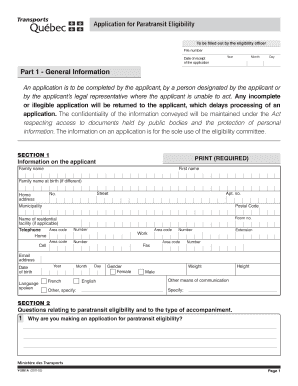
Application for paratransit service las vegas
The document is an application form for paratransit eligibility, designed to be completed by applicants or their represe ...

Paid timeoff
The document is a Paid Time Off (PTO) Benefit Request form for homecare workers, requiring personal information and deta ...
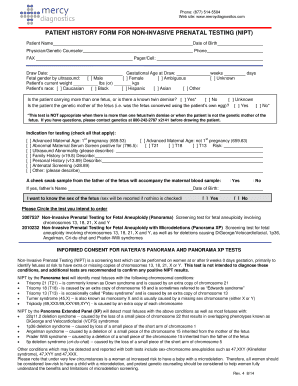
PATIENT HISTORY FORM FOR NON-INVASIVE PRENATAL TESTING (NIPT)
The document is a Patient History Form for Non-Invasive Prenatal Testing (NIPT) provided by Mercy Diagnostics. It collec ...
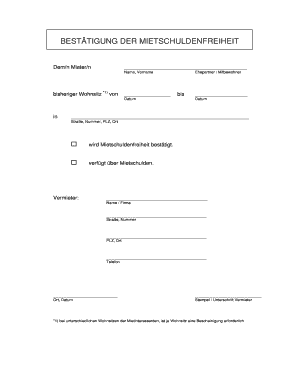
Mietschuldenfreiheit pdf
The document is a confirmation of rental debt freedom for a tenant, indicating whether the tenant has any outstanding re ...

Exhibitor Prospectus Card19
The document is an exhibitor prospectus for the Sixth Annual Clinical Advances in Heart Failure and Arrhythmias conferen ...