Custodial payroll system 2026

Get Form
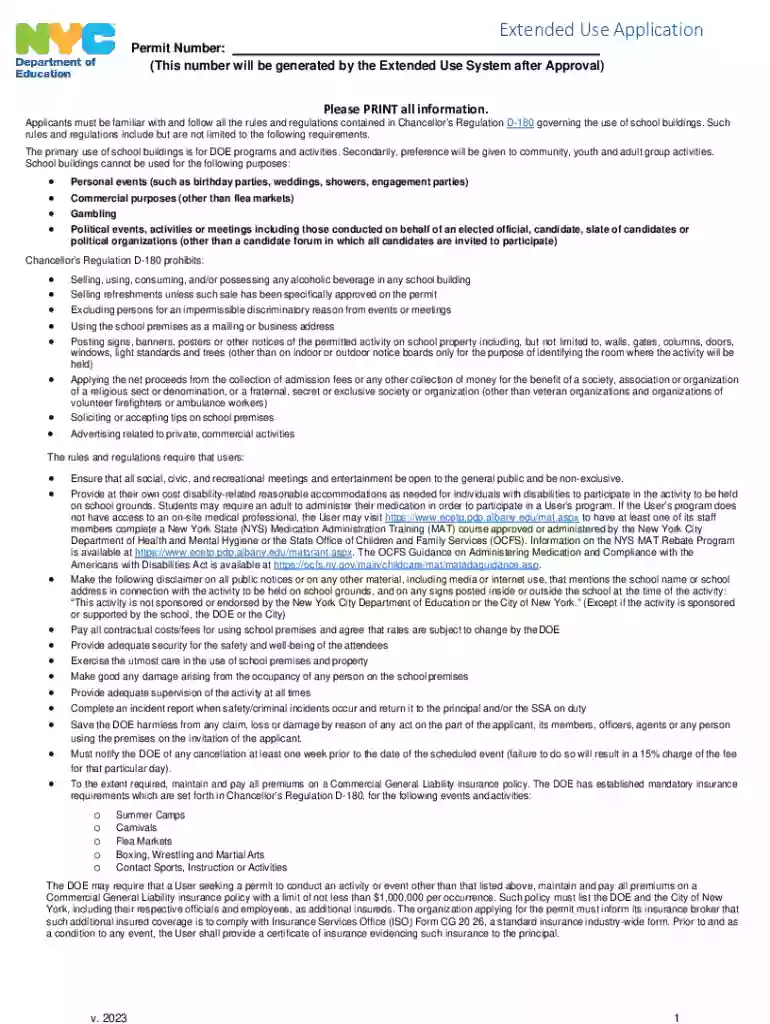
custodial payroll system Preview on Page 1

Here's how it works

01. Edit your custodial payroll system online
Type text, add images, blackout confidential details, add comments, highlights and more.

02. Sign it in a few clicks
Draw your signature, type it, upload its image, or use your mobile device as a signature pad.

03. Share your form with others
Send it via email, link, or fax. You can also download it, export it or print it out.

How to use or fill out custodial payroll system with our platform

Form edit decoration
9.5
Ease of Setup
DocHub User Ratings on G2
9.0
Ease of Use
DocHub User Ratings on G2
  1. Click ‘Get Form’ to open the custodial payroll system in the editor.
  2. Begin by filling out the 'Organization Information' section. Enter the name of your organization, address, email, and contact details for the authorized representative.
  3. Specify the 'Permit Period' by entering the start and end dates in mm/dd/yyyy format. Describe the activities you plan to conduct clearly.
  4. In the 'Permit Detail Information' section, check all applicable days of the week for your event and provide time slots for both start and end times.
  5. Complete the 'Space Usage' section by selecting spaces required (e.g., auditorium, gym) and indicating quantities needed. Review associated costs for each space.
  6. Finally, ensure you certify that all information is accurate and complies with Chancellor’s Regulation D-180 before signing and dating your application.

Start using our platform today to streamline your custodial payroll system process for free!

See more custodial payroll system versions

We've got more versions of the custodial payroll system form. Select the right custodial payroll system version from the list and start editing it straight away!
Versions Form popularity Fillable & printable
2023 4.3 Satisfied (38 Votes)
2012 4.9 Satisfied (460 Votes)
be ready to get more

Complete this form in 5 minutes or less

Get form

Got questions?

We have answers to the most popular questions from our customers. If you can't find an answer to your question, please contact us.
Contact us
As the name suggests, Payroll4Free offers genuinely free payroll software for small businesses with up to 10 employees, making it one of the few genuinely free options. Payroll4Free includes payroll processing, tax calculations, direct deposit, paid time off tracking, and printable tax forms.
10 Steps to Setting Up a Payroll System Obtain an Employer Identification Number (EIN) Check whether you need state/local IDs. Independent contractor or employee. Take care of employee paperwork. Decide on a pay period. Carefully document your employee compensation terms. Choosing a payroll system. Running payroll.
Dayforce is a full-suite people platform with payroll modules and other HR functionality that can be tailored to meet your operational needs.
That said, running payroll yourself is possible. And if youre a new startup or small business owner with 10 or fewer employees, its often more practical to process payroll manually before investing in a service or software solution.
The Kronos payroll system keeps all your payroll needs in one location. The system saves companies time and money by customizing the service to the individual company. You can create your own workflow that works best for your company.

Security and compliance

At DocHub, your data security is our priority. We follow HIPAA, SOC2, GDPR, and other standards, so you can work on your documents with confidence.

Learn more
ccpa2
pci-dss
gdpr-compliance
hipaa
soc-compliance

People also ask

Our Top Tested Picks Best Value. OnPay. Jump To Details. Best User Experience. Gusto. Best for Businesses That Plan to Grow. ADP RUN. Best for QuickBooks Users. Intuit QuickBooks Payroll. Best Low-Cost Payroll Service. Patriot Software Payroll. Best for Managing Hourly Workers. Homebase. Best for Square POS Users. Square Payroll.
How To Create A Payroll Software Gather Information For Payroll. The following are only a few examples of the data: Calculate Gross And Net Pay. Add Employer Payroll Taxes. Set Up A System For Entering Payroll. Record The Terms Of Payment. Create The Payroll Documentation. Cost. Payment Options.
With attention to detail and an accurate and reliable template, processing payroll in Excel can be great for small businesses just starting out. Learn how with our guide and free template.

Related links