Editable college lesson plan template 2026

Get Form
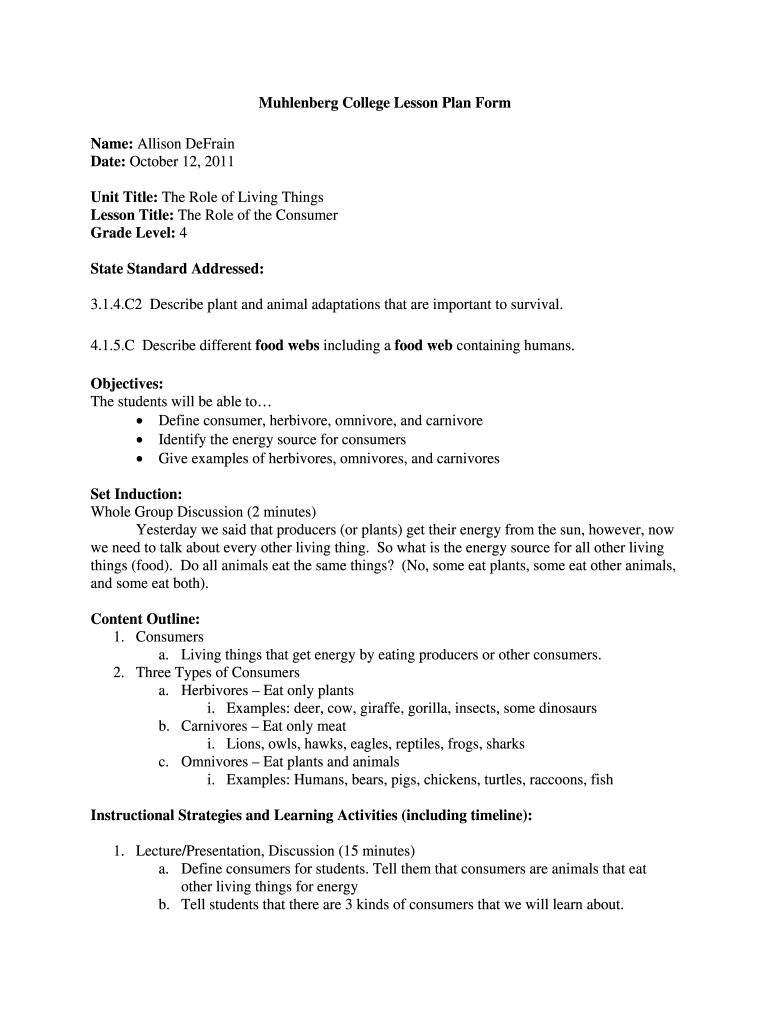
lesson plan format for college level Preview on Page 1

Here's how it works

01. Edit your lesson plan format for college level online
Type text, add images, blackout confidential details, add comments, highlights and more.
02. Sign it in a few clicks
Draw your signature, type it, upload its image, or use your mobile device as a signature pad.
03. Share your form with others
Send lesson plan example for college via email, link, or fax. You can also download it, export it or print it out.

How to use or fill out editable college lesson plan template

Form edit decoration
9.5
Ease of Setup
DocHub User Ratings on G2
9.0
Ease of Use
DocHub User Ratings on G2
  1. Click ‘Get Form’ to open the editable college lesson plan template in our platform.
  2. Begin by entering your name and the date at the top of the form. This personalizes your lesson plan and ensures proper documentation.
  3. Fill in the 'Unit Title' and 'Lesson Title' sections. Clearly define what you will be teaching, which helps in organizing your curriculum effectively.
  4. In the 'Grade Level' field, specify the appropriate grade for your lesson. This is crucial for aligning with educational standards.
  5. Address state standards by detailing how your lesson meets specific educational requirements. This section is vital for compliance and assessment.
  6. Outline your objectives clearly. Use bullet points to list what students will learn, ensuring clarity and focus on learning outcomes.
  7. Detail instructional strategies and activities, including timelines. This provides a structured approach to delivering your lesson effectively.
  8. Finally, review all sections for completeness before saving or sharing your document directly from our editor.

Start using our platform today to create engaging lesson plans effortlessly!

be ready to get more

Complete this form in 5 minutes or less

Get form

Got questions?

We have answers to the most popular questions from our customers. If you can't find an answer to your question, please contact us.
Contact us

Sure, a typed name is recognized as a valid electronic signature when you add it to your document utilizing a compliant solution like DocHub. Simply add your lesson plan example for college pdf to our editor, click Sign in the top tool pane → Create your signature → Type your name in the appropriate tab, and select how it will look on your document.

You can find the latest and most relevant version of the college lesson plan template word in our DocHub forms library. Search it by categories or utilize the search field to get the exact template that fits your case. You may open this form for editing after you find it.

Security and compliance

At DocHub, your data security is our priority. We follow HIPAA, SOC2, GDPR, and other standards, so you can work on your documents with confidence.

Learn more
ccpa2
pci-dss
gdpr-compliance
hipaa
soc-compliance
be ready to get more

Complete this form in 5 minutes or less

Get form