Type text, add images, blackout confidential details, add comments, highlights and more.
02. Sign it in a few clicks
Draw your signature, type it, upload its image, or use your mobile device as a signature pad.
03. Share your form with others
Send it via email, link, or fax. You can also download it, export it or print it out.
How to use or fill out October Broker News from Health Net of California with our platform
Ease of Setup
DocHub User Ratings on G2
Ease of Use
DocHub User Ratings on G2
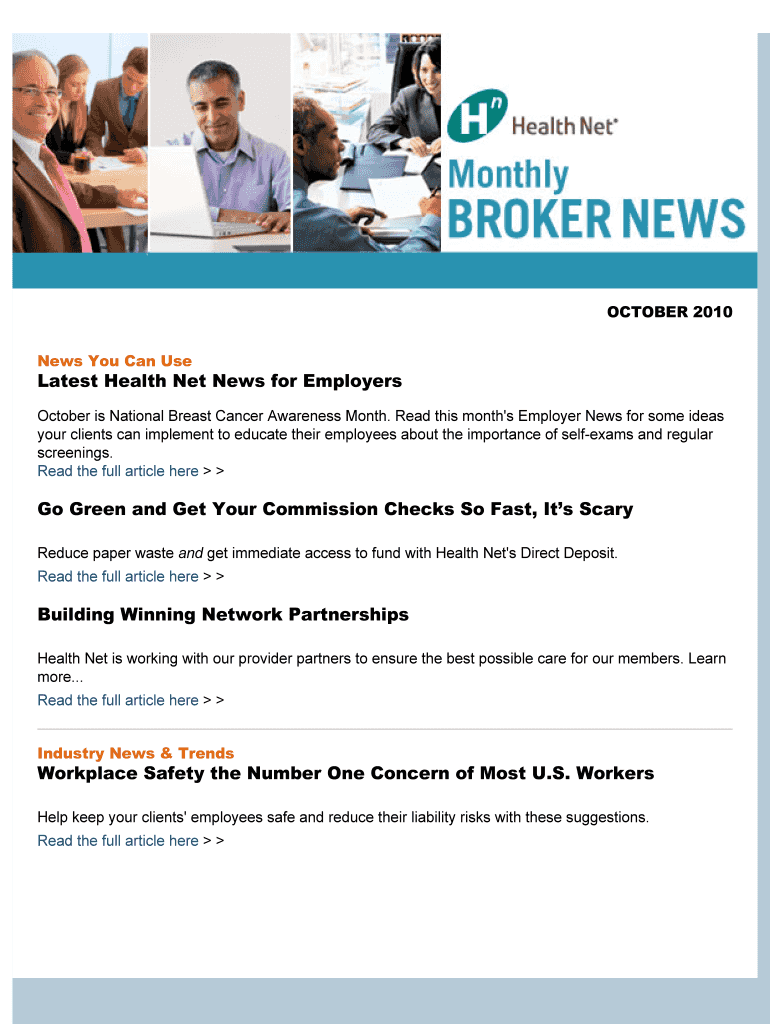
Click ‘Get Form’ to open the October Broker News document in the editor.
Review the 'Latest Health Net News for Employers' section. This provides essential updates, including information on National Breast Cancer Awareness Month and tips for client engagement.
Navigate to the 'Go Green and Get Your Commission Checks So Fast, It’s Scary' section. Here, you can find details about signing up for Direct Deposit. Click on the provided link to access the Electronic Funds Transfer Form.
Fill out the EFT form as instructed. Ensure all required fields are completed accurately to avoid delays.
Submit your completed form by mailing or faxing it to the specified Health Net address or fax number provided in the document.
Explore additional sections like 'Building Winning Network Partnerships' and 'Industry News & Trends' for more insights that may benefit your clients.
Start using our platform today to streamline your document editing and enhance your workflow!
Fill out October Broker News from Health Net of California online It's free
Jul 30, 2025 Consumers and health insurance agents filed a class action complaint alleging that certain fraudulent and misleading practices by insurance call centers
Cookie consent notice
This site uses cookies to enhance site navigation and personalize your experience.
By using this site you agree to our use of cookies as described in our Privacy Notice.
You can modify your selections by visiting our Cookie and Advertising Notice.