




01. Edit your income tax benefit return form online
Type text, add images, blackout confidential details, add comments, highlights and more.

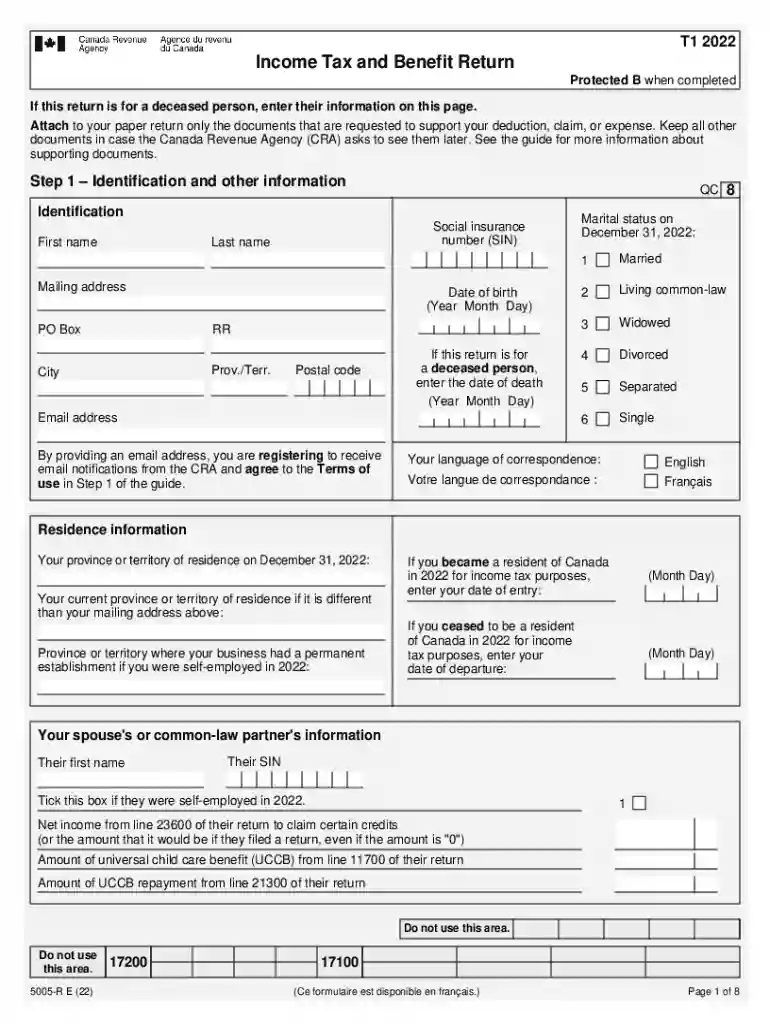
Type text, add images, blackout confidential details, add comments, highlights and more.

Draw your signature, type it, upload its image, or use your mobile device as a signature pad.

Send income tax benefit return t1 form via email, link, or fax. You can also download it, export it or print it out.

Start using our platform today for free to simplify your document editing and form completion!
We've got more versions of the income tax benefit return form form. Select the right income tax benefit return form version from the list and start editing it straight away!
| Versions | Form popularity | Fillable & printable |
|---|---|---|
| 2022 | 4.3 Satisfied (33 Votes) |
Yes, you can use DocHub for signing any business and private documentation, including your canada income tax benefit return form. All electronic signatures you create with our tool are legally binding and court-admissible, as DocHub complies with criteria required by ESIGN and UETA. Save your accomplished document with a detailed Audit Trail if necessary.
It is a no-brainer on a computer or via a mobile device to complete a canada income tax benefit return with DocHub. All you need to do is open any installed web browser on your smartphone and go to the DocHub site. Once authenticated, add your file and open it in editing mode. Use our toolbar to make your edits and save adjustments. Optionally, keep your file in your files or send it to a recipient immediately.
At DocHub, your data security is our priority. We follow HIPAA, SOC2, GDPR, and other standards, so you can work on your documents with confidence.
Use Form 1310 to claim a refund on behalf of a deceased taxpayer. You must also attach a copy of the death certificate or proof of death.
Aug 13, 2025 Report all income up to the date of death and claim all eligible credits and deductions. File the return using Form 1040, U.S. Individual Tax
You can get an extension of time to file your tax return by filing Form 2350 electronically. File a Paper Form 2350


