




Here's how it works



How to use or fill out Publication 4681 - Fill Out and Sign Printable PDF Template with DocHub

- Click ‘Get Form’ to open it in the editor.
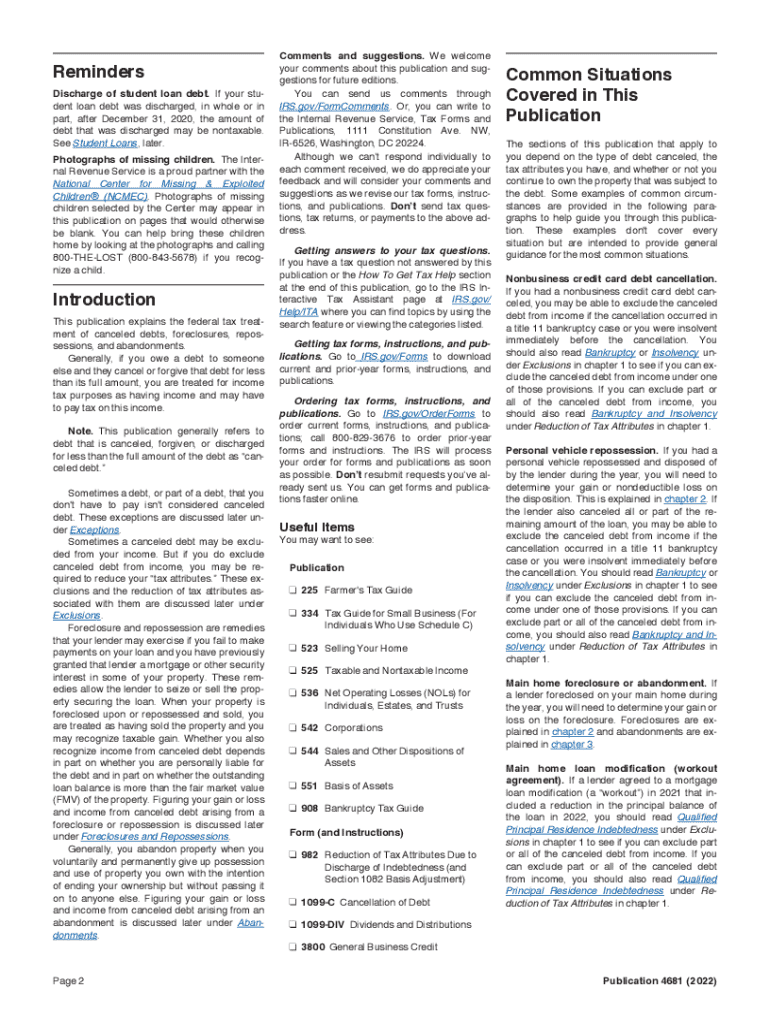
- Begin by reviewing the introduction section, which outlines the purpose of the publication and its relevance to canceled debts, foreclosures, repossessions, and abandonments.
- Fill in your personal information where required. This may include your name, address, and any relevant identification numbers.
- Proceed to each chapter carefully. For example, in Chapter 1 on Canceled Debts, ensure you understand how different types of canceled debts affect your tax obligations.
- Utilize the provided worksheets for specific scenarios like foreclosures or repossessions. Input your financial details accurately to calculate any potential gains or losses.
- Review all entries for accuracy before finalizing. Use our platform's tools to sign electronically if required.
Start using our platform today for free to streamline your document editing and signing process!
It's free
See more Publication 4681 - Fill Out and Sign Printable PDF Template versions
| Versions | Form popularity | Fillable & printable |
|---|---|---|
| 2024 | 4.3 Satisfied (40 Votes) | |
| 2023 | 4.8 Satisfied (57 Votes) | |
| 2022 | 4.7 Satisfied (40 Votes) | |
| 2021 | 4.9 Satisfied (31 Votes) | |
| 2020 | 4.8 Satisfied (182 Votes) | |
| 2019 | 4.3 Satisfied (53 Votes) | |
| 2018 | 4.4 Satisfied (145 Votes) | |
| 2017 | 4.1 Satisfied (82 Votes) | |
| 2015 | 4.4 Satisfied (76 Votes) | |
| 2014 | 4.4 Satisfied (214 Votes) | |
| 2011 | 4 Satisfied (41 Votes) |
Got questions?
Is it safe to sign my irs publication 4681 electronically?
You need to use only trustworthy software solutions with strong data protection compliance to approve your documents electronically. DocHub is just the type of software you need! It stores data on Amazon Web Servers and complies with all required security standards and eSignature laws, so it’s a reliable way to electronically sign your irs publication 4681 or other forms using this tool.
How do you complete publication 4681 canceled debts on Android?
It is a no-brainer on a computer or via a mobile phone to complete a publication 4681 canceled debts with DocHub. All you need to do is open any installed web browser on your smartphone and proceed to the DocHub site. Once authenticated, add your document and open it in editing mode. Use our toolbar to make your edits and save adjustments. Optionally, keep your document in your files or send it to a recipient immediately.
Security and compliance
At DocHub, your data security is our priority. We follow HIPAA, SOC2, GDPR, and other standards, so you can work on your documents with confidence.
Learn more




