




Here's how it works



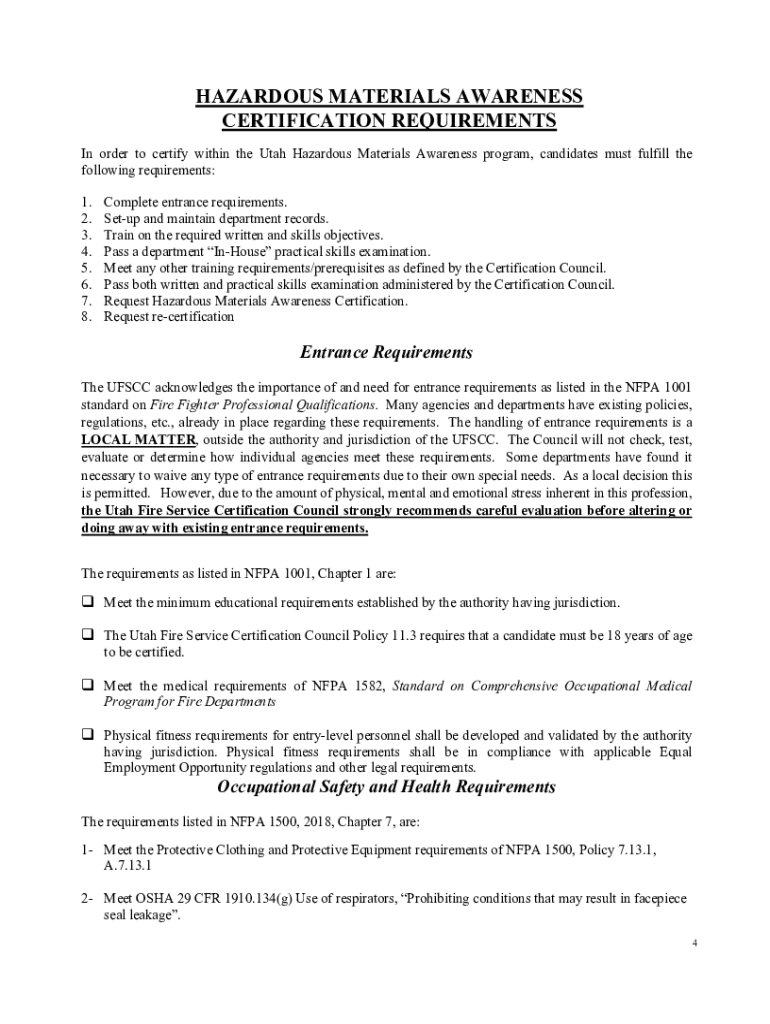
How to use or fill out Utah Fire Service Certification System DefinitionLaw with our platform

- Click ‘Get Form’ to open the Utah Fire Service Certification System DefinitionLaw in the editor.
- Begin by filling out the 'Department Information' section, including your department's name and address.
- In the 'Department Leadership' section, enter the names and contact information for your Chief and Training Officer.
- Review the 'Certification or Recertification' options and select the appropriate box based on your needs.
- Complete all required documentation fields, ensuring that each candidate's information is accurate and up-to-date.
- Once all sections are filled out, review for any errors or missing information before submitting.
Start using our platform today to streamline your certification process for free!
It's free
See more Utah Fire Service Certification System DefinitionLaw versions
| Versions | Form popularity | Fillable & printable |
|---|---|---|
| 2021 | 4.8 Satisfied (90 Votes) |
Got questions?
How can I eSign my Utah Fire Service Certification System DefinitionLaw in Word?
Microsoft Word doesn’t have signing tools to create legitimate electronic signatures and enforceable paperwork. Fortunately, DocHub is an online eSignature-compliant editor that works with various file formats, including .doc files. Sign in to your account and import the Word edition of your Utah Fire Service Certification System DefinitionLaw from your device and cloud, or URL - our editor will automatically convert it into an editable PDF. Make all essential adjustments in your form and click Sign to create your own legally-binding eSignature. There are four signing options from which to choose.
How do you edit Utah Fire Service Certification System DefinitionLaw in Chrome?
If you are using Chrome, there are two easy ways to modify your Utah Fire Service Certification System DefinitionLaw online. First, go to the DocHub site, add your file, and modify it using our toolbar. You can also install our Chrome extension and modify any document by dragging and dropping it in your web browser window.
What is a certification system?
How to become a fireman in Utah?
What is a system certification?
Security and compliance
At DocHub, your data security is our priority. We follow HIPAA, SOC2, GDPR, and other standards, so you can work on your documents with confidence.
Learn more


