




01. Edit your tax repayment claim rct create online
Type text, add images, blackout confidential details, add comments, highlights and more.

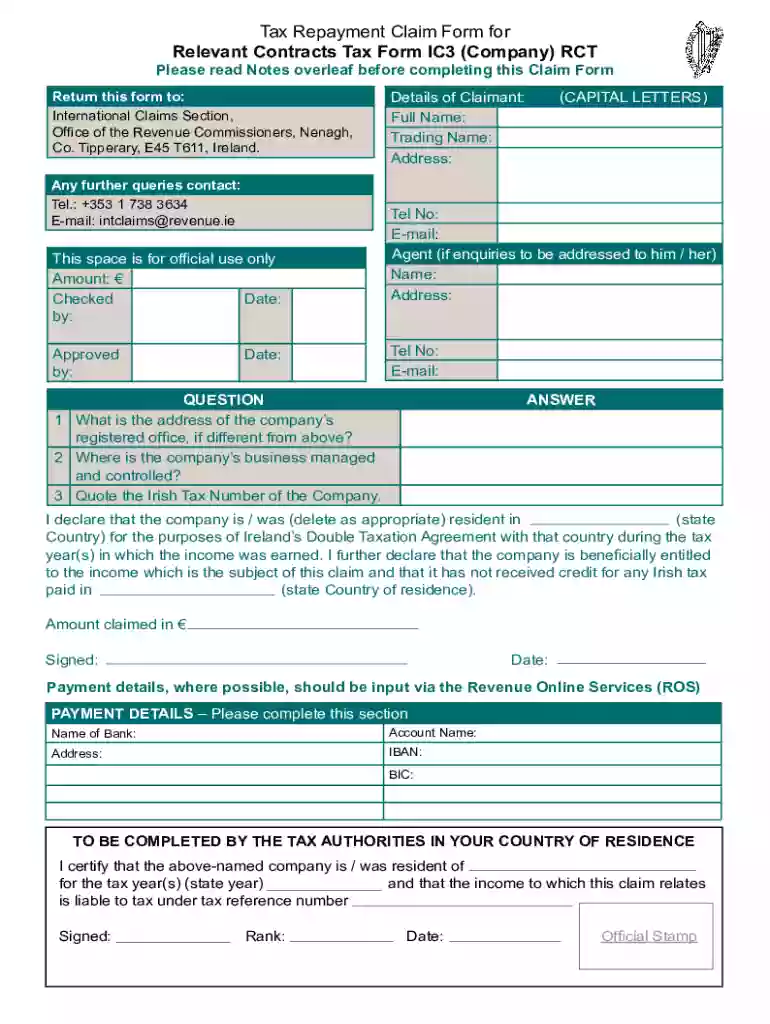
Type text, add images, blackout confidential details, add comments, highlights and more.

Draw your signature, type it, upload its image, or use your mobile device as a signature pad.

Send tax repayment claim relevant contracts make via email, link, or fax. You can also download it, export it or print it out.

Start using our platform today to easily complete your Form IC3 for free!
We've got more versions of the tax repayment claim rct create form. Select the right tax repayment claim rct create version from the list and start editing it straight away!
| Versions | Form popularity | Fillable & printable |
|---|---|---|
| 2022 | 4.8 Satisfied (36 Votes) |
Upload your tax repayment claim relevant contracts get to DocHub (once you’ve created an account for this). If you need to fill out fields in it, use appropriate tools from the upper pane. For example, add Signature Fields, assign each to a particular party, and click on Sign → Request signatures from others. Change your message for your recipients and click Send Request. You can also send your form by fax or as a Signing link instead of using email (you’ll find these options by navigating to the Menu → Send)
If you use Chrome, there are two straightforward ways to modify your tax repayment claim relevant contracts form online. First, visit the DocHub website, add your file, and modify it using our toolbar. You may also set up our Chrome extension and modify any document by dragging and dropping it in your browser tab.
At DocHub, your data security is our priority. We follow HIPAA, SOC2, GDPR, and other standards, so you can work on your documents with confidence.
IC3 is the main intake form for a variety of complaints everything from cyber-enabled frauds and scams to cybercrime
You may request or download Virginia State Income Tax forms online by calling 804-440-2541. contact our office at 703-777-0260. Claims can be filed at the


