




Here's how it works



How to use or fill out Nursing Program Application Nursing with our platform

- Click ‘Get Form’ to open the Nursing Program Application in the editor.
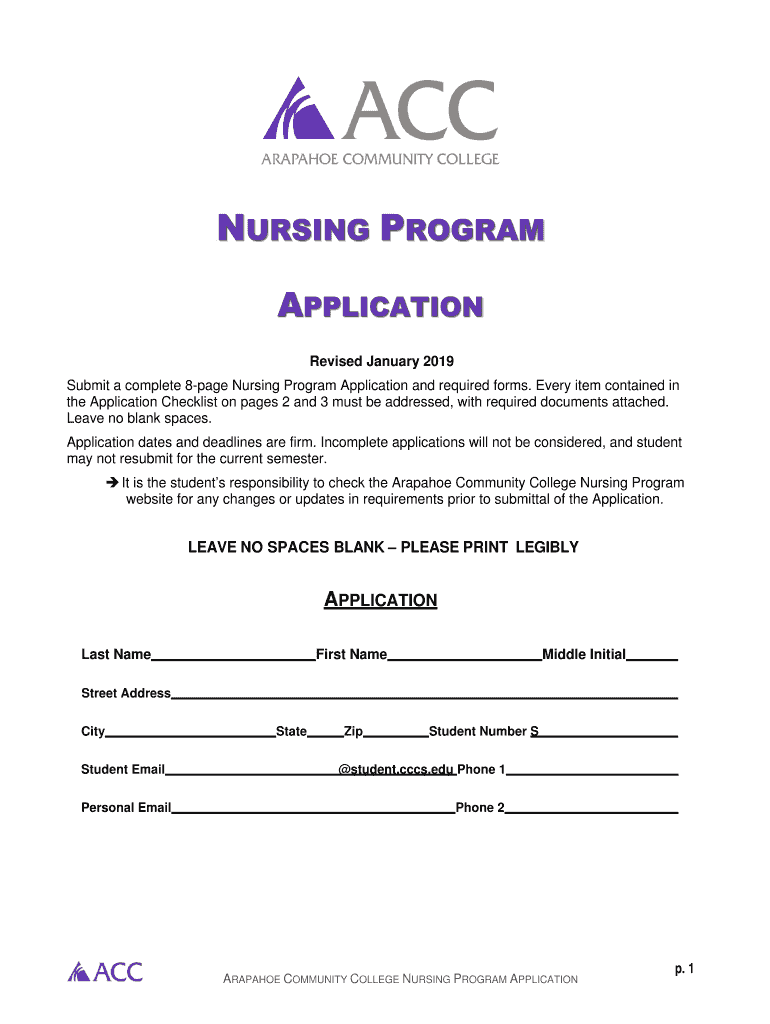
- Begin by filling in your personal information, including your last name, first name, middle initial, and contact details. Ensure all fields are completed legibly.
- Refer to the Application Checklist on pages 2 and 3. Check off each required document as you attach them, ensuring nothing is left blank.
- Complete the Health Care Employment Verification Form if applicable. Document your employment history accurately and sign where indicated.
- Fill out the Immunizations and Health Assessment Report thoroughly. Include all required immunization dates and ensure it is signed by a healthcare provider.
- Highlight any prerequisite courses on your unofficial transcript copy before uploading it to the application.
- Review your application for completeness using the checklist provided. Make sure every section is filled out correctly before submission.
Start your application process today using our platform for free!
It's free
See more Nursing Program Application Nursing versions
| Versions | Form popularity | Fillable & printable |
|---|---|---|
| 2019 | 4.8 Satisfied (117 Votes) |
Got questions?
What is the best way to send my Nursing Program Application Nursing for eSignature?
Upload your Nursing Program Application Nursing to DocHub (after you’ve set up an account for this). If you need to fill out fields in it, use proper tools from the top pane. For instance, add Signature Fields, assign each to specific party, and click on Sign → Request signatures from others. Personalize your message for your recipients and click Send Request. You can also send your document by fax or as a Signing link instead of using email (you’ll find these options by navigating to the Menu → Send)
How do you edit Nursing Program Application Nursing on Android?
Document editing with DocHub is equally convenient on desktop and mobile devices. You only need an internet browser to edit your Nursing Program Application Nursing on Android. Open our site and sign in to access the instruments you need. Add your document and introduce your intended changes. After that, you can keep your form in your document storage or send it out right away.
Security and compliance
At DocHub, your data security is our priority. We follow HIPAA, SOC2, GDPR, and other standards, so you can work on your documents with confidence.
Learn more


