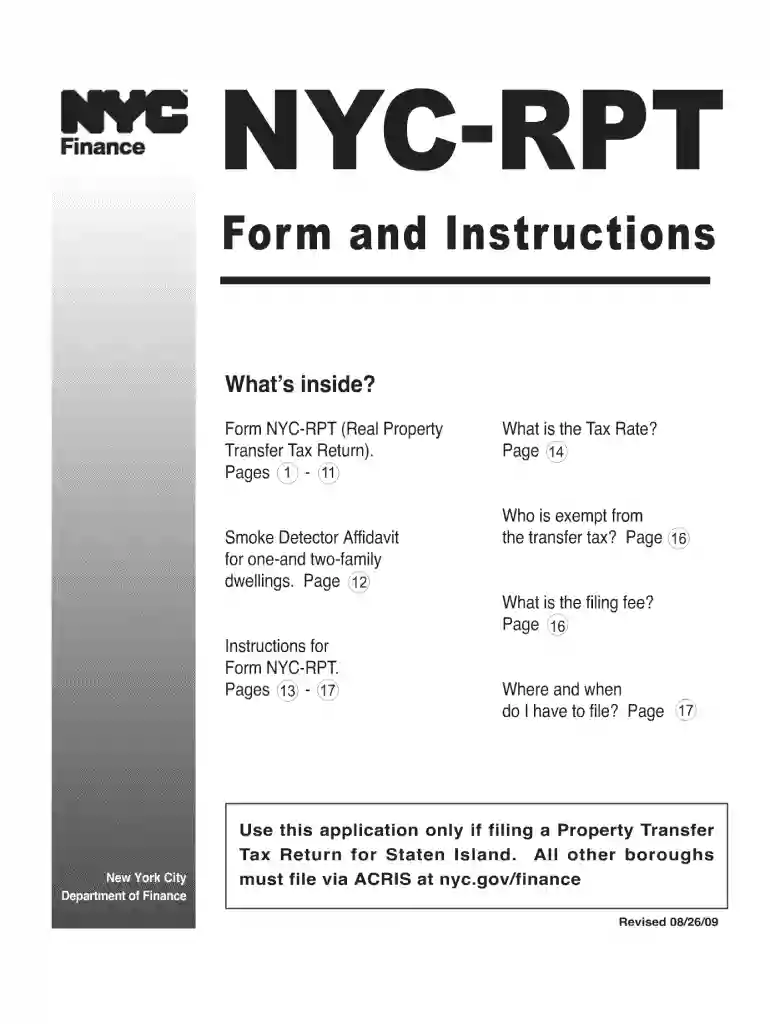
Date of filling rpt form 2009-2026

Get Form
date of filling rpt form 2009 Preview on Page 1

Here's how it works

01. Edit your form online
Type text, add images, blackout confidential details, add comments, highlights and more.

02. Sign it in a few clicks
Draw your signature, type it, upload its image, or use your mobile device as a signature pad.

03. Share your form with others
Send it via email, link, or fax. You can also download it, export it or print it out.

How to use or fill out date of filling rpt form 2009 with our platform

Form edit decoration
9.5
Ease of Setup
DocHub User Ratings on G2
9.0
Ease of Use
DocHub User Ratings on G2
  1. Click ‘Get Form’ to open the date of filling rpt form 2009 in the editor.
  2. Begin by entering your personal information in the designated fields, including your name and contact details. Ensure accuracy for seamless processing.
  3. Locate the section labeled 'Date of Filling'. Here, select the appropriate date using the calendar tool provided in our editor. This is crucial for record-keeping.
  4. Review any additional sections that may require input, such as signatures or acknowledgments. Use the text boxes and signature fields to complete these areas.
  5. Once all fields are filled out, double-check your entries for any errors. Utilize our platform’s editing features to make corrections easily.
  6. Finally, save your completed form and download it for your records or share it directly via email through our platform.

Start using our platform today to fill out your forms online for free!

See more date of filling rpt form 2009 versions

We've got more versions of the date of filling rpt form 2009 form. Select the right date of filling rpt form 2009 version from the list and start editing it straight away!
Versions Form popularity Fillable & printable
2015 4.9 Satisfied (402 Votes)
2013 4.4 Satisfied (35 Votes)
2009 4.1 Satisfied (73 Votes)
be ready to get more

Complete this form in 5 minutes or less

Get form

Got questions?

We have answers to the most popular questions from our customers. If you can't find an answer to your question, please contact us.
Contact us

Yes, you’ll find many different apps for this on the web. Nonetheless, if you need to eSign your date of filling rpt form 2009 without installing extra software, DocHub is the optimum choice you can make. This powerful editor works on mobile devices just like on desktops. Open our editor in any internet browser, register or log in to your account, and start processing your forms.

If you edit your date of filling rpt form 2009 with DocHub, you simply will not need to look for other software or services to sign it. An electronic signature is a component of DocHub’s extensive editing toolset, which allows you to implement changes in your form without jumping between websites. Just complete your form, double-check the correctness of the data and put your electronic signature at the end to make it submission-ready quickly.

Each taxable entity formed in Texas or doing business in Texas must file and pay franchise tax.
Request an extension for a final report online with Webfile or by filing Form 05-164, Texas Franchise Tax Extension Request, along with the appropriate payment, submitted or postmarked on or before the original due date of the report.
Fines, Penalties, and Interest For Failing To Pay Texas Franchise Tax. Besides the loss of your corporate privileges within the state of Texas, legal entities will also face fines, penalties, and interest for not paying Texas franchise tax. If you do not file your franchise tax report, you will face a $50 fine.

Security and compliance

At DocHub, your data security is our priority. We follow HIPAA, SOC2, GDPR, and other standards, so you can work on your documents with confidence.

Learn more
ccpa2
pci-dss
gdpr-compliance
hipaa
soc-compliance

People also ask

The No Tax Due Report is not available for 2025 reports. Effective for reports due on or after Jan.1, 2025, an entity that has annualized total revenue less than or equal to the no tax due threshold of $2.47 million is not required to file a No Tax Due Report.
The PIR provides information to the Comptroller about the entitys officers, directors, ownership, or other authorized parties. There are serious consequences for those entities who fail to file the PIR within 120 days of its due date, such as forfeiting your right to carry on any business in the state.
How to File Your Texas Annual Franchise Tax Report Go to the Franchise Tax page. If you wish to file online, click webfile eSystems Login. Enter your username and password. Once youre successfully logged in, click WebFile/Pay Taxes and Fees.
LLCs, corporations, and partnerships, must file the Public Information Report and all other taxable entities must file the Ownership Information Report. Once the form(s) are filed, mail them to Texas Comptroller of Public Accounts PO Box 149348 Austin, TX 78714-9348.

Related links