




01. Edit your alaska civ 696 online
Type text, add images, blackout confidential details, add comments, highlights and more.

Type text, add images, blackout confidential details, add comments, highlights and more.

Draw your signature, type it, upload its image, or use your mobile device as a signature pad.

Send it via email, link, or fax. You can also download it, export it or print it out.

Start using our platform today for free to streamline your document editing and ensure a smooth completion of your alaska civ 696 form!
We've got more versions of the alaska civ 696 form. Select the right alaska civ 696 version from the list and start editing it straight away!
At DocHub, your data security is our priority. We follow HIPAA, SOC2, GDPR, and other standards, so you can work on your documents with confidence.
The Year in Review is a collection of brief summaries of selected state and federal appellate cases concerning Alaska law from the year 2004. 696 ALASKA STAT.
by CD Blackwell 1982 Cited by 2 Alaska Department of Environmental Covservation . 3. Alaska Telephone: (215) 696-9110. Espey, Huston Associates, Inc. P.O. Box 519. AustinRead more
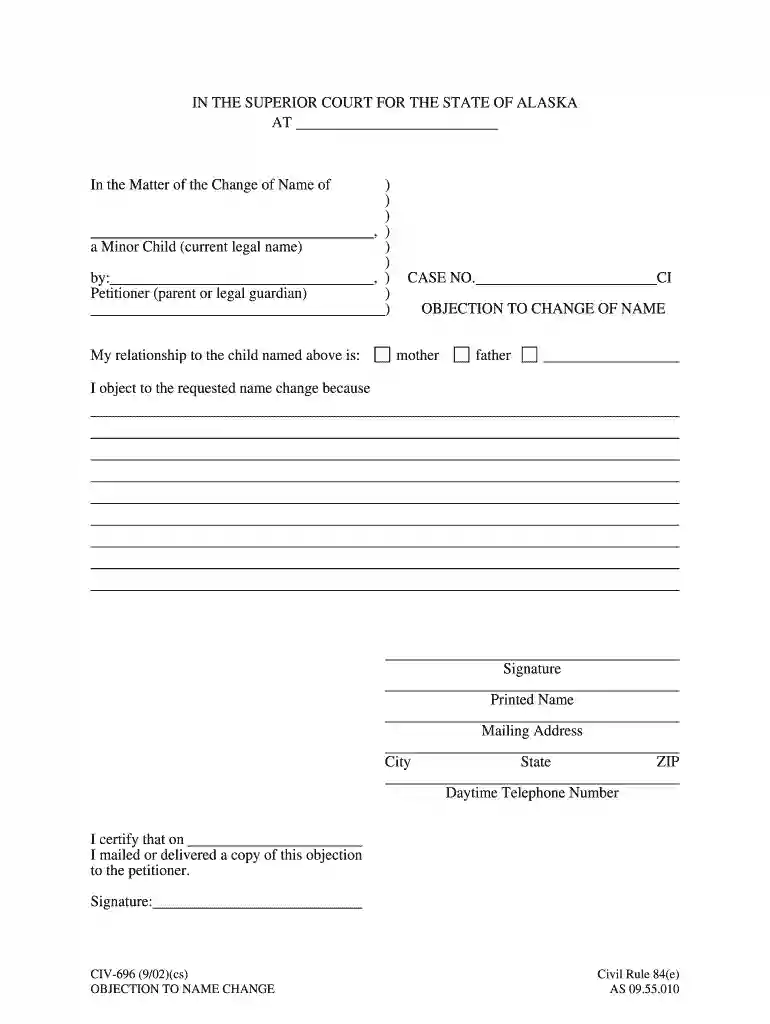
CIV-696 (7/25). Civil Rule 84(e). OBJECTION TO CHANGE OF NAME. AS 09.55.010. IN THE SUPERIOR COURT FOR THE STATE OF ALASKA. AT. In the Matter of the Change ofRead more


