




01. Edit your alaska p 310 claim against form search online
Type text, add images, blackout confidential details, add comments, highlights and more.

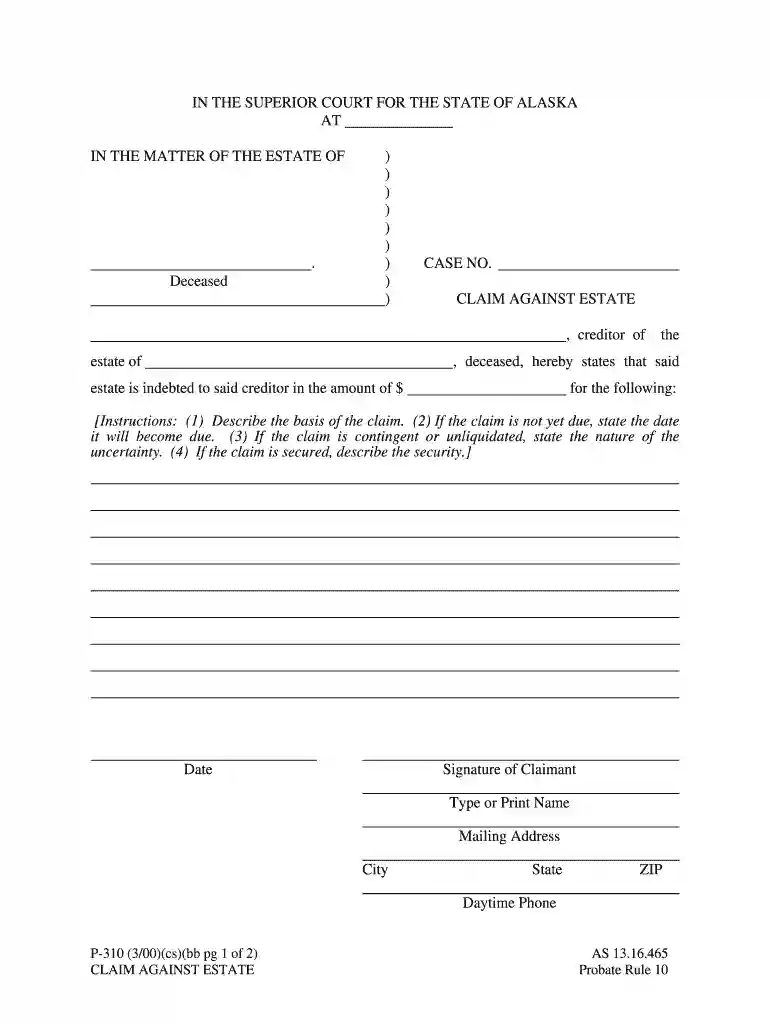
Type text, add images, blackout confidential details, add comments, highlights and more.

Draw your signature, type it, upload its image, or use your mobile device as a signature pad.

Send it via email, link, or fax. You can also download it, export it or print it out.

Start using our platform today to fill out your alaska p 310 claim against form easily and for free!
We've got more versions of the alaska p 310 claim against form search form. Select the right alaska p 310 claim against form search version from the list and start editing it straight away!
| Versions | Form popularity | Fillable & printable |
|---|---|---|
| 2000 | 4.8 Satisfied (113 Votes) |
At DocHub, your data security is our priority. We follow HIPAA, SOC2, GDPR, and other standards, so you can work on your documents with confidence.
▻ What forms are needed for formal probate cases once the formal probate case has started? Affidavit of Publication, P-342 Claim Against Estate, P-310 DemandRead more
Year in Review contains a brief summary of every decision pub- lished by the Alaska Supreme Court in 1990. The court disregarded the states sovereign immunity
Apr 24, 2013 Claims procedure. Alaska Native Claims Settlement Act. No claim against the Fund may be approved or certified. FORMS AND PROCEDURES.The scribe


