




01. Edit your lead based paint hazard information chart online
Type text, add images, blackout confidential details, add comments, highlights and more.

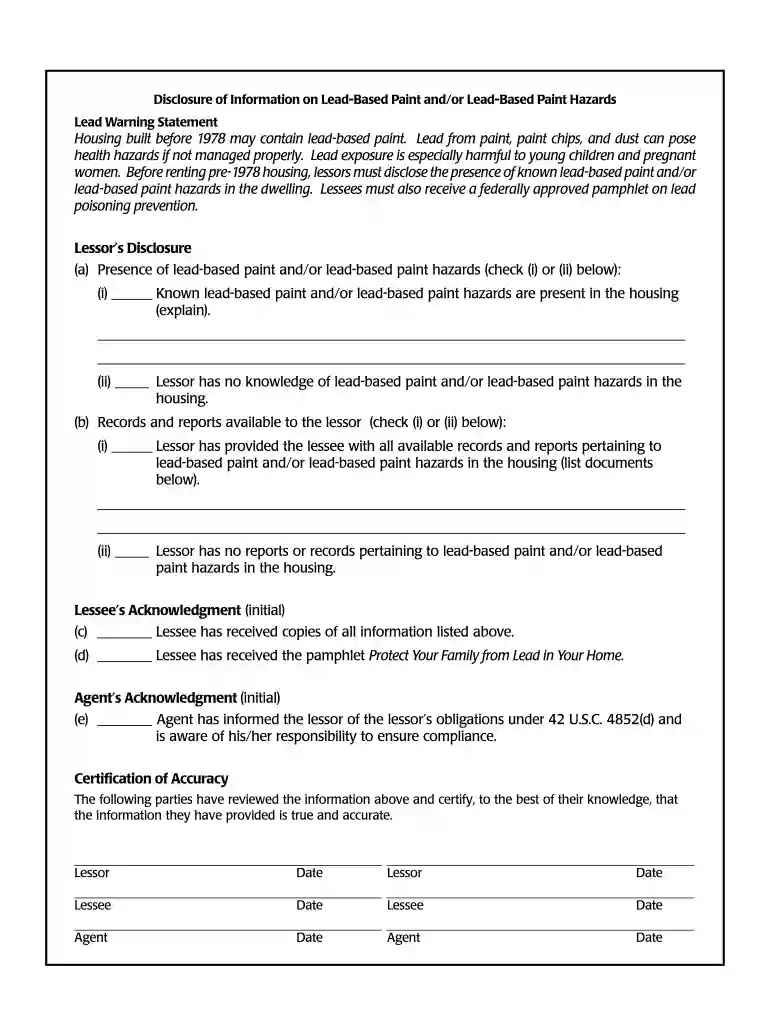
Type text, add images, blackout confidential details, add comments, highlights and more.

Draw your signature, type it, upload its image, or use your mobile device as a signature pad.

Send discosure of information on lead based paint and or lead based paint hazzards via email, link, or fax. You can also download it, export it or print it out.

Start using our platform today for free to streamline your document editing and ensure compliance effortlessly!
At DocHub, your data security is our priority. We follow HIPAA, SOC2, GDPR, and other standards, so you can work on your documents with confidence.
Lead Warning Statement. Housing built before 1978 may contain lead-based paint. Lead from paint, paint chips, and dust can pose.Read more
by CE Walker 2000 Cited by 10 Therefore, if disclosure is made after the parties have a binding contract, then the purchaser may not be able to void the contract if lead isRead more


