




01. Edit your form online
Type text, add images, blackout confidential details, add comments, highlights and more.

Type text, add images, blackout confidential details, add comments, highlights and more.

Draw your signature, type it, upload its image, or use your mobile device as a signature pad.

Send it via email, link, or fax. You can also download it, export it or print it out.

Start using our platform today to fill out your forms online for free!
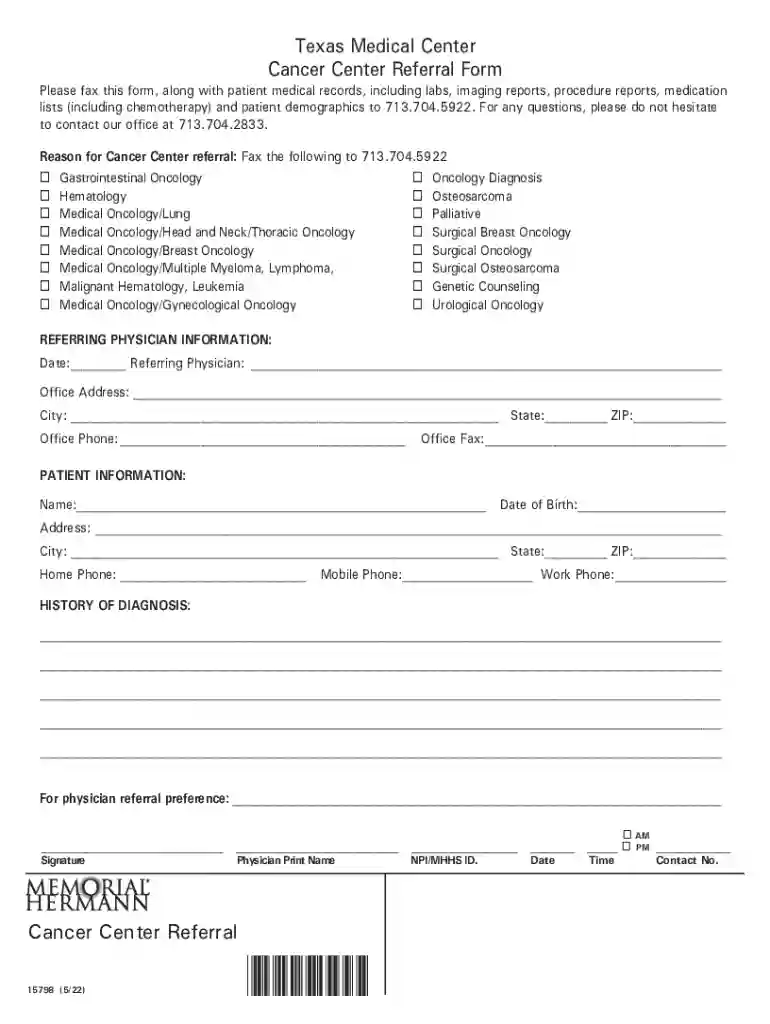
We've got more versions of the PDF Texas Medical Center Cancer Center Referral Form form. Select the right PDF Texas Medical Center Cancer Center Referral Form version from the list and start editing it straight away!
| Versions | Form popularity | Fillable & printable |
|---|---|---|
| 2022 | 4.9 Satisfied (33 Votes) |
You should use only trusted software solutions with strong security compliance to approve your paperwork electronically. DocHub is just the type of editor you need! It stores data on Amazon Web Servers and complies with all necessary security requirements and eSignature laws, so it’s a trusted way to electronically sign your PDF Texas Medical Center Cancer Center Referral Form or other paperwork with this tool.
You can quickly complete, modify, and even eSign your PDF Texas Medical Center Cancer Center Referral Form using DocHub. Create a new account and begin your free trial. After that, you can add the file with the form and simply make all the needed edits. No need to print on paper or use a third-party application to sign it, as you can put your electronic signature on your document faster via DocHub.
At DocHub, your data security is our priority. We follow HIPAA, SOC2, GDPR, and other standards, so you can work on your documents with confidence.
Simple referral process: You can refer a patient via Epic, email, phone or fax. main numbers for making an appointment are 210-450-1000 and 800
Jul 10, 2019 University Hospitals Seidman Cancer Center and Cleveland Clinic a Referral to a specialized center is recommended. b See PrinciplesRead more
by D Hui 2010 Cited by 572 The CoC accredits hospitals as cancer centers based on 36 standards that encompass a range of clinical, research, and quality improvement aspects of cancer careRead more


