




01. Edit your westlake dermatology new patient online
Type text, add images, blackout confidential details, add comments, highlights and more.

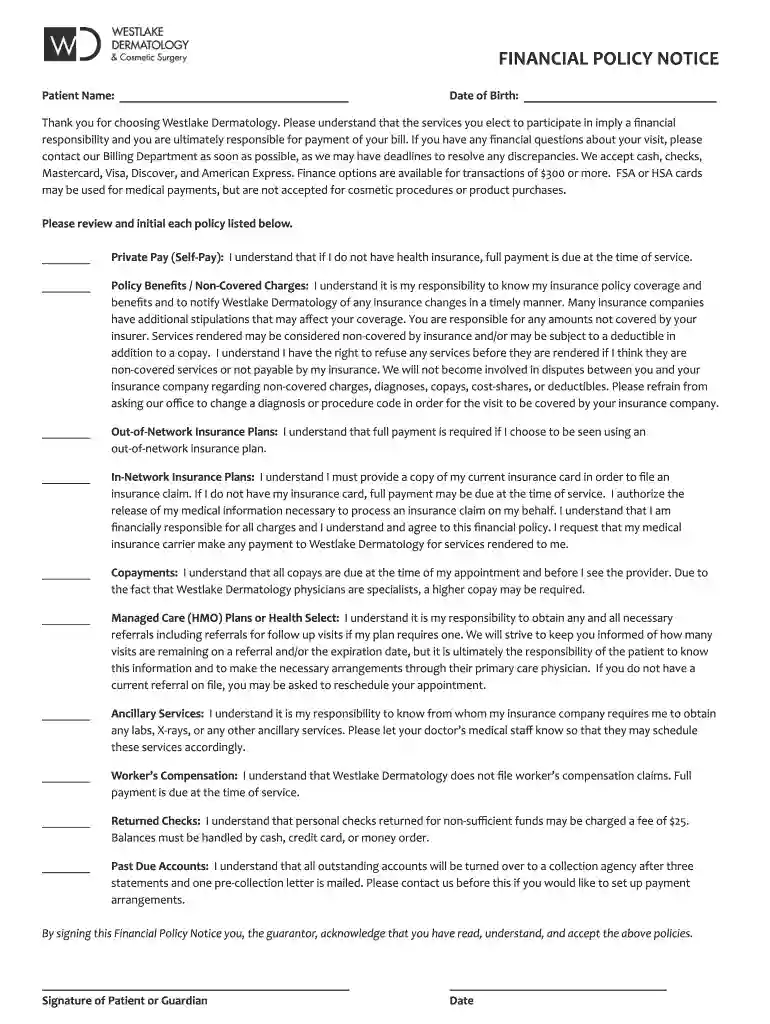
Type text, add images, blackout confidential details, add comments, highlights and more.

Draw your signature, type it, upload its image, or use your mobile device as a signature pad.

Send it via email, link, or fax. You can also download it, export it or print it out.

Start filling out your NP form today using our platform for free!
We've got more versions of the westlake dermatology new patient form. Select the right westlake dermatology new patient version from the list and start editing it straight away!
| Versions | Form popularity | Fillable & printable |
|---|---|---|
| 2020 | 4.8 Satisfied (87 Votes) |
Electronic document approval demands a software solution that complies with data protection and eSignature standards. DocHub is a perfect tool for that, because it fulfills all the aforementioned requirements. Whatever method you prefer to sign your NP form - patient info - outline copy in DocHub, your eSignature will be legally binding and court-admissible.
Apart from a comprehensive toolset for editing PDFs on mobile phones, DocHub allows you to sign your NP form - patient info - outline copy along the way. Open our editor in your internet browser, make modifications using DocHub’s toolset, and complete your editing by eSigning the completed form.
At DocHub, your data security is our priority. We follow HIPAA, SOC2, GDPR, and other standards, so you can work on your documents with confidence.
For each problem, discuss the diagnostic plan, treatment plan and patient education. Outline of what this should look like Summary Statement A/P byRead more
The record shall contain at least the following information: patient identification data; chief complaint; present illness; physical examination as (4) TheRead more


