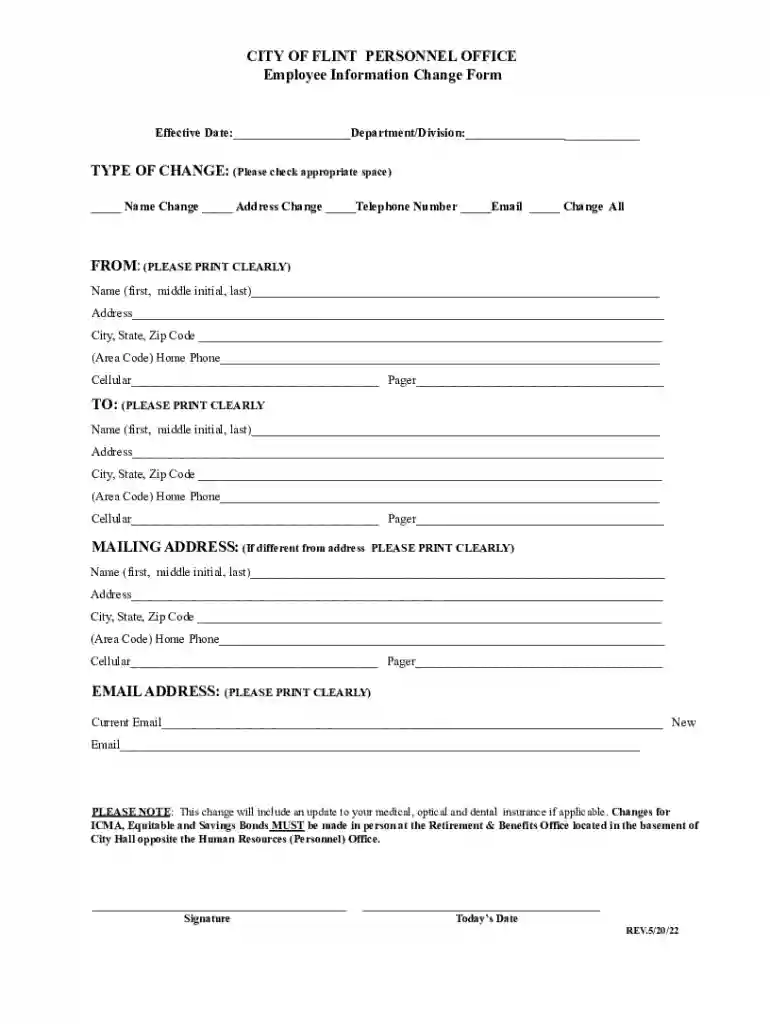
FW-4 Employee's Withholding Certificate 2026

Get Form
FW-4 Employee's Withholding Certificate Preview on Page 1

Here's how it works

01. Edit your form online
Type text, add images, blackout confidential details, add comments, highlights and more.

02. Sign it in a few clicks
Draw your signature, type it, upload its image, or use your mobile device as a signature pad.

03. Share your form with others
Send it via email, link, or fax. You can also download it, export it or print it out.

How to use or fill out FW-4 Employee's Withholding Certificate with our platform

Form edit decoration
9.5
Ease of Setup
DocHub User Ratings on G2
9.0
Ease of Use
DocHub User Ratings on G2
  1. Click ‘Get Form’ to open the FW-4 Employee's Withholding Certificate in the editor.
  2. Begin by entering your personal information in the designated fields. This includes your name, address, and Social Security number. Ensure that all details are accurate to avoid any issues with your withholding.
  3. Next, navigate to the section regarding your filing status. Select whether you are single, married, or head of household. This choice will impact your tax withholding calculations.
  4. Proceed to indicate any additional allowances you wish to claim. This is crucial for determining how much tax will be withheld from your paycheck.
  5. Finally, review all entered information for accuracy before signing and dating the form at the bottom. A clear signature is essential for validation.

Start using our platform today for free to easily complete and manage your FW-4 Employee's Withholding Certificate!

See more FW-4 Employee's Withholding Certificate versions

We've got more versions of the FW-4 Employee's Withholding Certificate form. Select the right FW-4 Employee's Withholding Certificate version from the list and start editing it straight away!
Versions Form popularity Fillable & printable
2022 4.3 Satisfied (56 Votes)
2004 4.9 Satisfied (47 Votes)
be ready to get more

Complete this form in 5 minutes or less

Get form

Got questions?

We have answers to the most popular questions from our customers. If you can't find an answer to your question, please contact us.
Contact us

Yes, electronically drawing your signature is appropriate, but only if you use a tool that complies with industry regulations and policies. Try DocHub, which ensures eSignature validity under ESIGN and UETA requirements. All you need to approve your FW-4 Employee's Withholding Certificate electronically is an account with DocHub and an internet connection. Once you open your file in our editor, click Sign and select the Draw tool.

If you edit your FW-4 Employee's Withholding Certificate with DocHub, you will not need to look for other applications or services to sign it. An electronic signature is a component of DocHub’s comprehensive editing toolset, which enables you to implement changes in your form without jumping between websites. Just complete your form, double-check the correctness of your data and put your electronic signature at the end to make it submission-ready quickly.

Form W-4 tells you the employees filing status, multiple jobs adjustments, amount of credits, amount of other income, amount of deductions, and any additional amount to withhold from each paycheck to use to compute the amount of federal income tax to deduct and withhold from the employees pay.
A W-4 is the IRS document that you complete for your employer to determine how much should be withheld from your paycheck for federal income taxes.
You must file the state form Employees Withholding Allowance Certificate (DE 4) to determine the appropriate California PIT withholding. If you do not provide your employer with a withholding certificate, the employer must use Single with Zero withholding allowance.

Security and compliance

At DocHub, your data security is our priority. We follow HIPAA, SOC2, GDPR, and other standards, so you can work on your documents with confidence.

Learn more
ccpa2
pci-dss
gdpr-compliance
hipaa
soc-compliance

People also ask

Form W‐4P is for U.S. citizens, resident aliens, or their estates who are recipients of pensions, annuities (including commercial annuities), and certain other deferred compensation. Use Form W‐4P to tell payers the correct amount of federal income tax to withhold from your payment(s).
Purpose: This certificate, DE 4, is for California Personal Income Tax (PIT) withholding purposes only. The DE 4 is used to compute the amount of taxes to be withheld from your wages, by your employer, to accurately reflect your state tax withholding obligation.
Form W-4 tells you the employees filing status, multiple jobs adjustments, amount of credits, amount of other income, amount of deductions, and any additional amount to withhold from each paycheck to use to compute the amount of federal income tax to deduct and withhold from the employees pay.
A withholding certificate is required when people want to claim exemptions from withholding the tax on the U.S source income. Moreover, people who want to inform about their foreign or U.S status to the withholding agents also file Withholding Certificate Forms.
Purpose of form. Complete Form W-4P to have payers withhold the correct amount of federal income tax from your periodic pension, annuity (including commercial annuities), profit-sharing and stock bonus plan, or IRA payments. Federal income tax withholding applies to the taxable part of these payments.

Related links