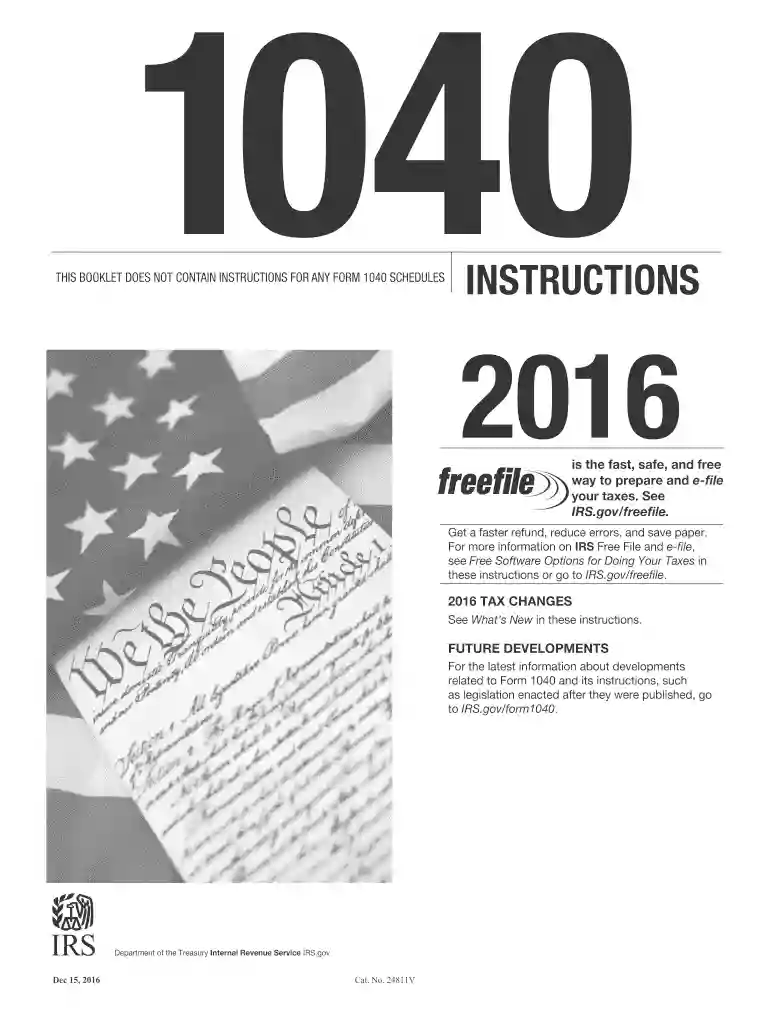
2015 form instructions 2016-2026

Get Form
2016 schedule a instructions Preview on Page 1

Here's how it works

01. Edit your 2016 schedule a instructions online
Type text, add images, blackout confidential details, add comments, highlights and more.

02. Sign it in a few clicks
Draw your signature, type it, upload its image, or use your mobile device as a signature pad.

03. Share your form with others
Send instructions 2016 via email, link, or fax. You can also download it, export it or print it out.

The fastest way to redact 2015 form instructions 2016 online

Form edit decoration
9.5
Ease of Setup
DocHub User Ratings on G2
9.0
Ease of Use
DocHub User Ratings on G2

Dochub is a perfect editor for modifying your paperwork online. Follow this straightforward instruction to redact 2015 form instructions 2016 in PDF format online free of charge:

  1. Register and sign in. Register for a free account, set a secure password, and go through email verification to start managing your templates.
  2. Add a document. Click on New Document and select the file importing option: upload 2015 form instructions 2016 from your device, the cloud, or a protected link.
  3. Make adjustments to the sample. Take advantage of the upper and left-side panel tools to modify 2015 form instructions 2016. Add and customize text, images, and fillable areas, whiteout unnecessary details, highlight the significant ones, and comment on your updates.
  4. Get your documentation done. Send the sample to other parties via email, generate a link for quicker file sharing, export the sample to the cloud, or save it on your device in the current version or with Audit Trail included.

Try all the benefits of our editor today!

See more 2015 form instructions 2016 versions

We've got more versions of the 2015 form instructions 2016 form. Select the right 2015 form instructions 2016 version from the list and start editing it straight away!
Versions Form popularity Fillable & printable
2023 4.1 Satisfied (57 Votes)
2022 4.8 Satisfied (25 Votes)
2021 4.8 Satisfied (71 Votes)
2020 4.3 Satisfied (157 Votes)
2019 4.4 Satisfied (250 Votes)
2018 4.4 Satisfied (196 Votes)
2017 4.4 Satisfied (202 Votes)
2016 4.4 Satisfied (113 Votes)
2015 4.3 Satisfied (126 Votes)
2014 4.4 Satisfied (560 Votes)
2011 4 Satisfied (25 Votes)
2006 4.3 Satisfied (51 Votes)
be ready to get more

Complete this form in 5 minutes or less

Get form

Got questions?

We have answers to the most popular questions from our customers. If you can't find an answer to your question, please contact us.
Contact us
There is no hard limit on how many years you can file back taxes. However, to be in good standing with the IRS, you should have filed tax returns for the last six years. If youre due a refund or tax credits, you must file the return within three years of the original due date to claim it.
Key Takeaways In the past the IRS has had two different types of Form 2106 that could be used to claim unreimbursed expenses incurred as an employee: Form 2106 and Form 2106-EZ. However, only Form 2606 is now available for use. Form 2106 allows you to claim a deduction for work-related use of your personal vehicle.
To amend a return, file Form 1040-X, Amended U.S. Individual Income Tax Return. You can use tax software to electronically file your 1040-X online. Submit all the same forms and schedules as you did when you filed your original Form 1040 even if you dont have adjustments on them.
Get the information needed to file the past-due return. Start by requesting your wage and income transcripts from the IRS. The transcripts will help you identify important data points from Tax Forms W-2 and Tax Forms 1099 to use to file a previous year return.
Taxpayers usually have three years to file and claim their tax refunds. The three-year deadline for filing 2019 returns to claim a refund was in 2022, but the IRS postponed the deadline to July 17, 2023, due to the COVID-19 pandemic.

Security and compliance

At DocHub, your data security is our priority. We follow HIPAA, SOC2, GDPR, and other standards, so you can work on your documents with confidence.

Learn more
ccpa2
pci-dss
gdpr-compliance
hipaa
soc-compliance
be ready to get more

Complete this form in 5 minutes or less

Get form

People also ask

Use Form 540 2EZ to file a simple California resident income tax return.
Note: The W-4 form 2024 steps are the same as the W-4 form 2025 steps. Step 1: Enter your personal information. Step 2: Account for all jobs you and your spouse have. Step 3: Claim your children and other dependents. Step 4: Make other adjustments. Step 5: Sign and date your form.

Related links